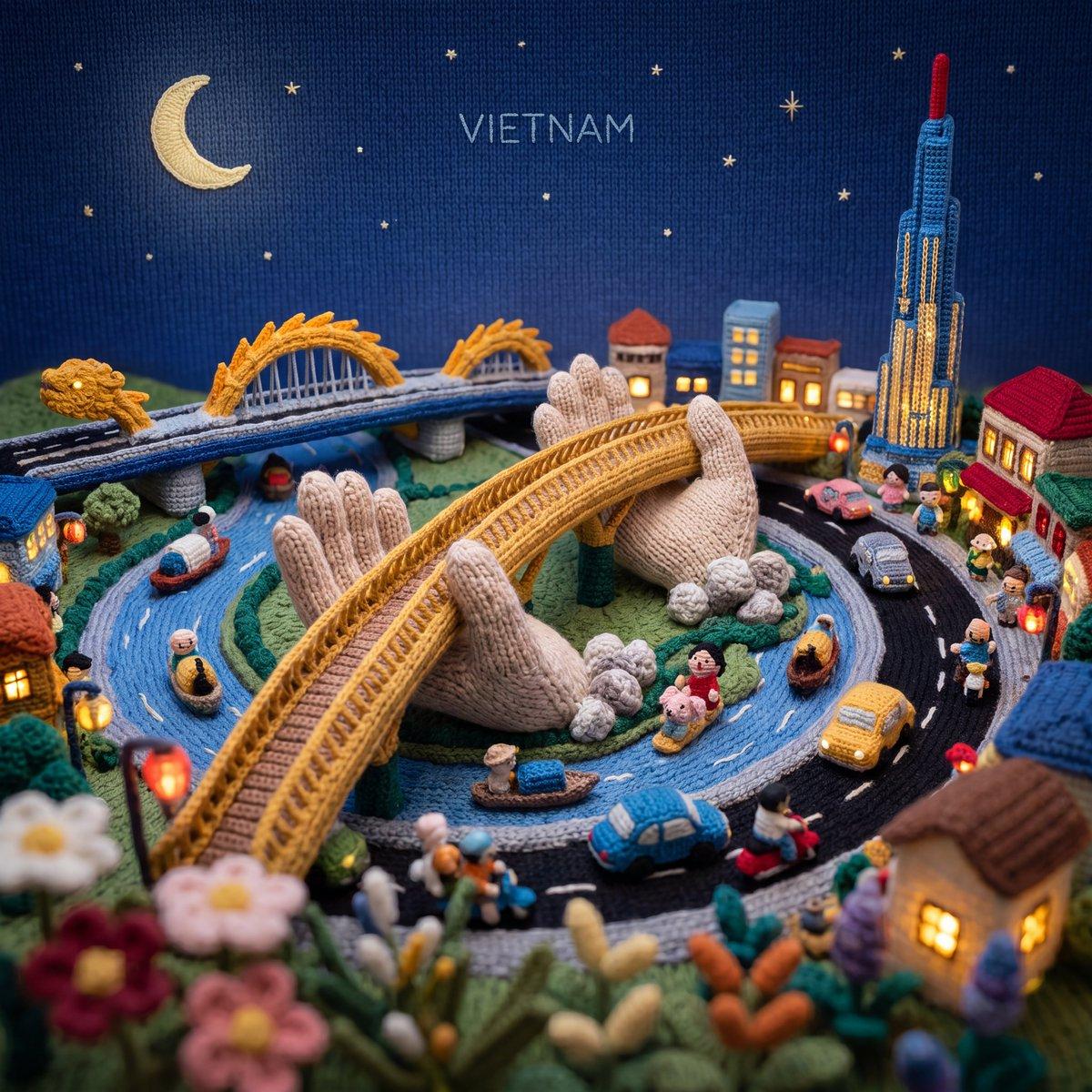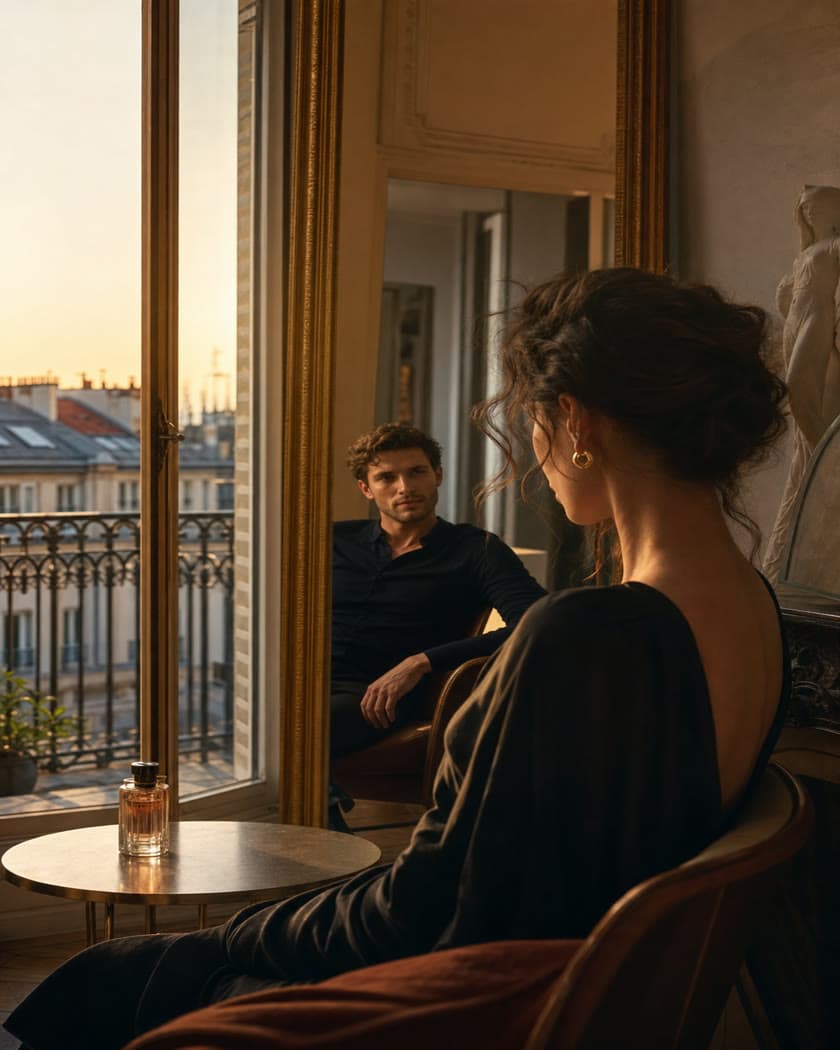
Create and edit AI images and videos in one workspace

Generate images and videos with leading AI models, then edit, enhance, change outfits, and organize every result in Taupix.

Start creating

Create whatever you have in mind

Whether you start with words, an image, or a complete outfit, Taupix gives you a focused way to begin.

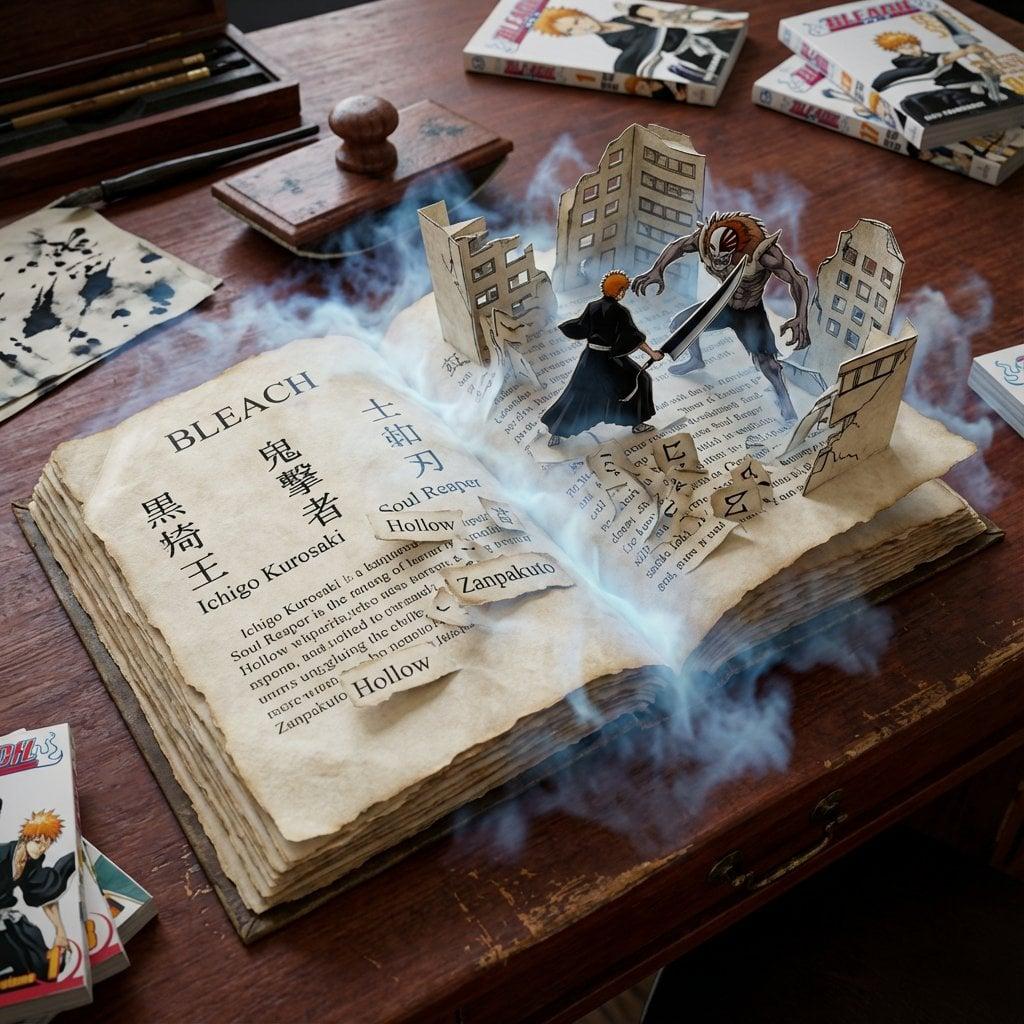
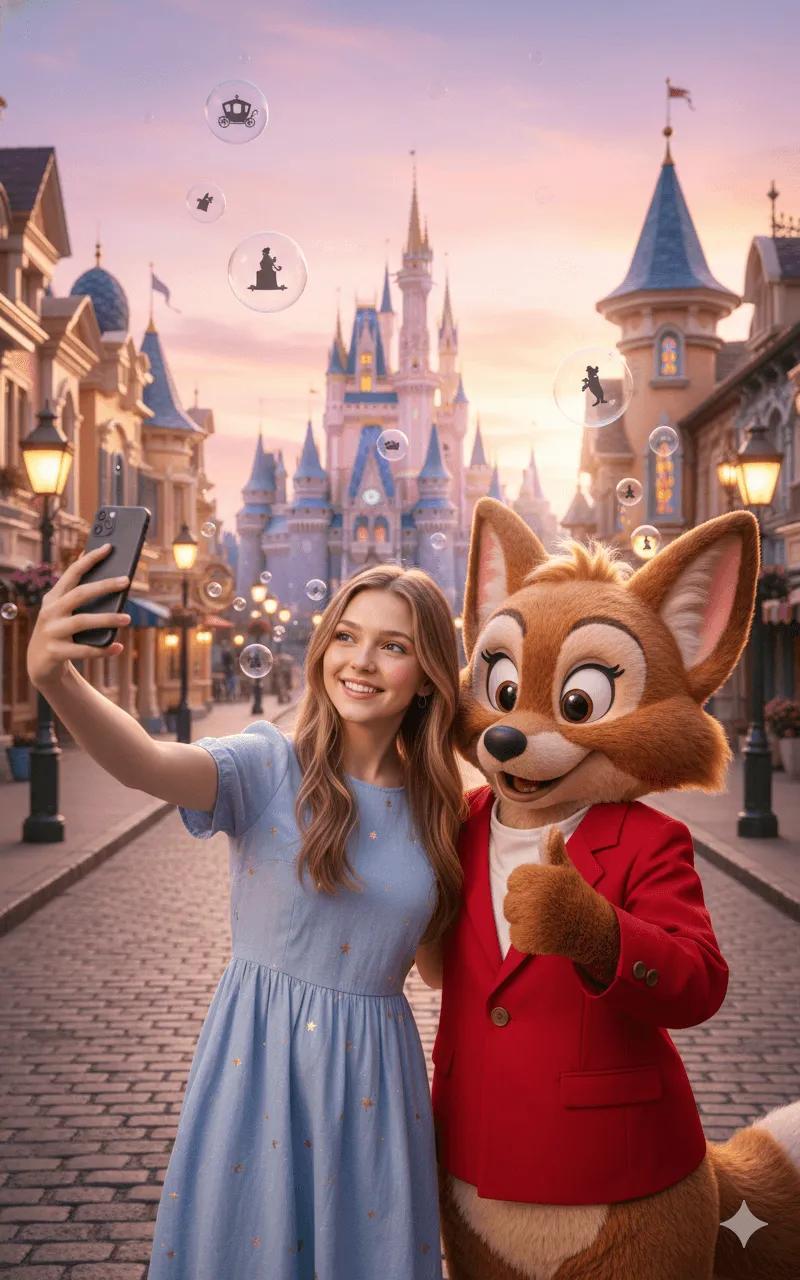
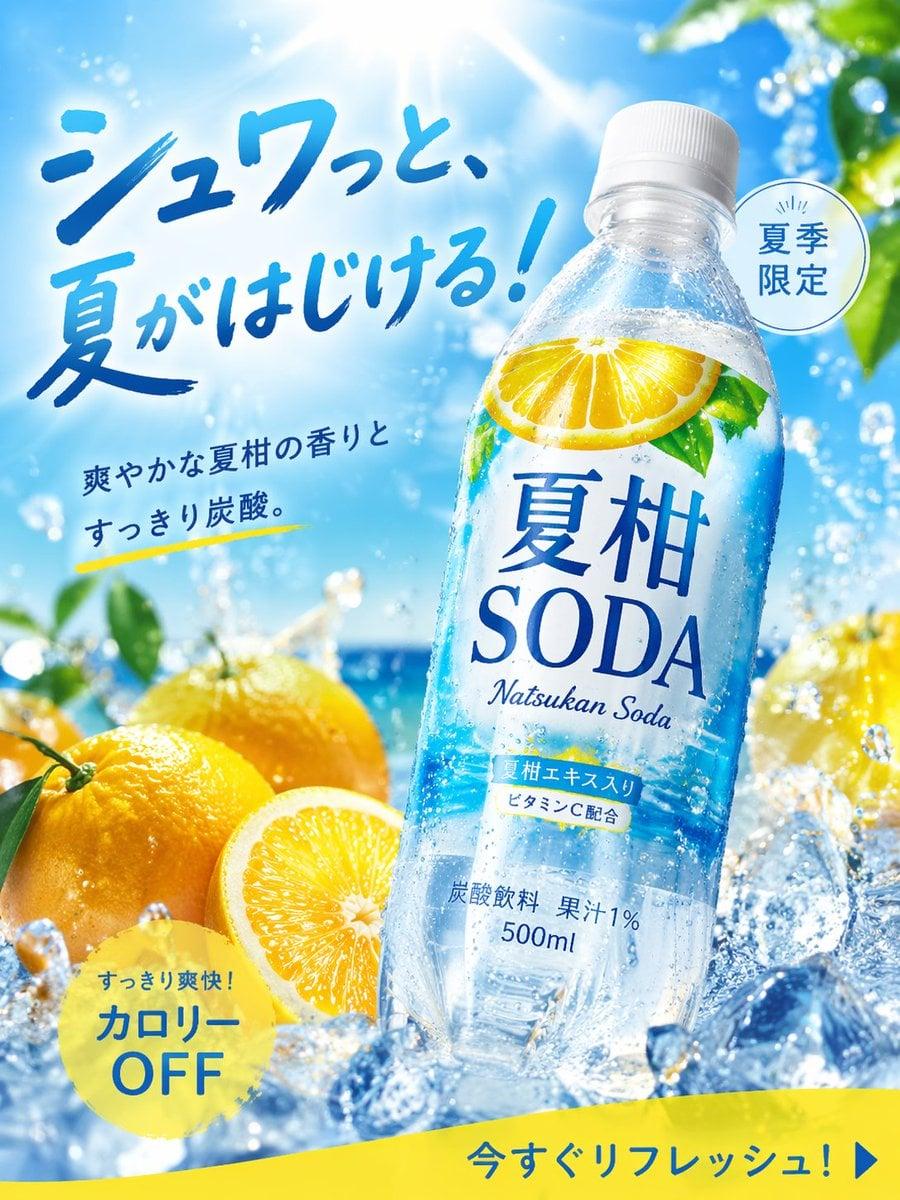
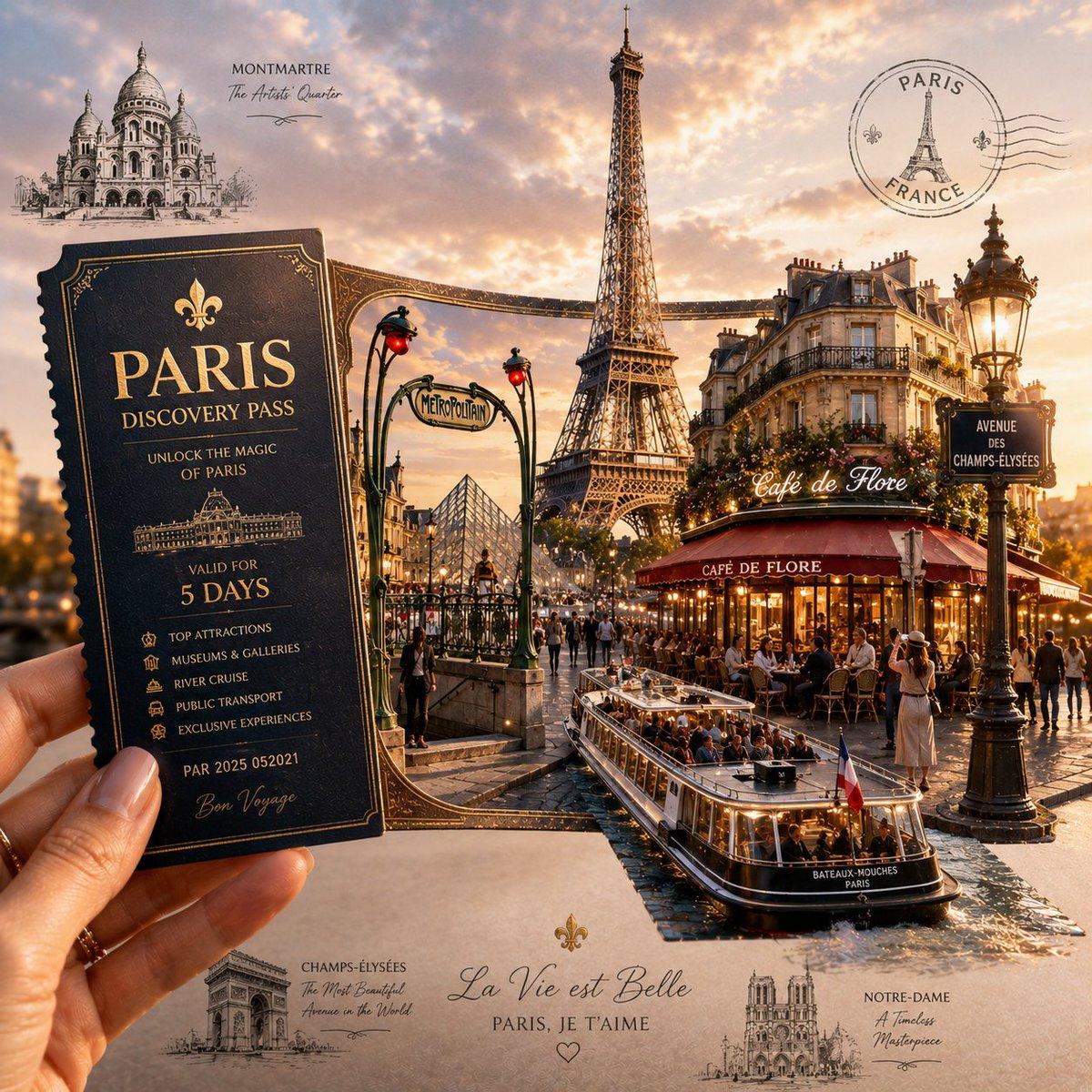
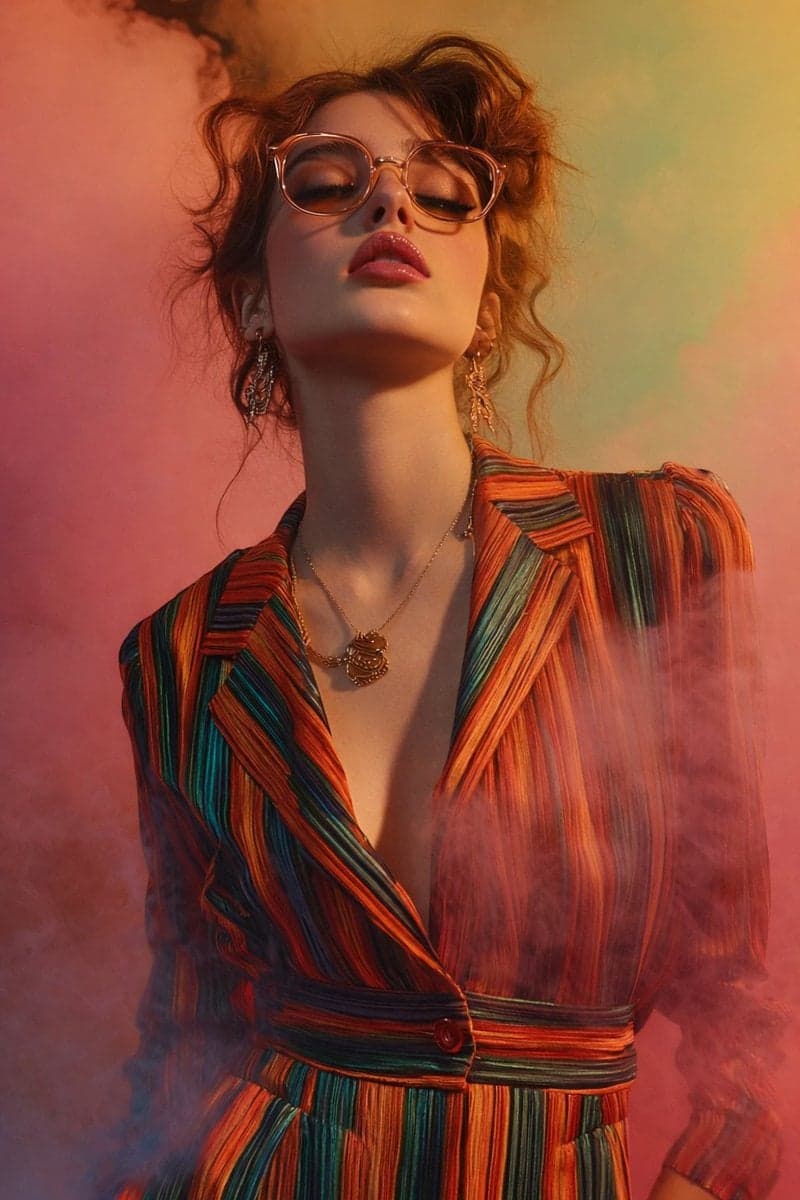
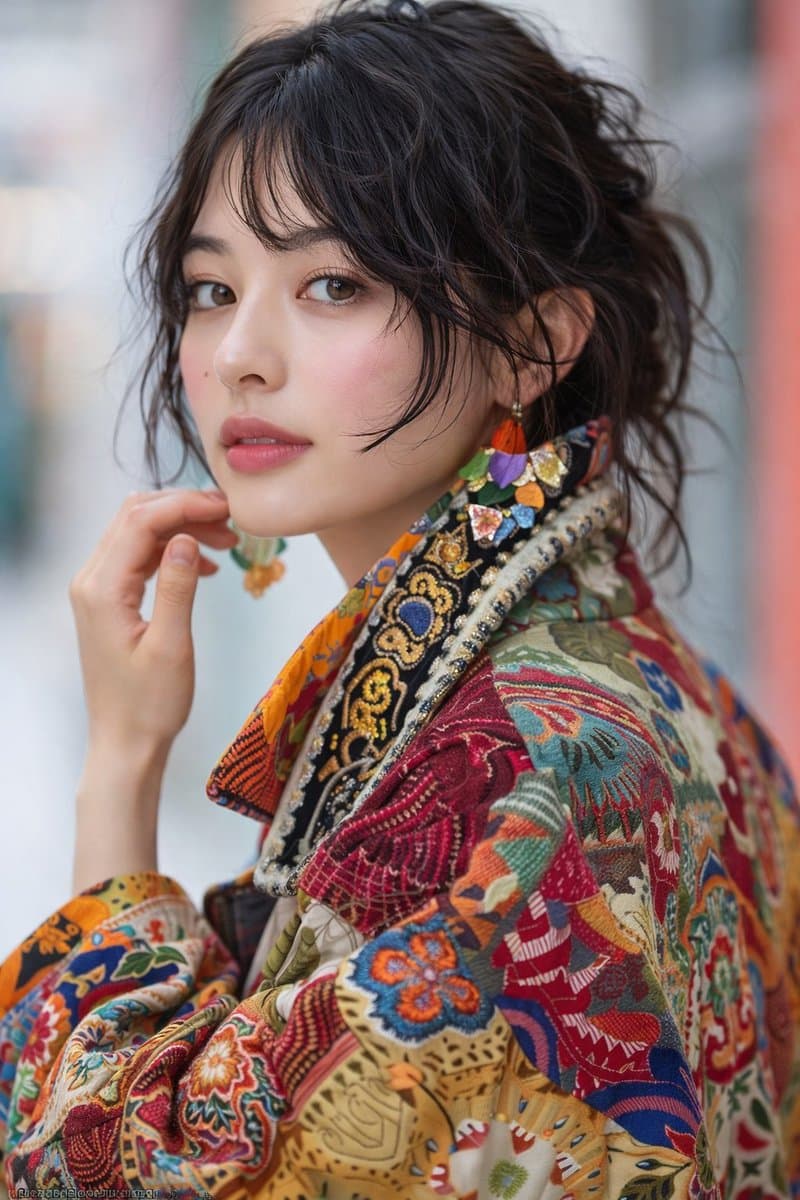
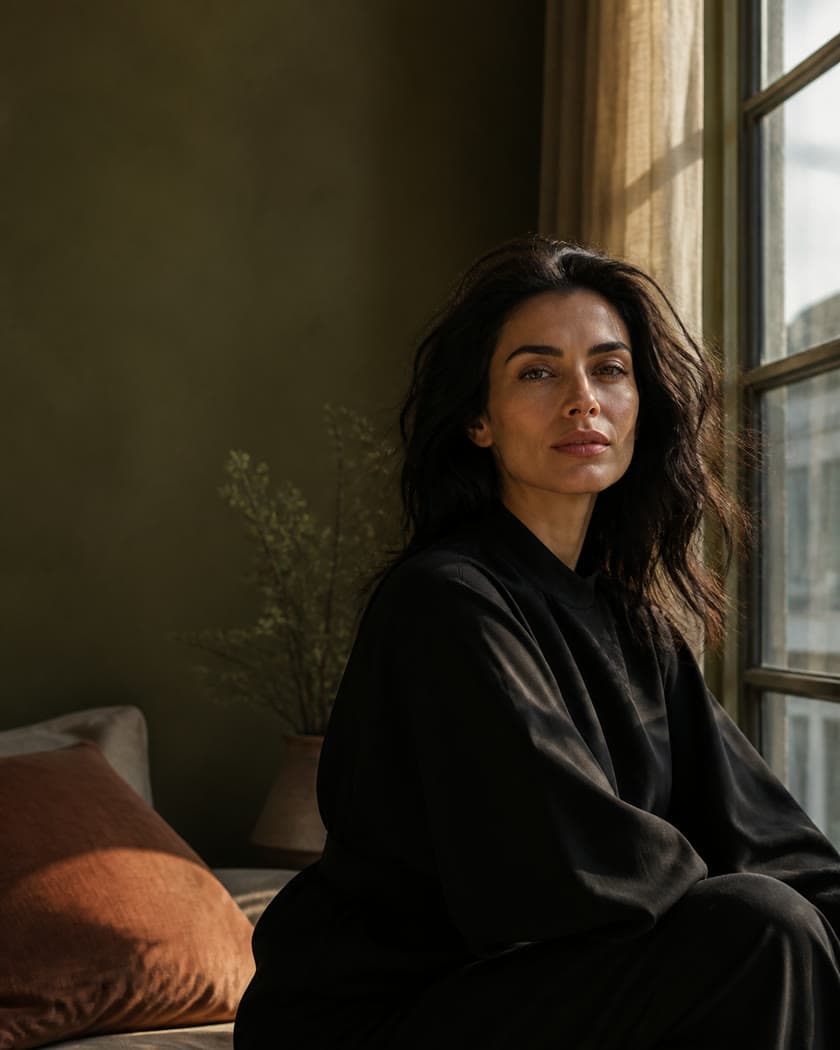
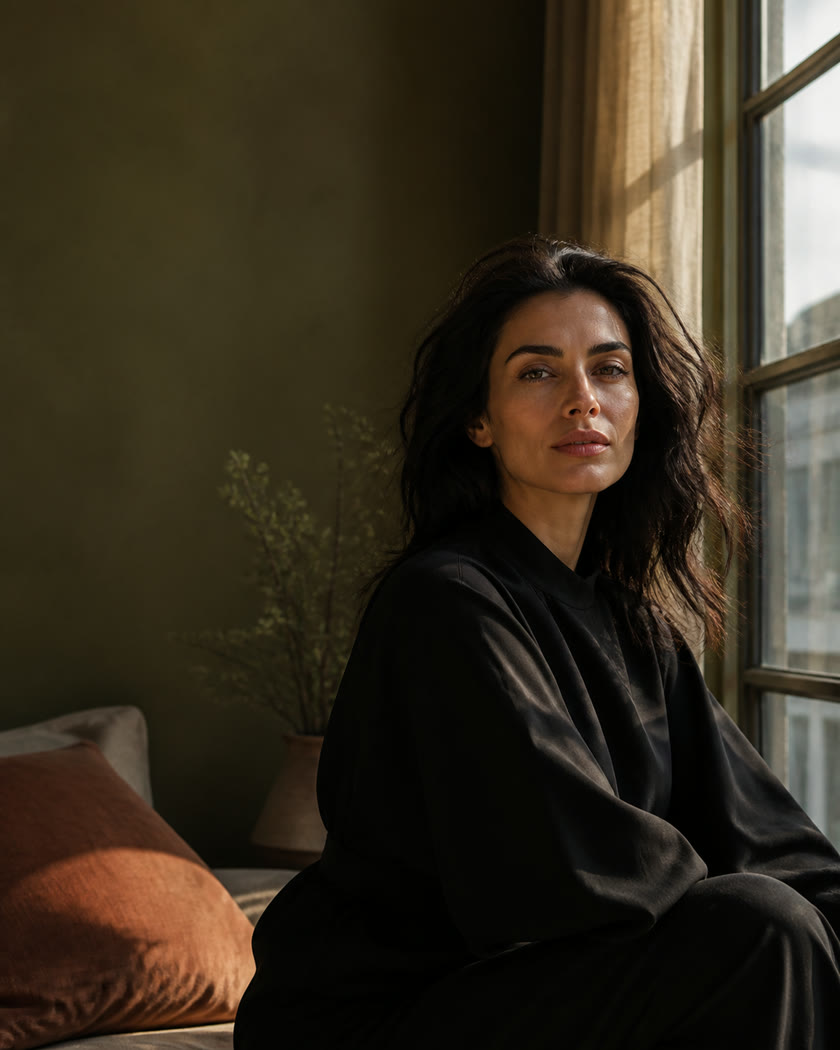
Cinematic editorial portrait generated with AI

AI Image Generator

Text to image, image to image, and AI editing for production-ready visuals.

Explore feature
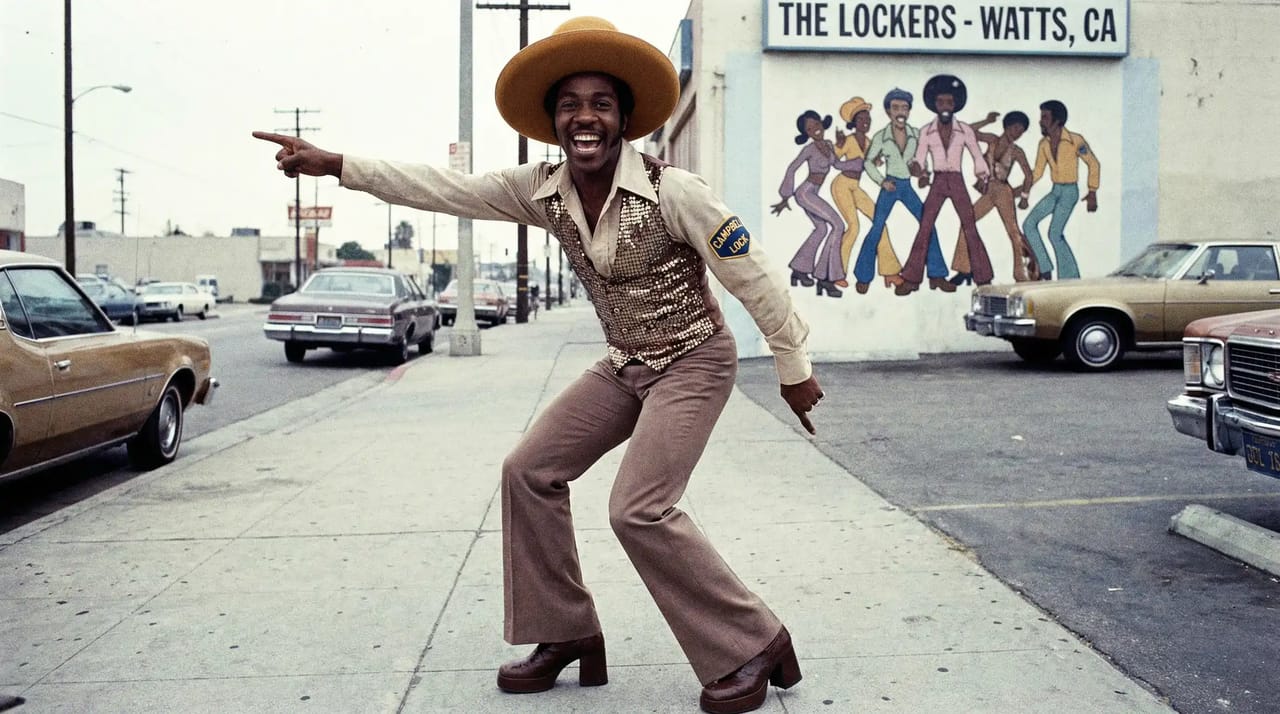
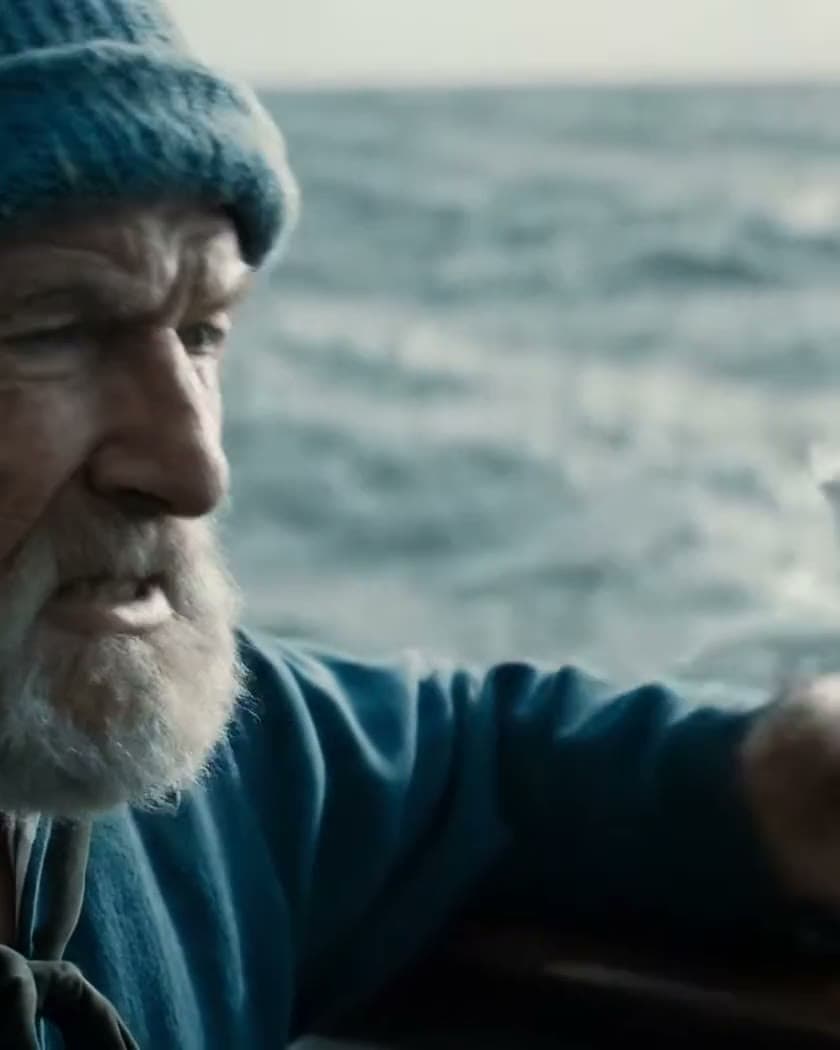
AI-generated moving street scene

AI Video Generator

Start with text, an image, or existing video and bring scenes, people, and camera moves to life.

Explore feature
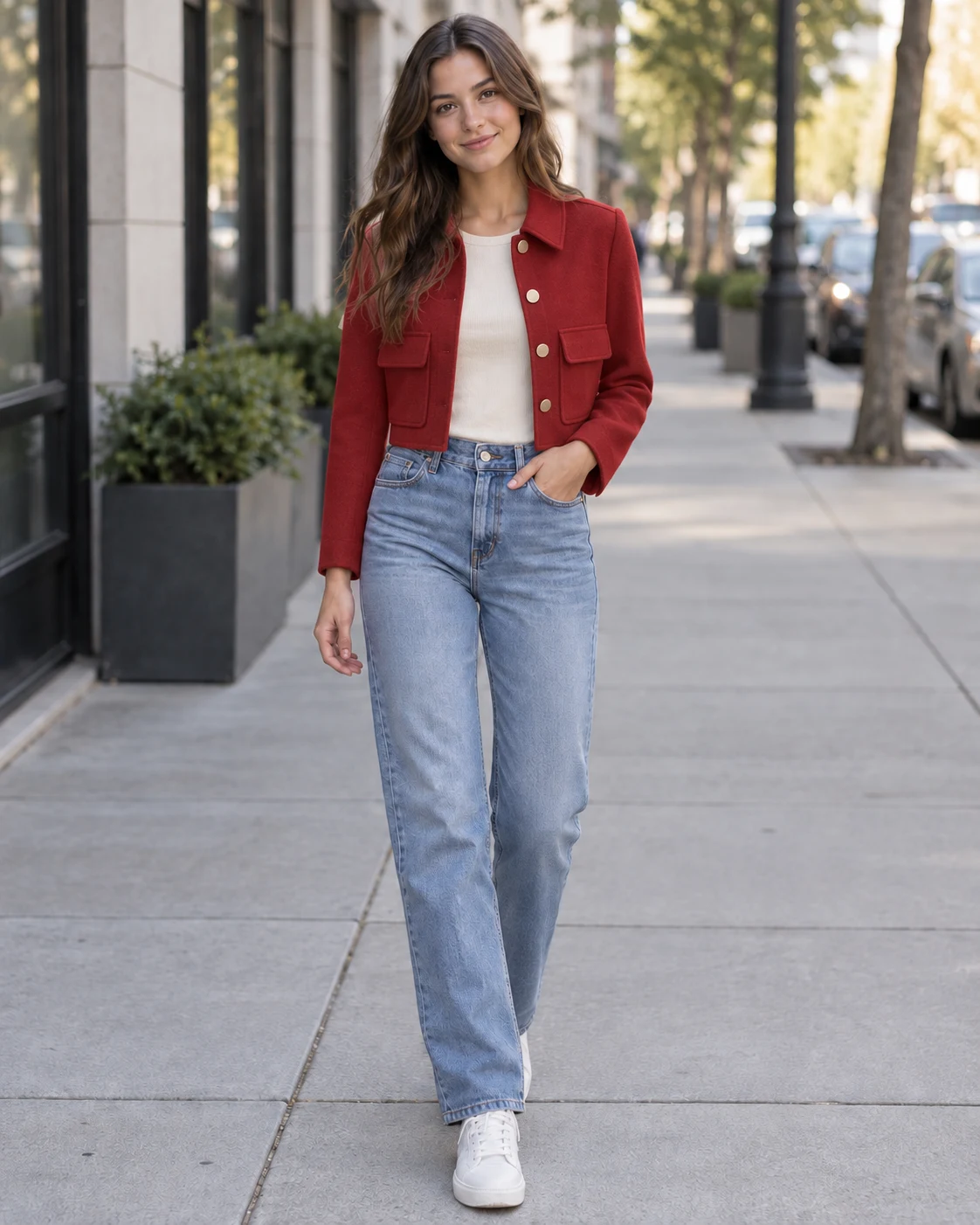
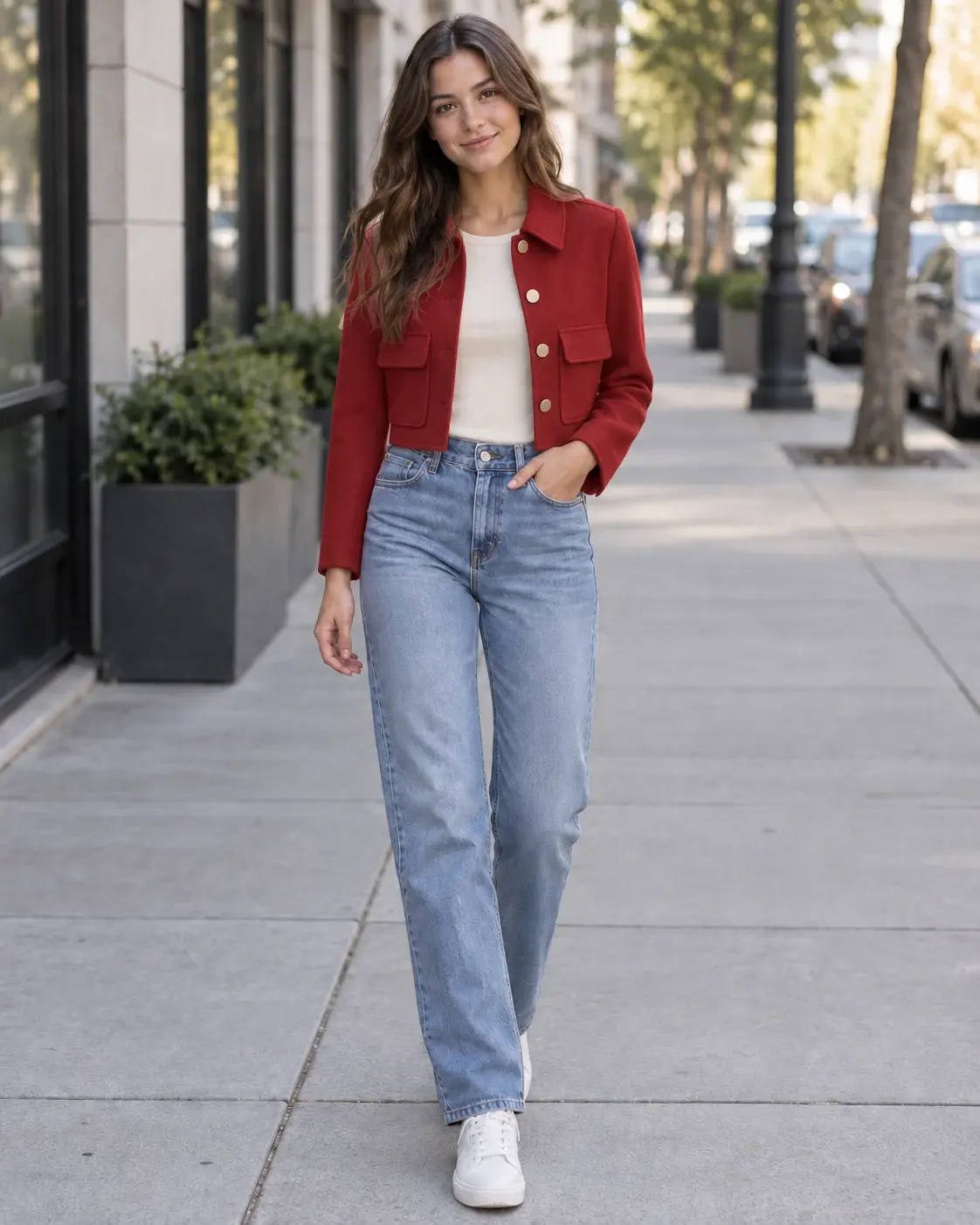
Woman wearing a new AI-generated outfit

AI Cloth Changer

Change clothing and style while preserving the person, pose, background, and visual character.

Explore feature

Featured models

Featured models

Explore the right model for each job without jumping between different platforms.
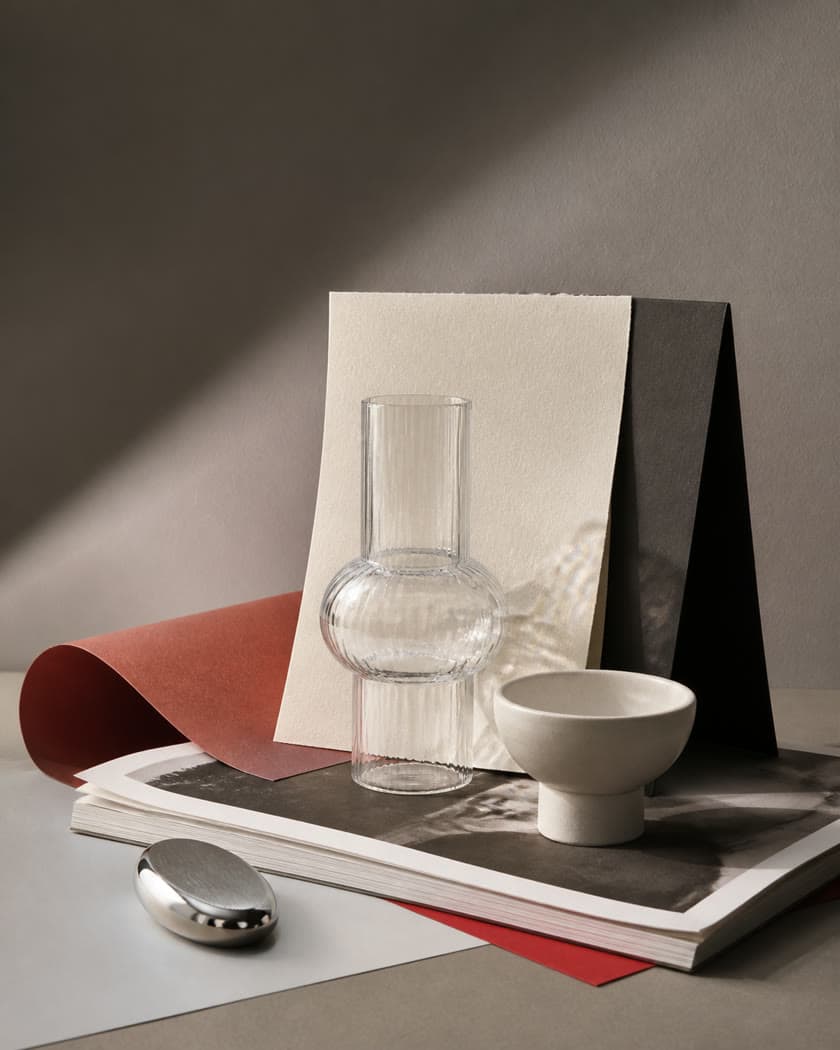
Editorial still life with glass, paper, and sculptural objects
GPT Image 2.5

Image model

"Precise, production-ready visuals with rich detail and control"
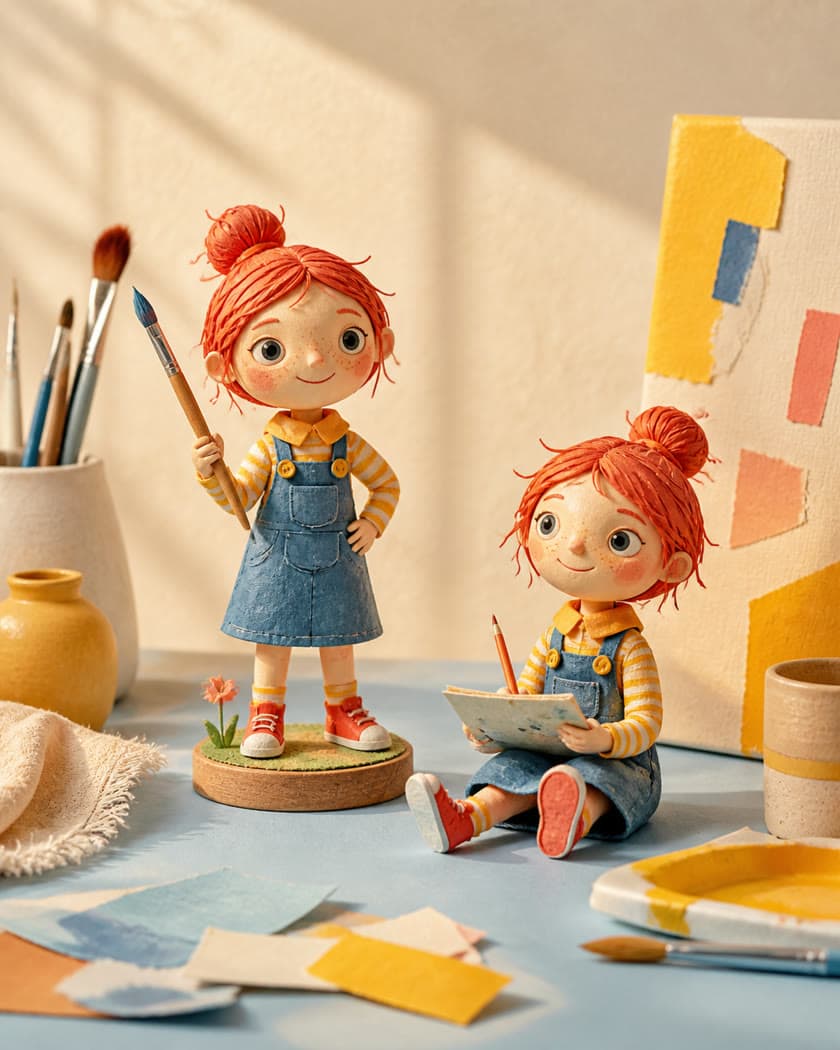
Playful clay character in a sunlit creative studio
Nano Banana Pro

Image model

"Conversational edits that preserve the details you care about"
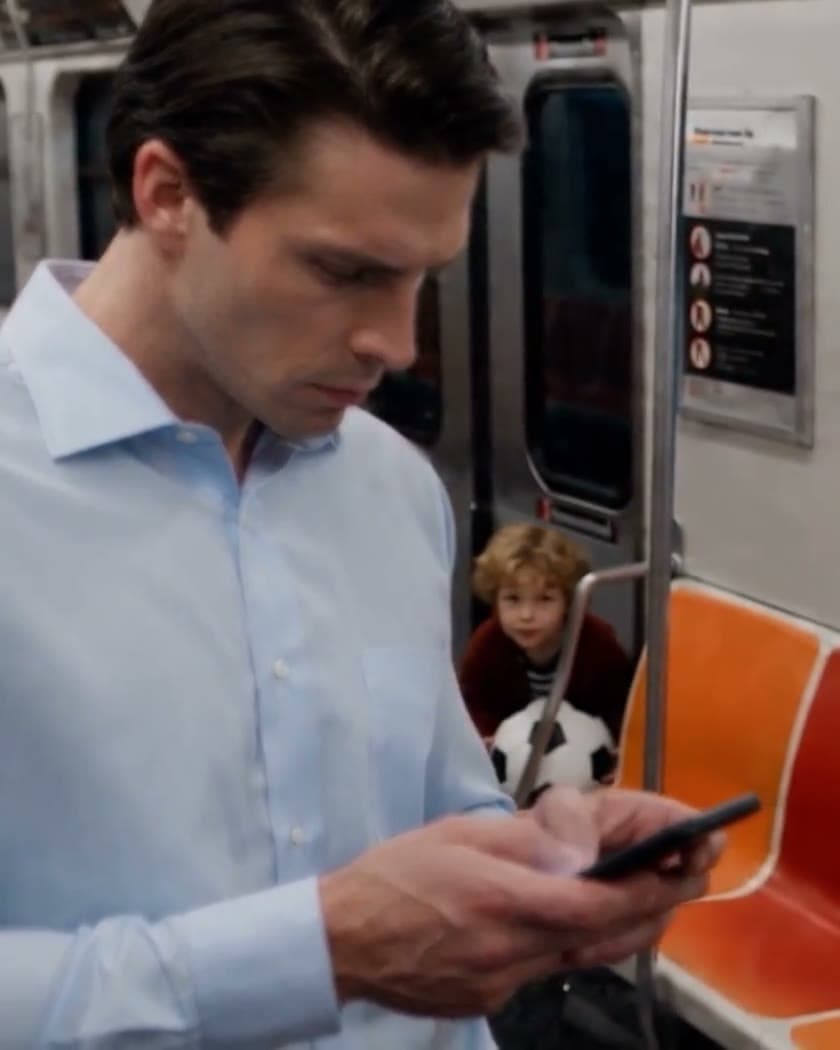
Cinematic editorial portrait in natural window light
FLUX

Image model

"Editorial realism, natural light, and rich material detail"

Seedance 2.5

Video model

"Long-form cinematic shots with audio, continuity, and references"

Veo 3.1

Video model

"Cinematic motion, believable physics, and native audio"

Kling 3.0

Video model

"Multi-shot stories, consistent elements, and native audio"

The industry's best Generative models.In one subscription.

Flux
Veo 3.1
Seedance 2.5
Kling 3
Grok Imagine
GPT Image
Topaz Labs
Qwen
Minimax
Flux
Veo 3.1
Seedance 2.5
Kling 3
Grok Imagine
GPT Image
Topaz Labs
Qwen
Minimax
Flux
Veo 3.1
Seedance 2.5
Kling 3
Grok Imagine
GPT Image
Topaz Labs
Qwen
Minimax
Flux
Veo 3.1
Seedance 2.5
Kling 3
Grok Imagine
GPT Image
Topaz Labs
Qwen
Minimax
An image ready to be refined into a finished visual

Image creation

A still image brought to life

Video creation

22K

Pixels upscaling

50+

Models

Bleeding Edge

Access the latest models on release day

Lip sync

Voice and expression, perfectly aligned
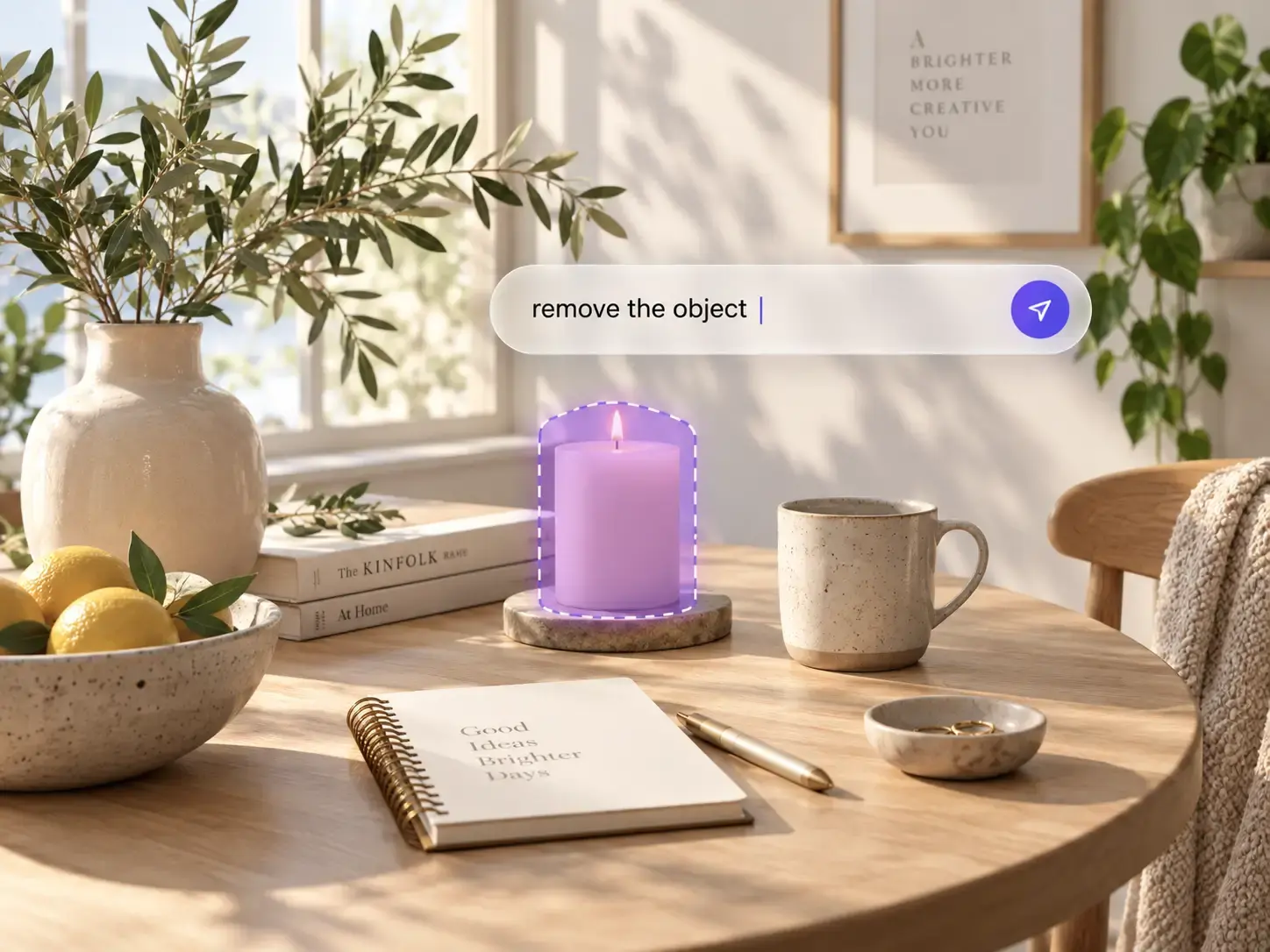
An image ready to be refined into a finished visual

Image editing

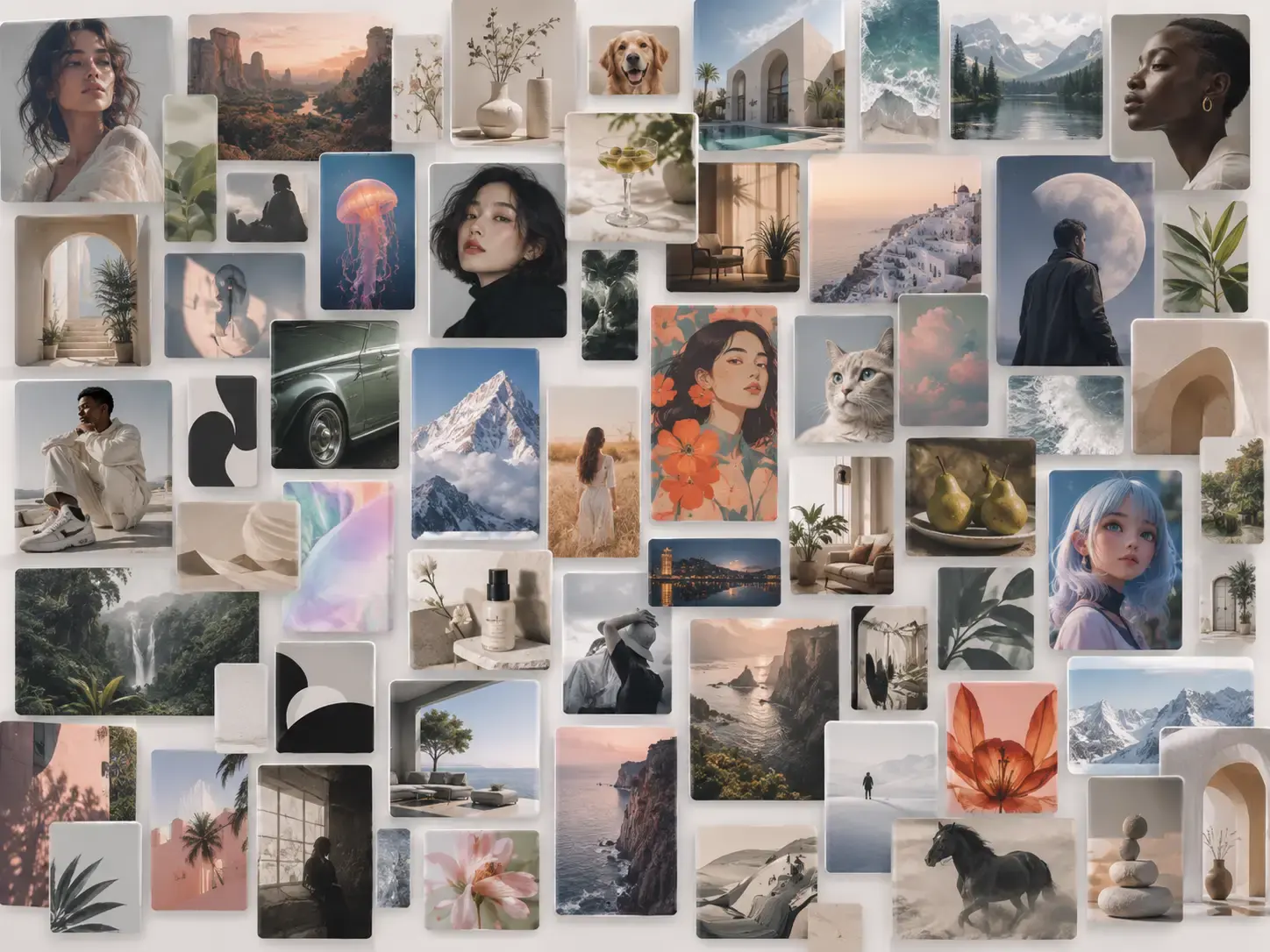
A visual library of generated creative assets

Asset management

Create

Start with text, an image, or a reference and establish a visual direction.

Refine

Change objects, composition, clothing, backgrounds, and visual style with natural language.

Enhance

Upscale, remove backgrounds, inpaint, add motion, or keep developing the image.

Organize

Keep generations, references, and finished versions together in your creative library.

AI image creation

Create AI images in every way

Start from a prompt or reference image, choose the right model, and keep iterating until the result is ready.

Text-to-image generation demo

Text to image

Turn a written idea into a complete visual

Describe the subject, style, composition, and mood to create a finished visual from one prompt.

Explore AI Image Generator
Image-to-image generation demo

Image to image

Use a reference to explore a new direction

Upload an image as your starting point, then use text to guide the style, content, and details.

Explore AI Image Generator
AI image editing demo

AI image editing

Change the image with natural language

Add, remove, or replace elements, adjust the style, and refine local details with simple instructions.

Explore AI Image Generator
Image model selection demo

Multiple models

Choose the right model for every idea

Switch based on quality, style, speed, and task without moving between separate platforms.

Explore AI Image Generator

AI video creation

Turn ideas into motion

Start with text, a still image, or existing footage and use the right model and settings to create motion.

Text-to-video generation demo

Text to video

Describe the scene, action, and camera movement

Start with a written brief and generate a moving shot with rhythm, direction, and atmosphere.

Explore AI Video Generator
Image-to-video generation demo

Image to video

Bring a still image naturally to life

Upload a person, product, or scene and describe the action and camera movement while preserving its direction.

Explore AI Video Generator
Video-to-video generation demo

Video to video

Keep the motion, redefine the visual style

Use existing footage as a motion reference and transform the characters, environment, or overall style.

Explore AI Video Generator

AI cloth changer

Change the outfit. Keep the person.

Upload a person and an outfit reference to explore new colors, materials, silhouettes, and styles.
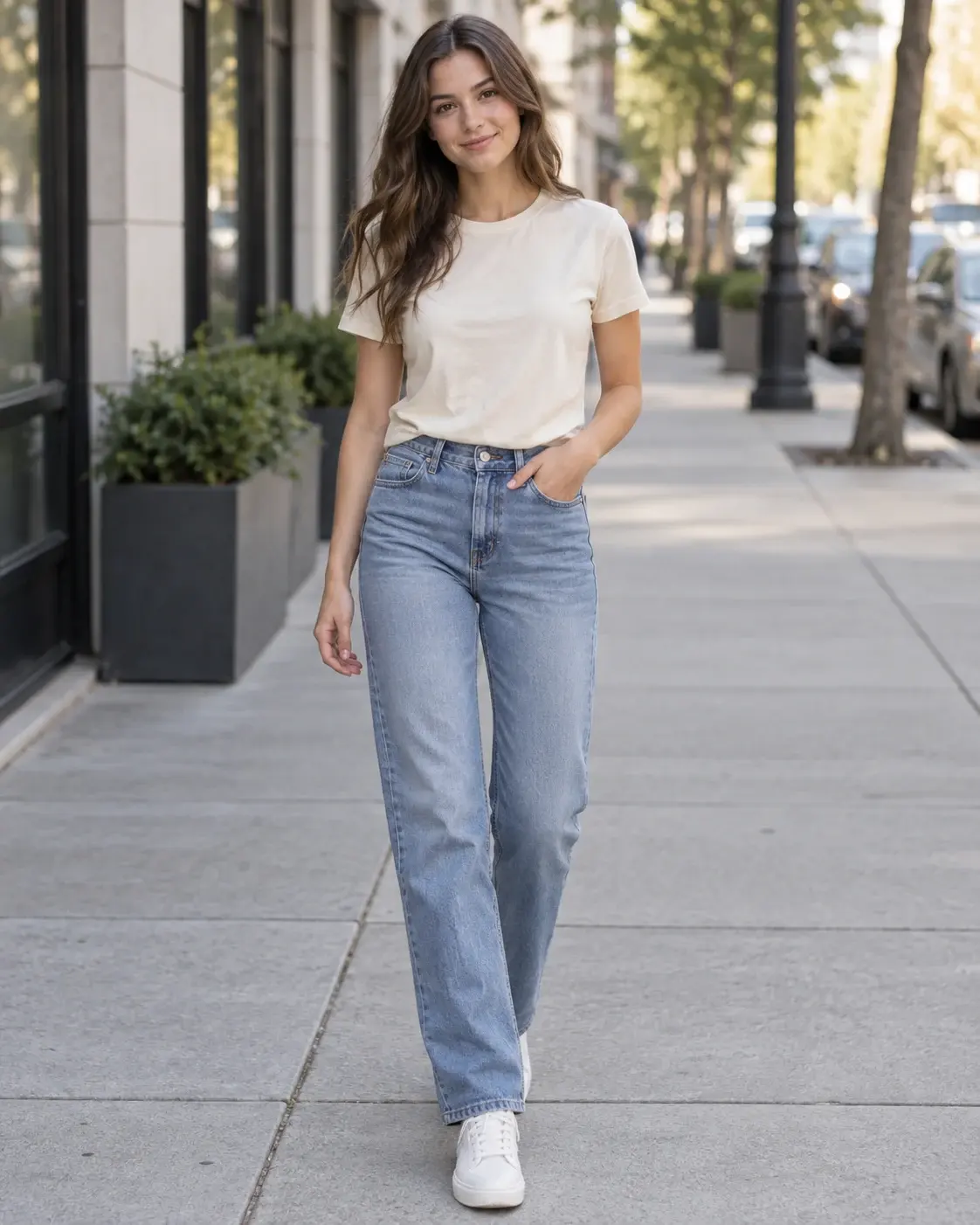
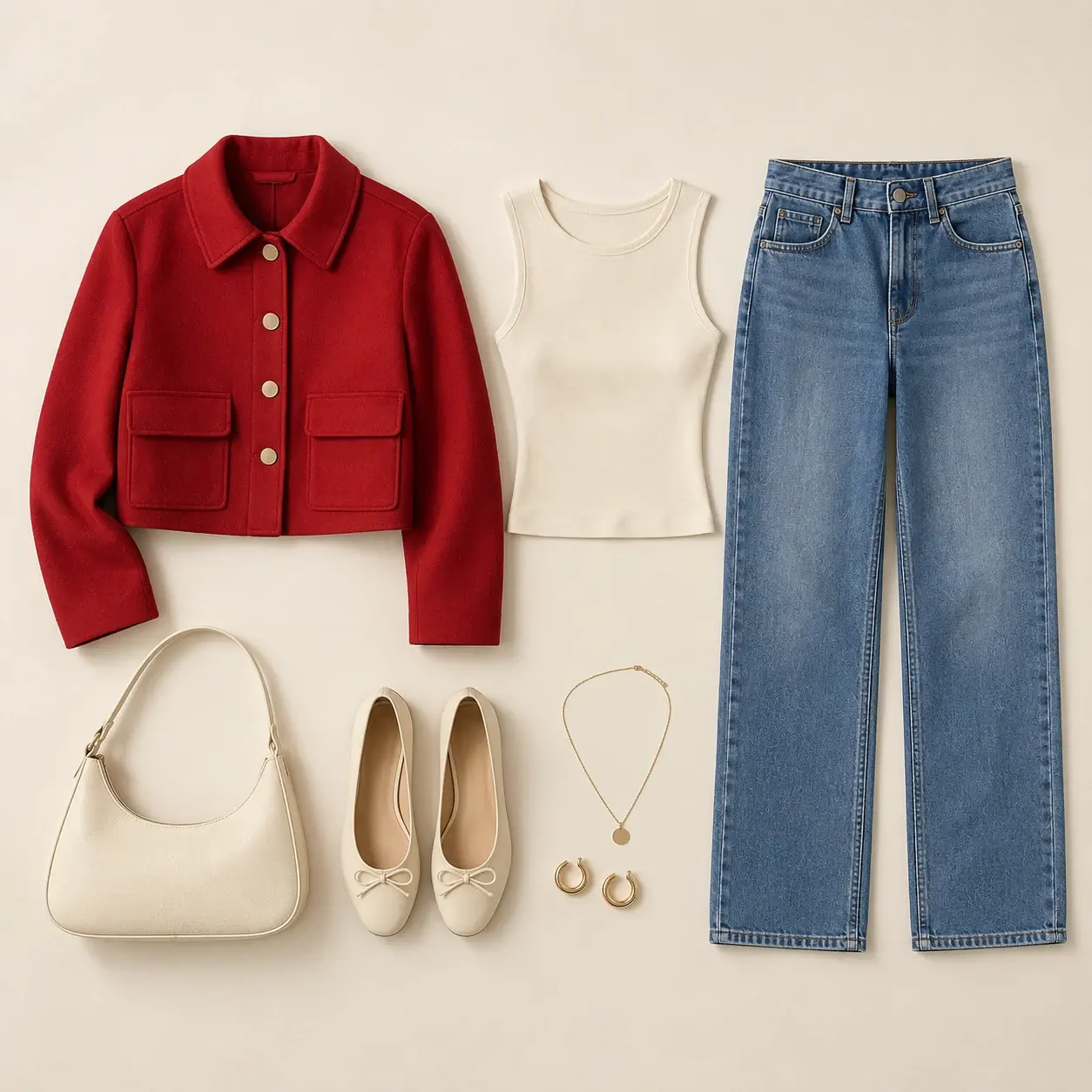
  • Face preserved
  • Pose preserved
  • Background preserved
  • Lighting preserved
Try AI Cloth Changer
Person before changing the outfit
Person
Flat lay used as an outfit reference
Outfit reference
New outfit generated from the reference
New look

Edit and enhance

Generate is only the beginning

Keep working after the first generation with tools for editing, enhancement, animation, and delivery.

AI image editing demo

AI Edit

Change the content, style, and visual direction of an image with natural language.

Open tool
Background removal tool preview

Remove Background

Isolate people or products in one click for a clean, transparent background.

Open tool
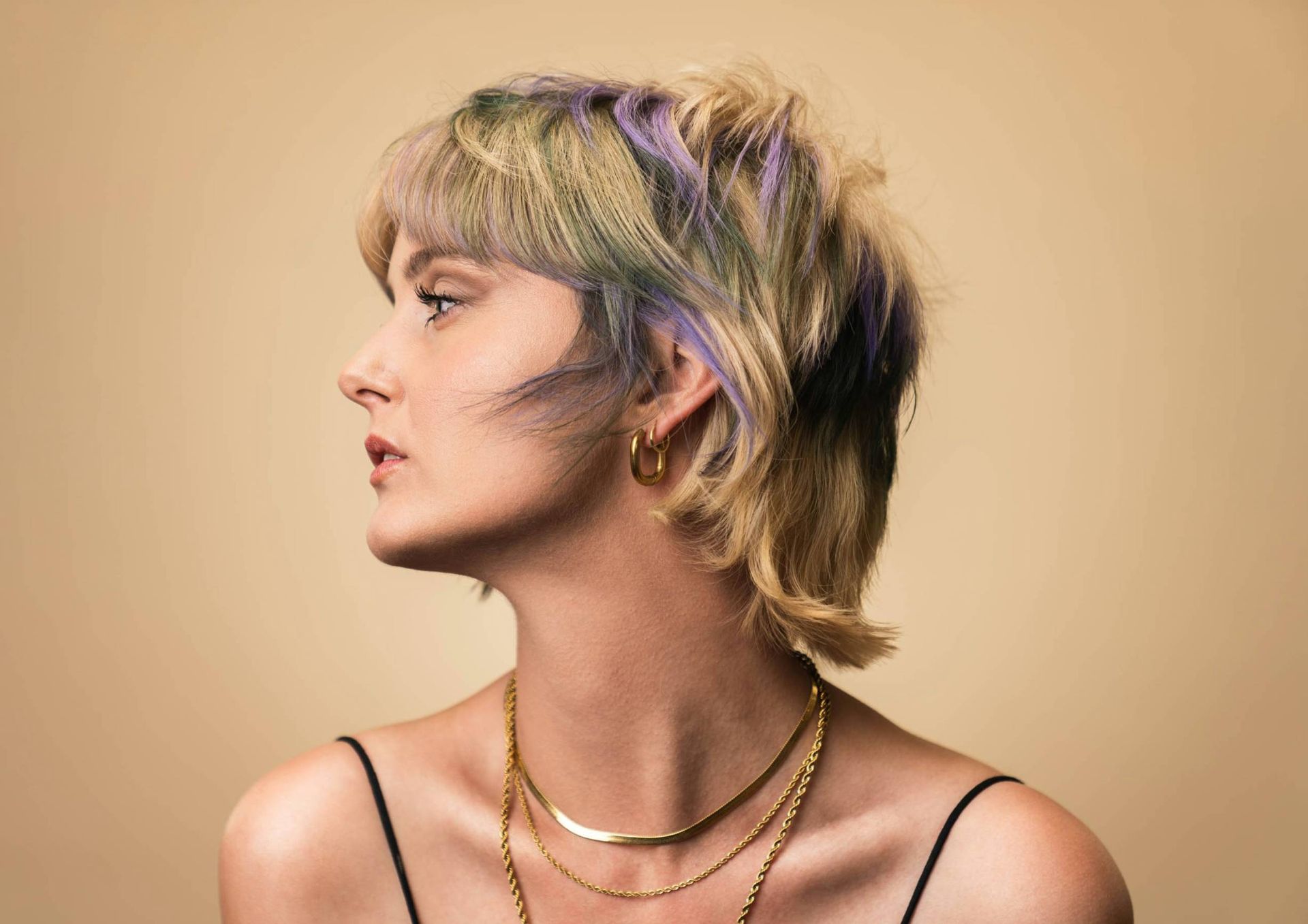
Enhanced high-resolution image
Original low-resolution image

Upscale & Enhance

Increase resolution and recover detail for larger canvases and clearer output.

Open tool
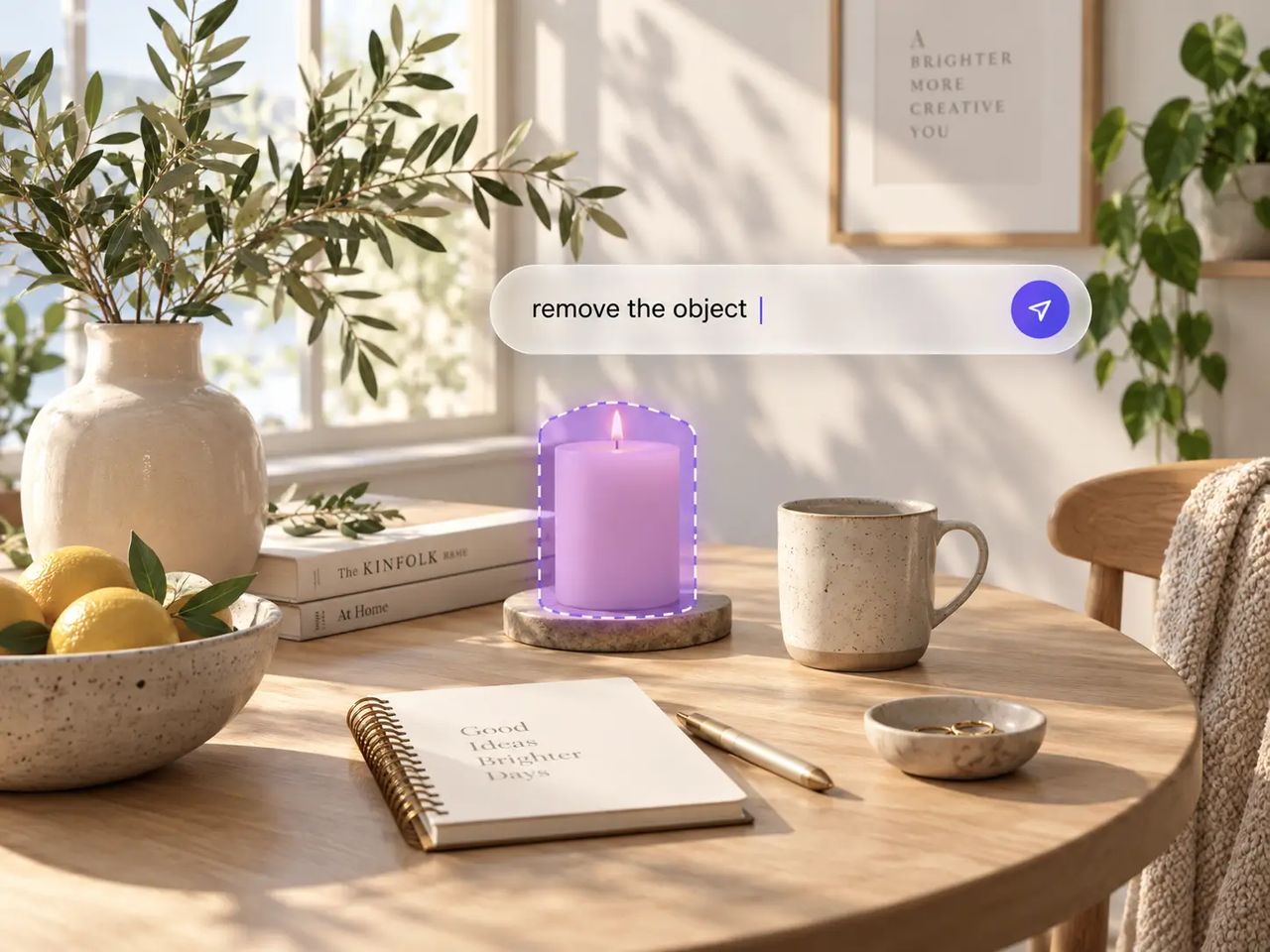
Inpainting and object replacement preview

Inpaint & Replace

Select an area, remove or replace an object, and fill the details naturally.

Open tool
Lip sync result video
Source character image used for lip sync

Lip Sync

Sync a person in an image or video to any audio and create a natural talking clip.

Open tool
Motion transfer result video
Character image used for motion transfer
Source motion video used as the reference

Motion Transfer

Transfer movement from a reference video to another person or character.

Open tool

Real creative work

Made for the way creators actually work

Move from advertising and social content to characters, brands, and post-production in one workspace.
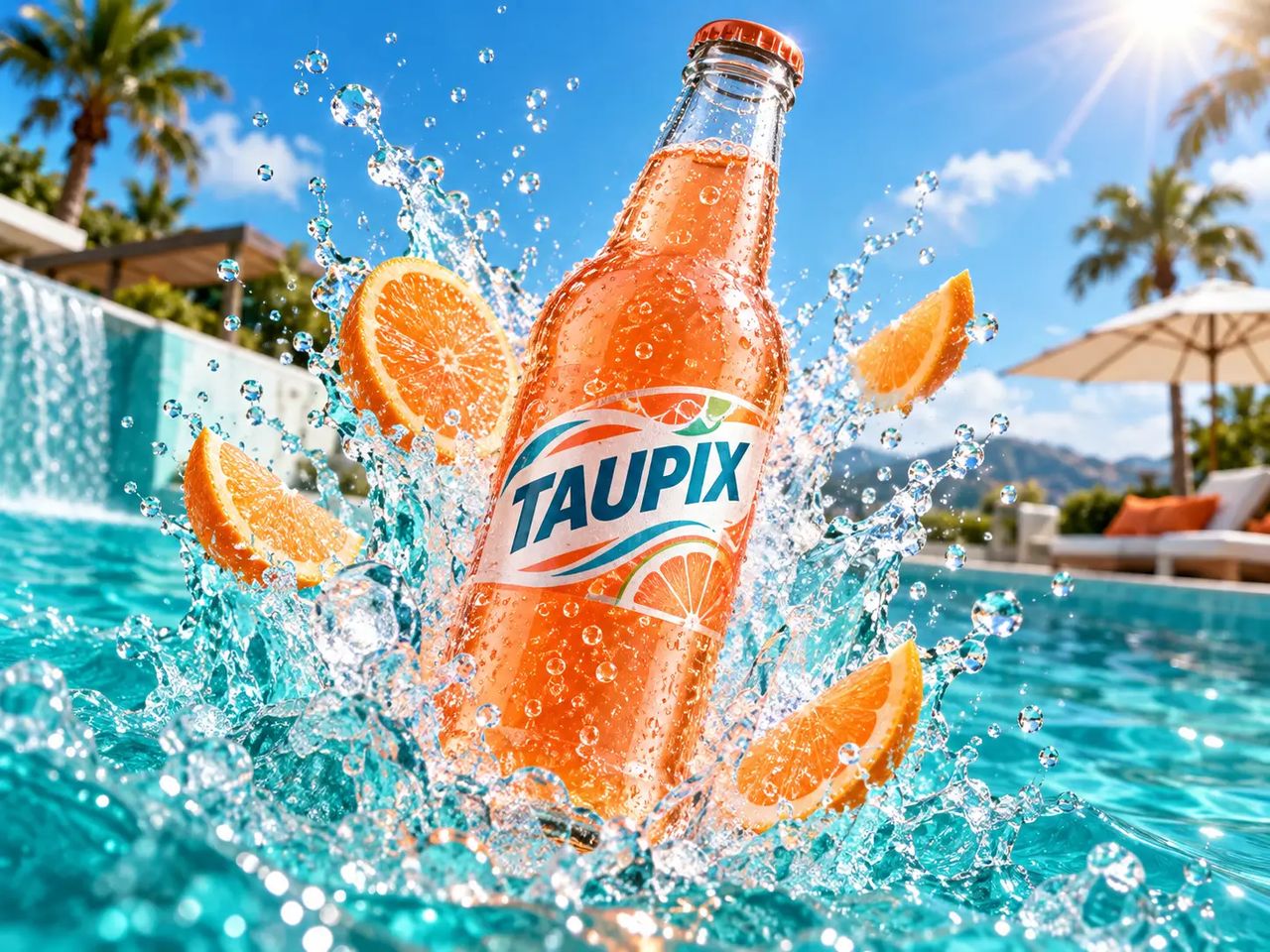
Product advertising concept

Ads & Product

Generate campaign visuals, product imagery, and marketing content.

Social media short-form video concept

Social & UGC

Create social-first images, short videos, and UGC content.
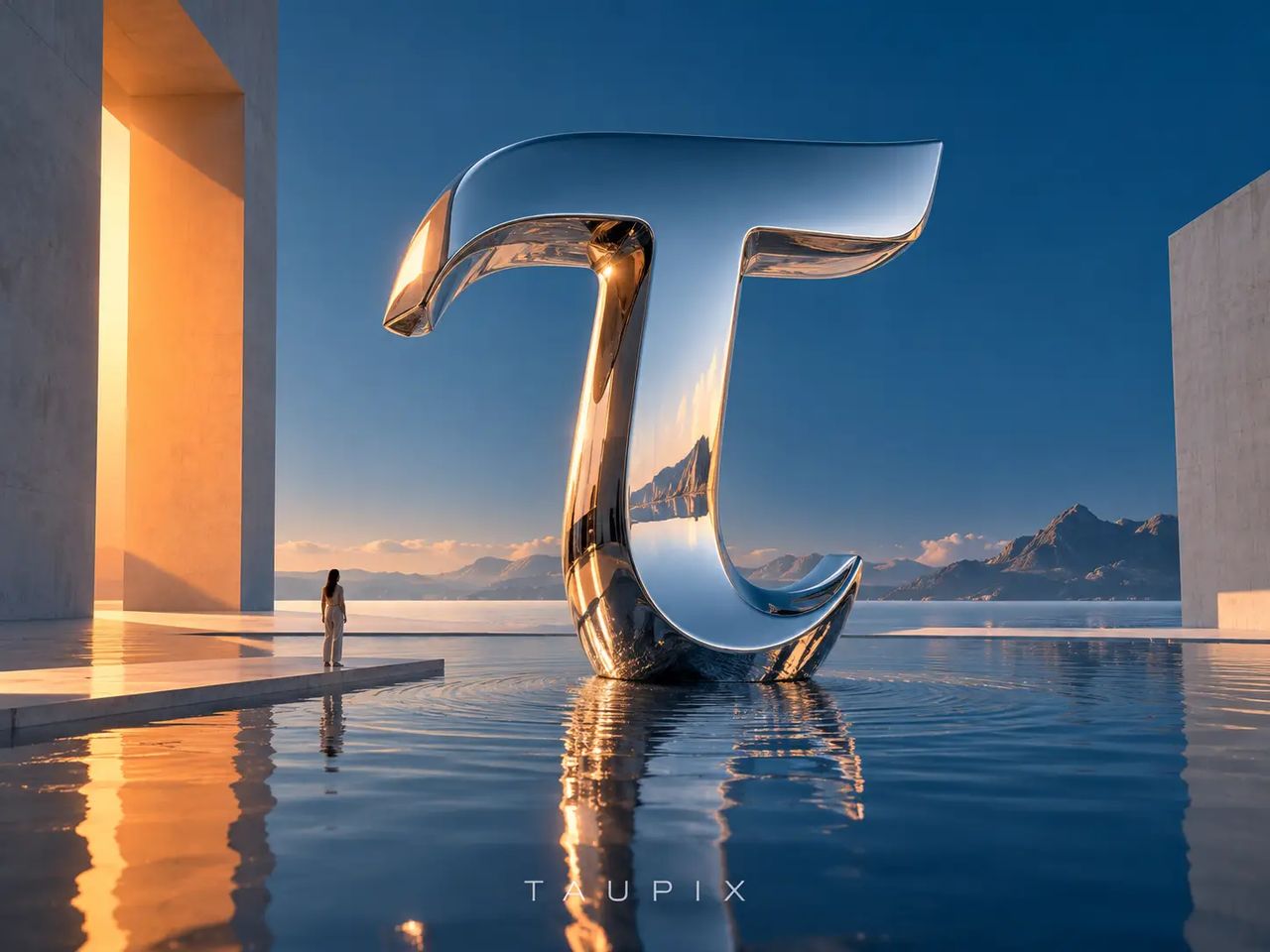
Art and design concept visual

Art & Design

Explore concepts, materials, compositions, and new visual directions.
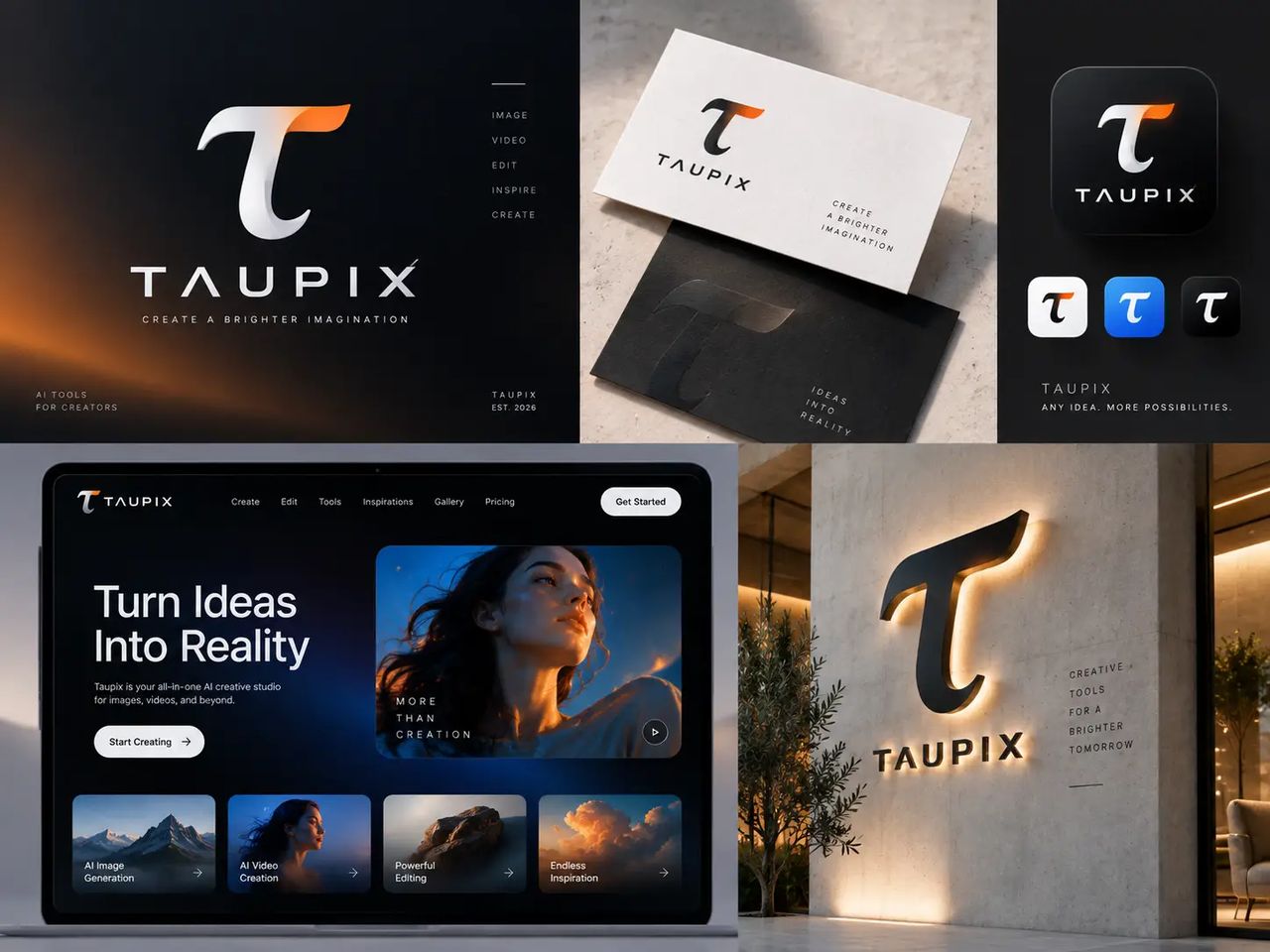
Brand logo and visual system

Brand & Logo

Develop brand visuals, logo directions, and campaign assets.
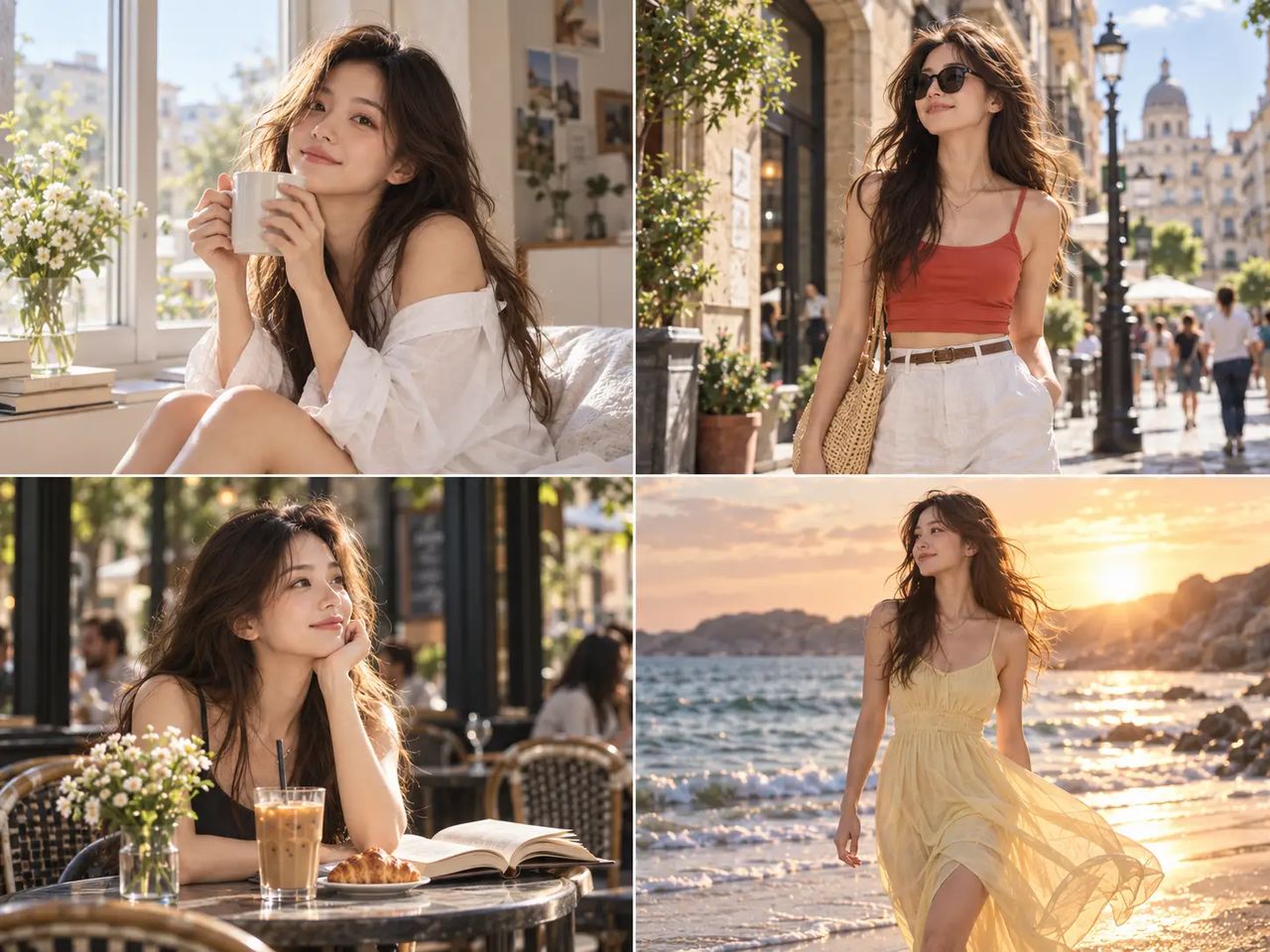
Character and storyboard visual

Character & Story

Build characters, storyboards, and cinematic scenes with continuity.

Visual asset post-production demo

Post-production

Edit, enhance, animate, and finish existing visual assets.

Explore community creations

See what creators are making with Taupix, then start your own project in seconds.
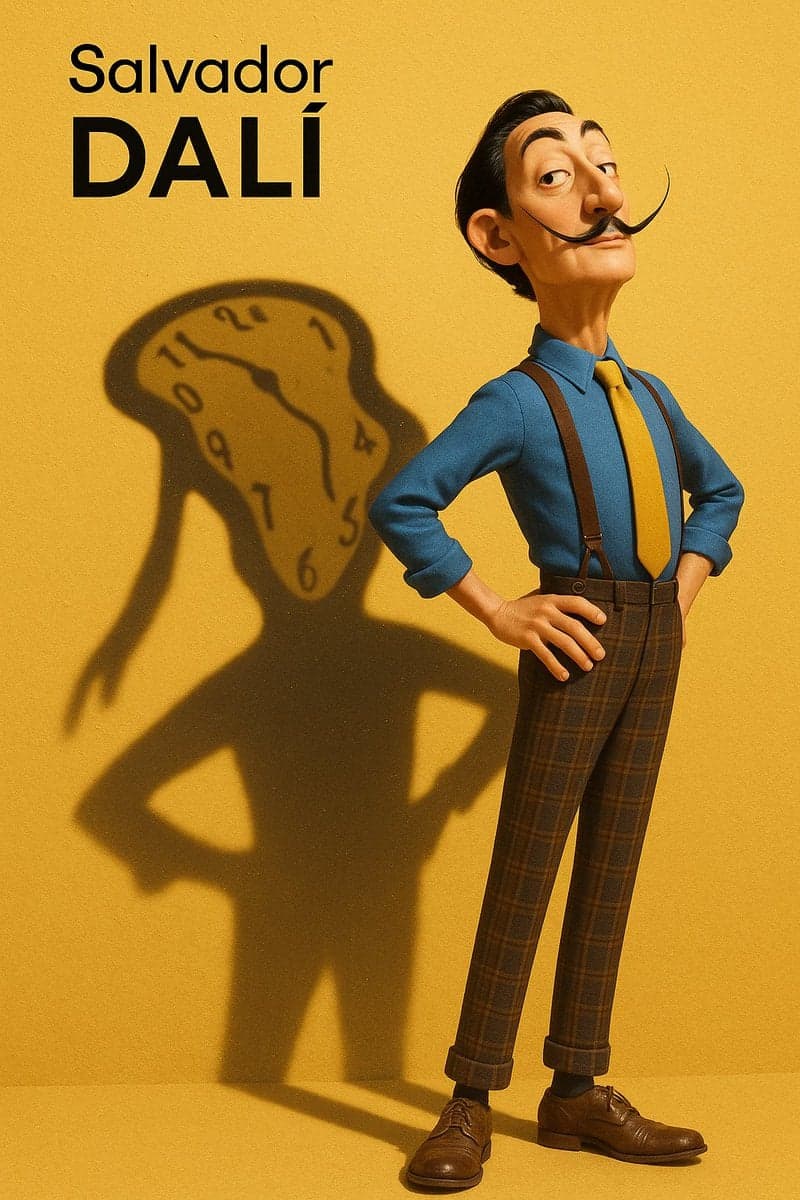
Woman of the Air
Flower and concrete
Man split between worlds
Abstract portrait
Veggie Burger and cozy hillside cottage
Blue model portrait
Rainy San Francisco night
Accidental cat selfie
Batman portrait
Snake wrapped around face
Crows in blizzard
Woman portrait
Tubes and flowers
Warrior kissing skull
Woman drinking beer
Morning dew lip gloss

Why Taupix

Everything stays in one workspace

Choose freely between models without moving your work between different tools.

50+ AI models

Choose the right image or video model for every job.

Create & edit

Move from generation to refinement without exporting and uploading between tools.

One asset library

Keep generations, uploads, references, and finished versions together.

Always current

Use new models and capabilities as they become available in the same workspace.

Starter

All features unlocked

$7.9/ month

1,600 credits

  • Up to 1,600 image generations/month
  • Up to 80 video generations/month
Get Starter
  • 1,600 credits per month
  • All image and video models
  • 4 concurrent image tasks
  • 2 concurrent video tasks
  • 10 GB storage

Plus

Save 13%

Good for daily use

$14.9$12.9/ month

3,200 credits

  • Up to 3,200 image generations/month
  • Up to 160 video generations/month
Get Plus
  • 3,200 credits per month
  • All image and video models
  • 8 concurrent image tasks
  • 4 concurrent video tasks
  • 20 GB storage
Most Popular

Pro

Save 30%

Most Popular

$29.9$20.9/ month

6,400 credits

  • Up to 6,400 image generations/month
  • Up to 320 video generations/month
Get Pro
  • 6,400 credits per month
  • All image and video models
  • Unlimited concurrent image tasks
  • Unlimited concurrent video tasks
  • 40 GB storage

Ultra

Save 40%

Best Value

$49.9$29.9/ month

12,000 credits

  • Up to 12,000 image generations/month
  • Up to 600 video generations/month
Get Ultra
  • 12,000 credits per month
  • All image and video models
  • Unlimited concurrent image tasks
  • Unlimited concurrent video tasks
  • 50 GB storage

Taupix FAQs

Taupix is a creative workspace for AI-generated visuals. Generate images and videos, edit them with built-in tools, and keep every asset organized in one searchable gallery.
Create advertising visuals, product imagery, social images and videos, characters, storyboards, brand assets, and finished edits from existing content.
Yes. Taupix supports AI image and video generation from text, reference images, and existing video.
Yes. Add, remove, or replace objects, change the style and composition, refine details, and continue with enhancement tools.
Yes. Upload a still image, describe the action or camera movement, and use an image-to-video model to bring it to life.
Yes. Upload a person and an outfit reference. Taupix aims to preserve the face, pose, background, and lighting while generating a new look.
Taupix includes leading image and video models such as Flux, Gemini, Veo, Seedance, Kling, and more — all accessible through a single subscription.
Yes. Use upscaling to increase resolution and recover detail, or remove backgrounds, inpaint, replace objects, and continue refining the image.
Generations, uploads, references, and edited versions are kept in your Taupix library so you can find and continue working on them.
Commercial usage depends on your plan and the applicable model terms. Confirm the current plan and model licensing rules before publishing commercially.
Each plan includes credits that refresh with the billing cycle. Generations and some editing tools use credits. Paid plans can be canceled at any time, with access continuing through the current billing period.

Start creating with Taupix.

Access top generative models, powerful editing tools, and your full creative gallery — all in one workspace.