AI image color changer

AI Color Changer for Photos

Upload a photo and name the object and color to change. Recolor clothes, hair, cars, shoes, sofas, and products while keeping the rest of the image as close to the original as possible.

Clear photos with a visible subject usually produce better results.

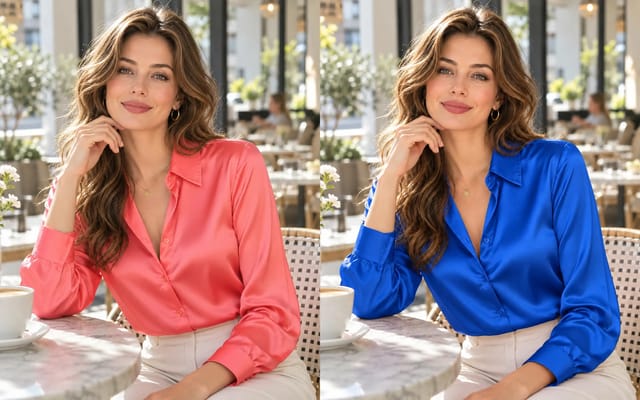
Adult Japanese woman in a cherry-pink knit cardigan before recoloring
The same adult Japanese woman in a cobalt-blue knit cardigan
BeforeAfter

What can you recolor in a photo?

Change the color of clothing, hair, cars, products, shoes, and furniture. Name the object and target color; results depend on the source image.

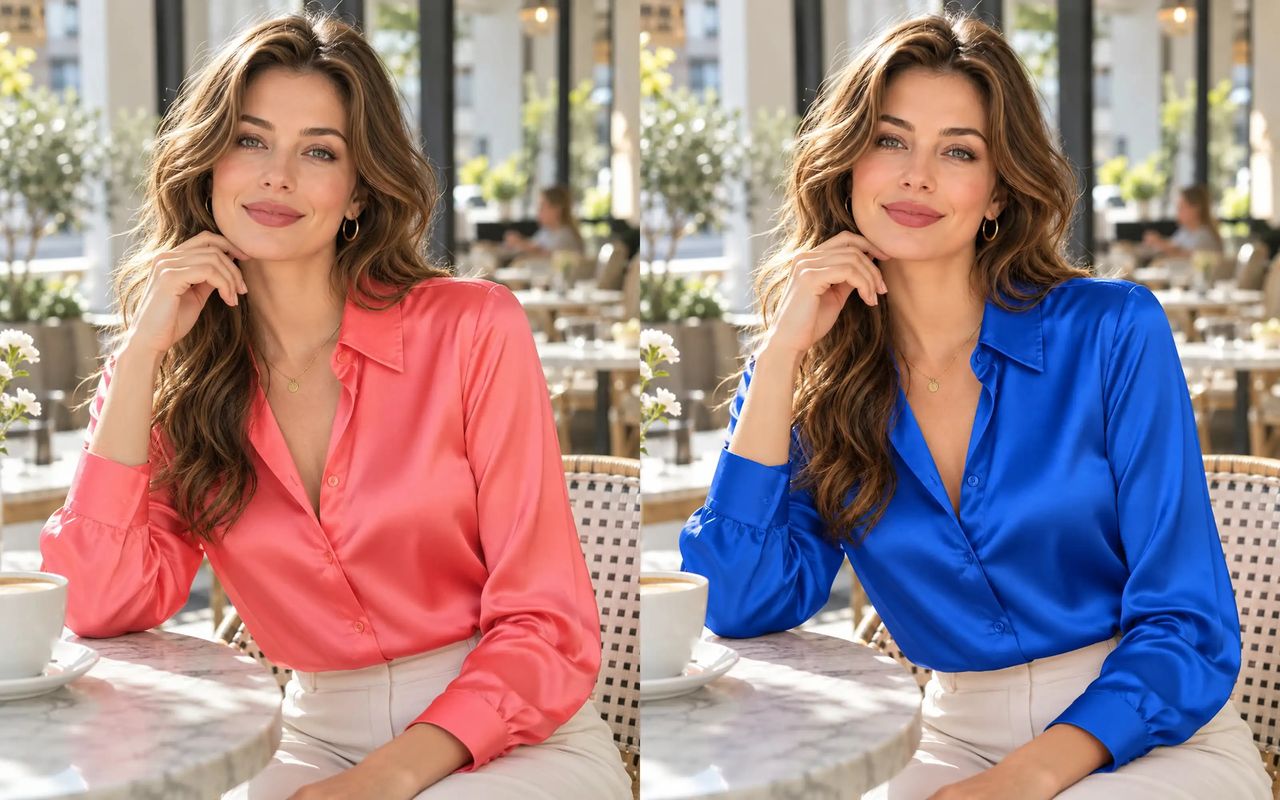
A pink knit top recolored blue in the same photo
BeforeAfter

Clothing color changer

Recolor clothes in a photo

Try a new color for a shirt, dress, or jacket. The AI aims to keep fabric texture, folds, stitching, and lighting natural.

Recolor clothes
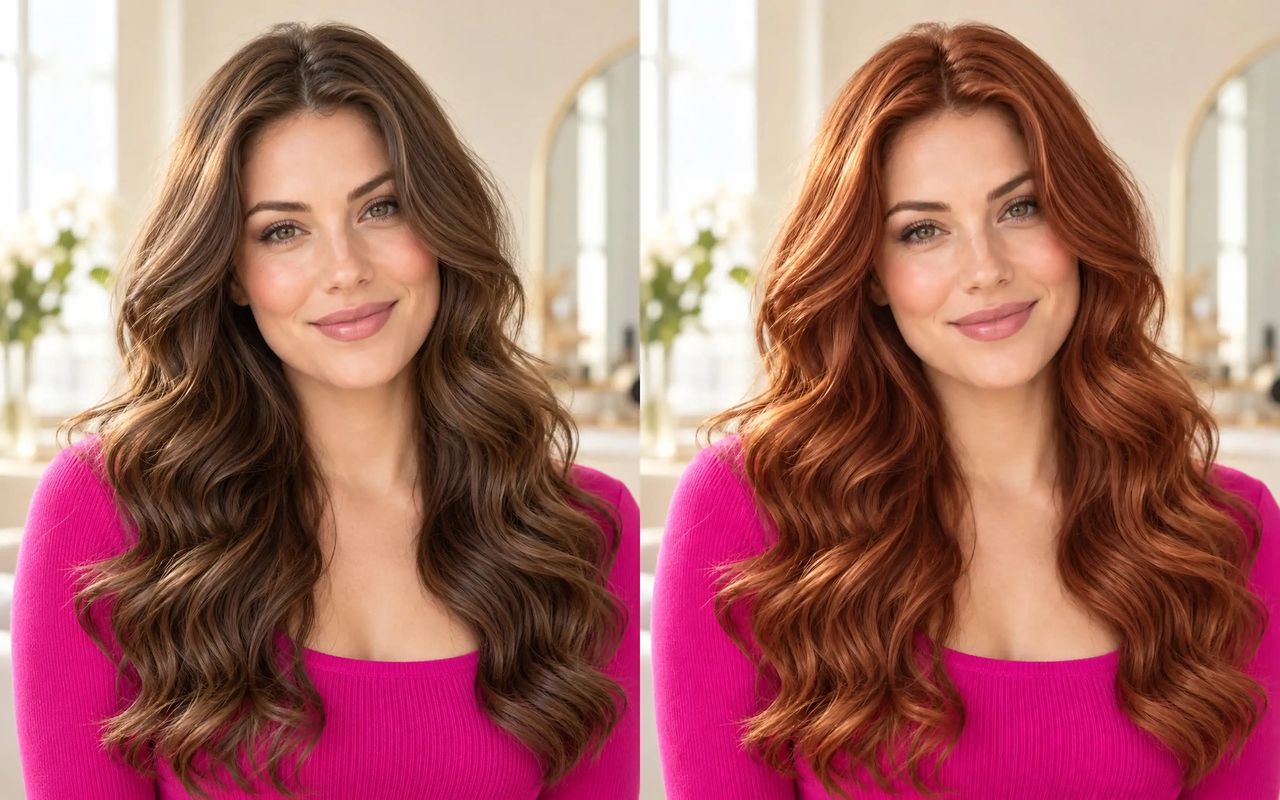
The same hairstyle with chestnut hair recolored copper
BeforeAfter

Hair color changer

Preview a new hair color

Try another hair shade on a portrait. The edit aims to keep the original hairstyle, face, and background consistent.

Try a hair color

A silver sports car recolored emerald green in the same scene
BeforeAfter

Car color changer

Preview a different car paint color

See how another paint color may look on a car photo. The edit aims to retain the body shape, wheels, reflections, and surrounding light.

Recolor a car
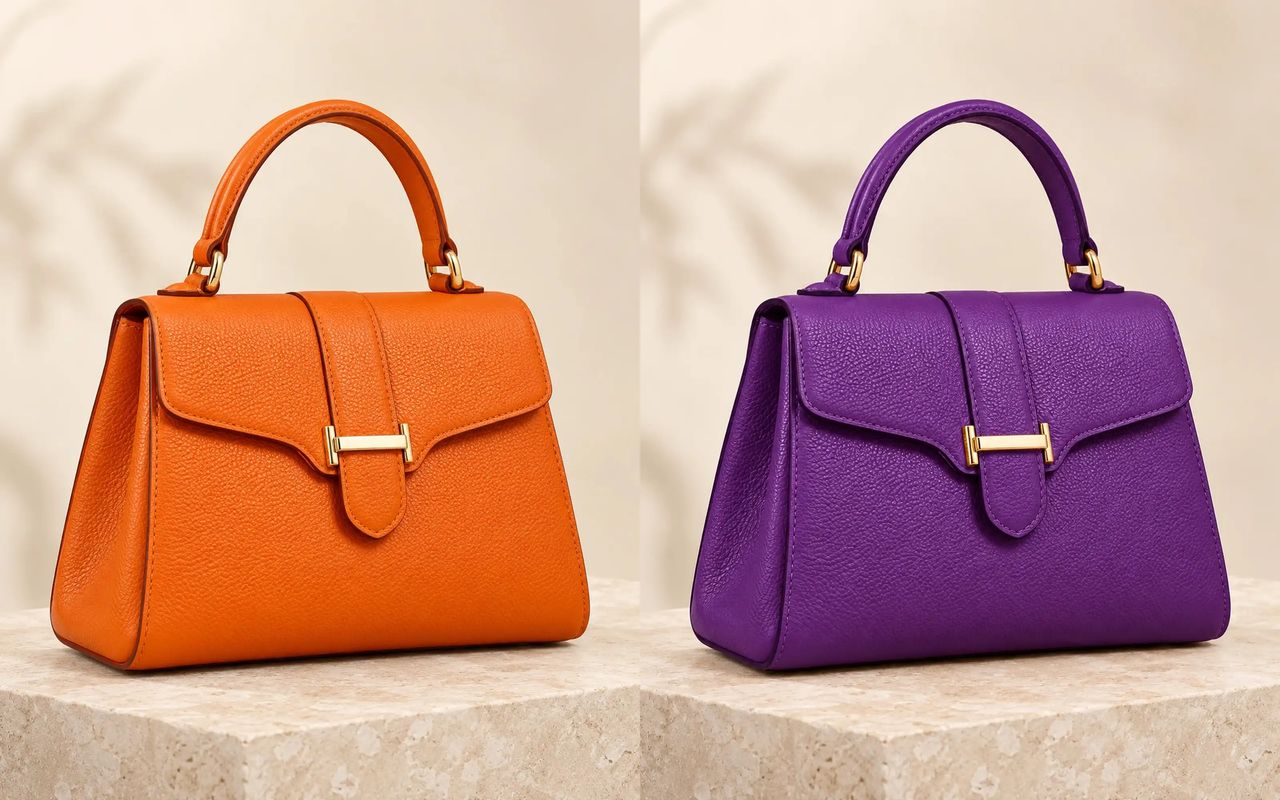
An orange leather handbag recolored violet without changing its shape
BeforeAfter

Product and object recoloring

Recolor product photos and objects

Describe a visible object and the color you want. Try it on handbags, home decor, and product photos; results depend on the image and request.

Recolor an object
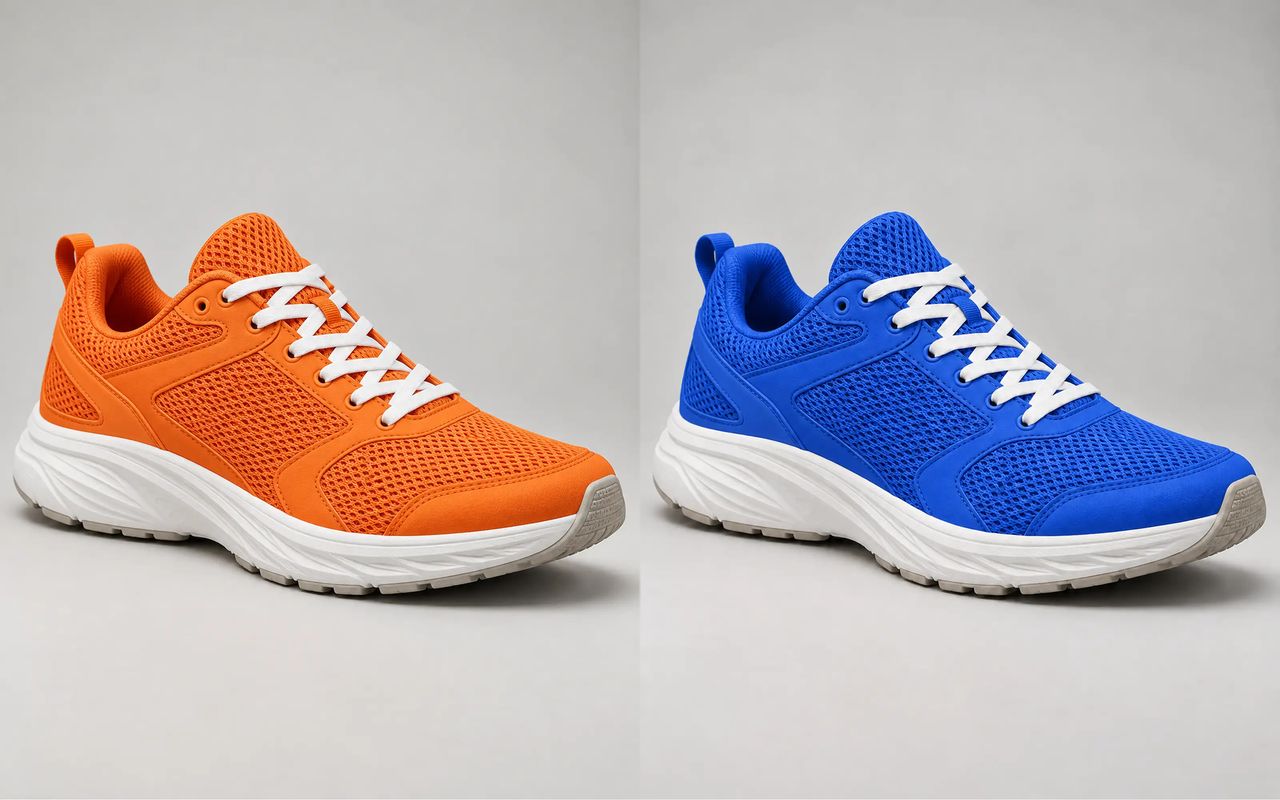
An orange running shoe recolored cobalt blue with its white laces and sole unchanged
BeforeAfter

Shoe color changer

Change shoe color in a photo

Preview a new color for sneakers or other shoes. The edit aims to keep the shoe shape, mesh, stitching, laces, and sole details.

Recolor shoes
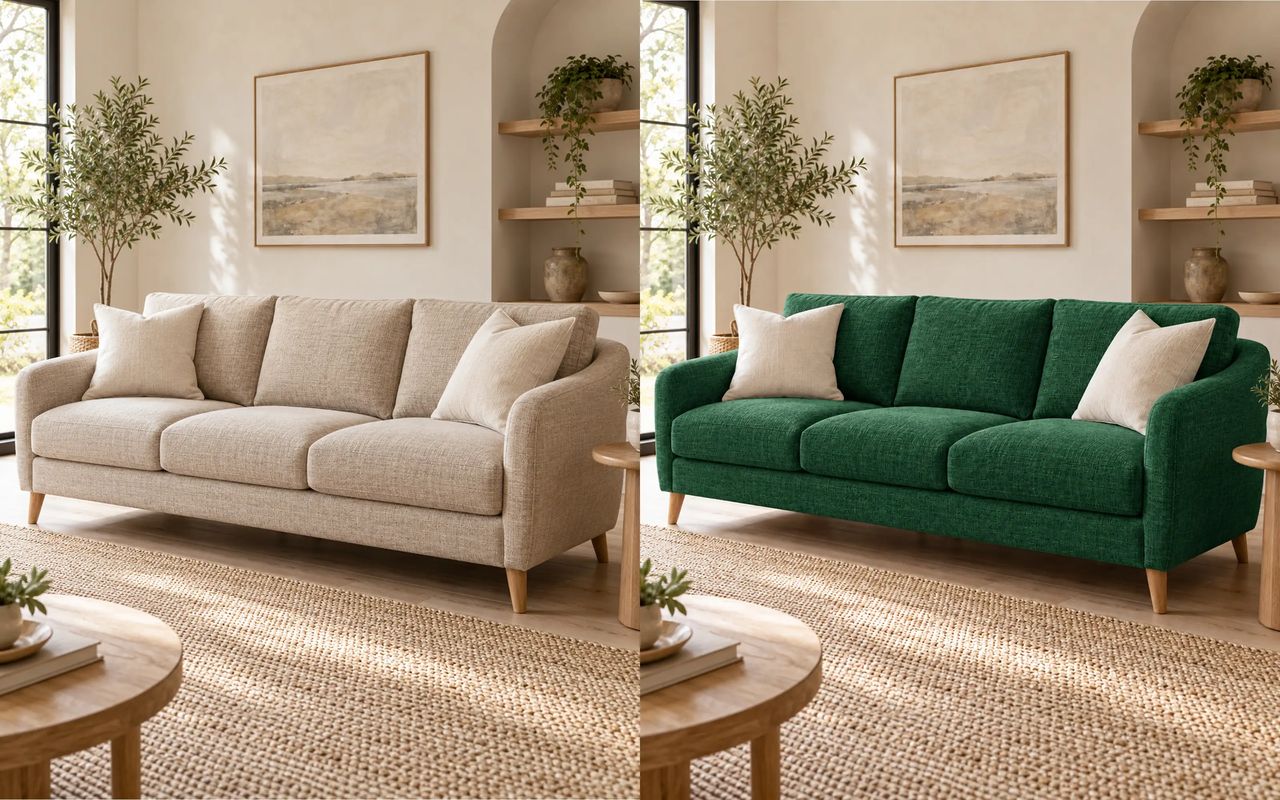
A beige linen sofa recolored emerald green in the same living room
BeforeAfter

Furniture color changer

Recolor sofas and furniture

Preview a new upholstery color for a sofa. The edit aims to retain the fabric texture, cushions, shape, and room lighting.

Recolor furniture

How it works

How to change the color of an image

Upload a photo, name the object and color you want, then review the recolored image.

  1. Step 1

    Upload a photo

    Choose a clear, well-lit photo where the object you want to recolor is easy to see.

  2. Step 2

    Describe the object and color

    Name the object and target color. You can also ask to keep the texture and other details unchanged.

  3. Step 3

    Review and save the result

    Check the recolored area and nearby details. Refine your description if needed, then download the image.

Starter

All features unlocked

$7.9/ month

1,600 credits

  • Up to 1,600 image generations/month
  • Up to 80 video generations/month
Get Starter
  • 1,600 credits per month
  • All image and video models
  • 4 concurrent image tasks
  • 2 concurrent video tasks
  • 10 GB storage

Plus

Save 13%

Good for daily use

$14.9$12.9/ month

3,200 credits

  • Up to 3,200 image generations/month
  • Up to 160 video generations/month
Get Plus
  • 3,200 credits per month
  • All image and video models
  • 8 concurrent image tasks
  • 4 concurrent video tasks
  • 20 GB storage
Most Popular

Pro

Save 30%

Most Popular

$29.9$20.9/ month

6,400 credits

  • Up to 6,400 image generations/month
  • Up to 320 video generations/month
Get Pro
  • 6,400 credits per month
  • All image and video models
  • Unlimited concurrent image tasks
  • Unlimited concurrent video tasks
  • 40 GB storage

Ultra

Save 40%

Best Value

$49.9$29.9/ month

12,000 credits

  • Up to 12,000 image generations/month
  • Up to 600 video generations/month
Get Ultra
  • 12,000 credits per month
  • All image and video models
  • Unlimited concurrent image tasks
  • Unlimited concurrent video tasks
  • 50 GB storage

AI Color Changer FAQs

An AI color changer edits the color of an object in a photo from a text description. Use it to preview clothing, hair, car, shoe, furniture, and product colors. Results depend on the image and requested edit.
Upload a clear photo, describe the object and the new color, then review the result. If the edit affects nearby areas, refine the prompt to name the target and details to preserve.
You can try recoloring clothes, hair, cars, shoes, sofas, handbags, and other visible products or objects. Clear subjects with fewer obstructions are easier to edit.
The AI aims to retain texture, folds, shape, highlights, and shadows while changing the requested color. Results can vary, especially with complex materials or obstructed objects.
Describe the specific object and ask to keep the rest of the photo unchanged. Nearby colors or partial obstructions can affect how precisely the edit stays within that object.
Use a sharp, well-lit photo with the target object fully visible. Mention the object, target color, and any texture or scene details you want to retain.
Image generations use credits. The amount depends on your plan and the current pricing details shown on the pricing page.

Start creating with Taupix.

Access top generative models, powerful editing tools, and your full creative gallery — all in one workspace.