Text to image
Describe a city skyline, product scene, character, or visual concept and turn the brief into a polished image.
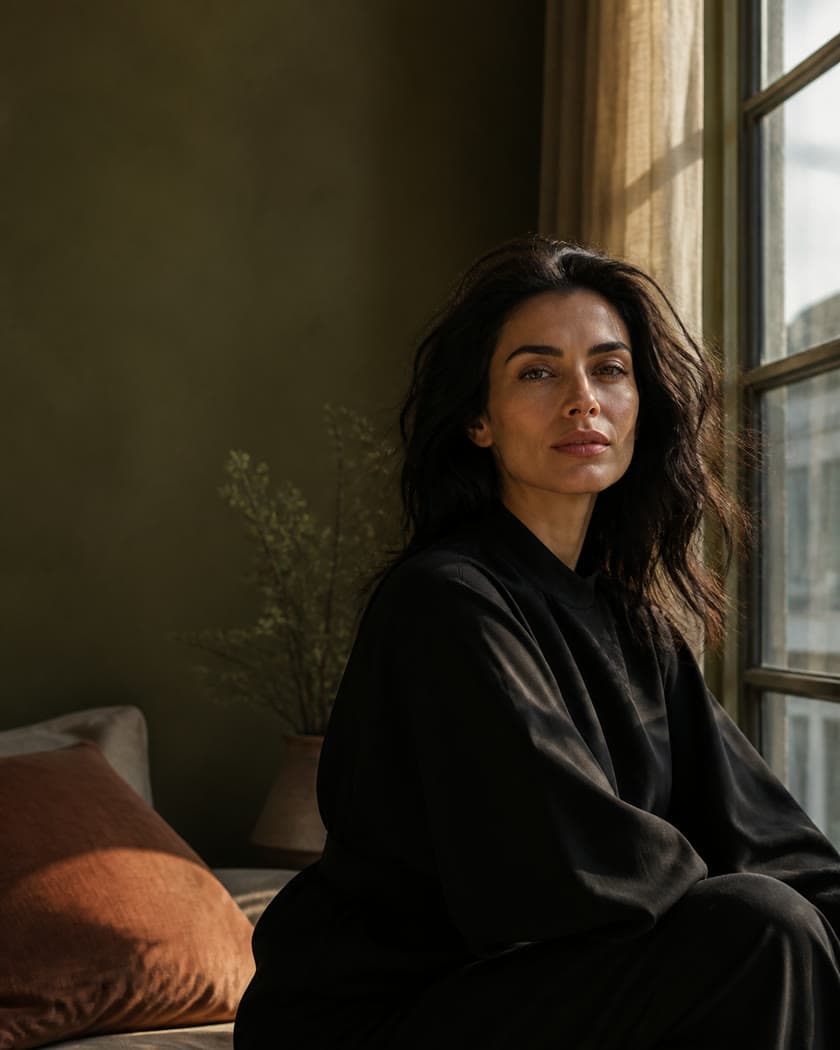
Generate high-quality images, photos, illustrations, product visuals, and design concepts from prompts or reference images, then keep refining every result in one workspace.
 Editorial realism
A practical AI image generator
Taupix brings text-to-image generators, image-to-image workflows, and image editing into one creative workspace. Start with a prompt or reference, then move from an idea to a high-resolution image for social media, campaigns, websites, and presentations.
Describe a city skyline, product scene, character, or visual concept and turn the brief into a polished image.
Use one or more reference images to guide composition, subject, color, and style while exploring new directions.
Choose the model, aspect ratio, and finish that fit your next use, from social media content to a high-quality campaign visual.
Choose the model that fits your project, then move between styles, references, and output formats without leaving Taupix.
 GPT Image 2
 Nano Banana
 Seedream
 FLUX.2
 Grok Imagine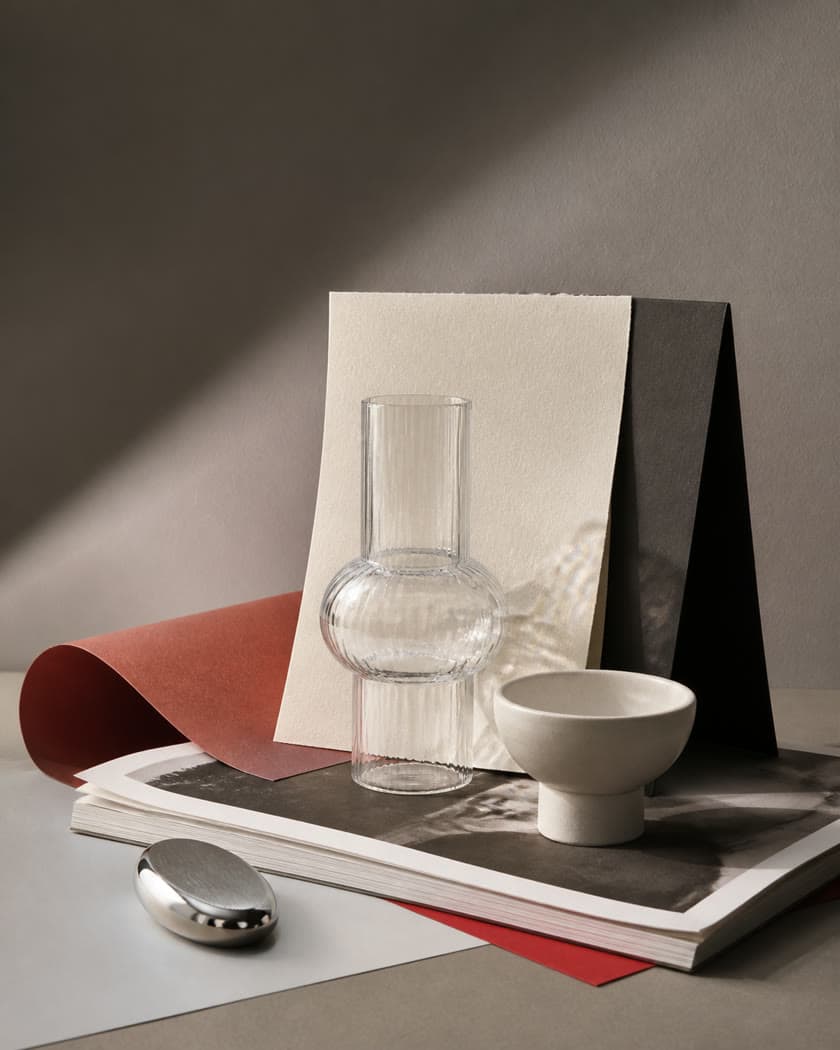
Create production-ready visuals with rich detail, reliable layouts, and strong control over the brief.
Use this model
Transform and refine images through natural language while keeping the details that matter to you.
Use this model
Build vivid, polished scenes with efficient generation, clear forms, and expressive visual detail.
Use this modelExplore flexible styles and high-fidelity results across editorial, concept, product, and photographic workflows.
Use this model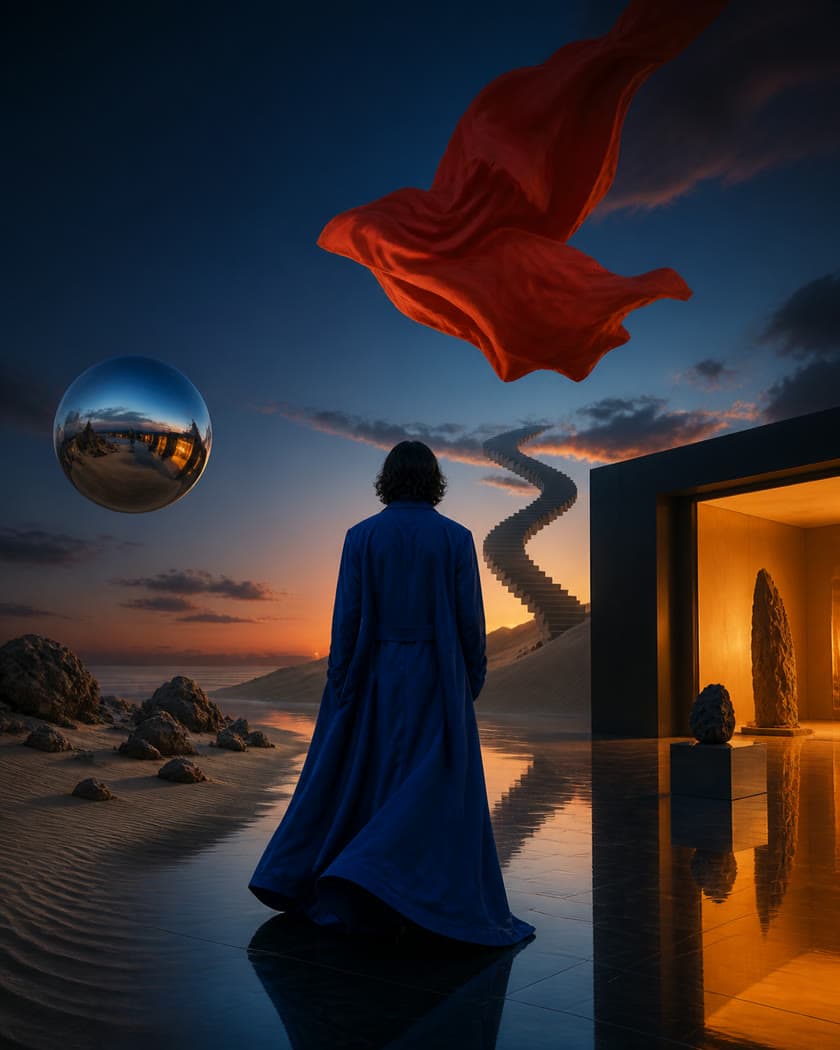
Push into expressive, stylized directions with a bold visual point of view and fast iteration.
Use this modelGo from text or reference images to finished work with control over generation, models, and aspect ratios.
Text to image
Describe the subject, style, composition, or mood and let AI turn your prompt into a polished image. No design experience required.
Create from textImage to image
Upload an image as your starting point, then use text to guide its style, content, and details while preserving what matters.
Create from an imageImage variations
Create several images from the same prompt or reference, compare compositions, details, and styles, and choose your favorite result.
Generate variationsEdit image
Describe what you want to change to add, remove, or replace elements, adjust the style, and refine individual details.
Edit an imageMultiple models
Use leading image models in one workspace and switch freely based on quality, style, speed, and the needs of each project.
Choose an image model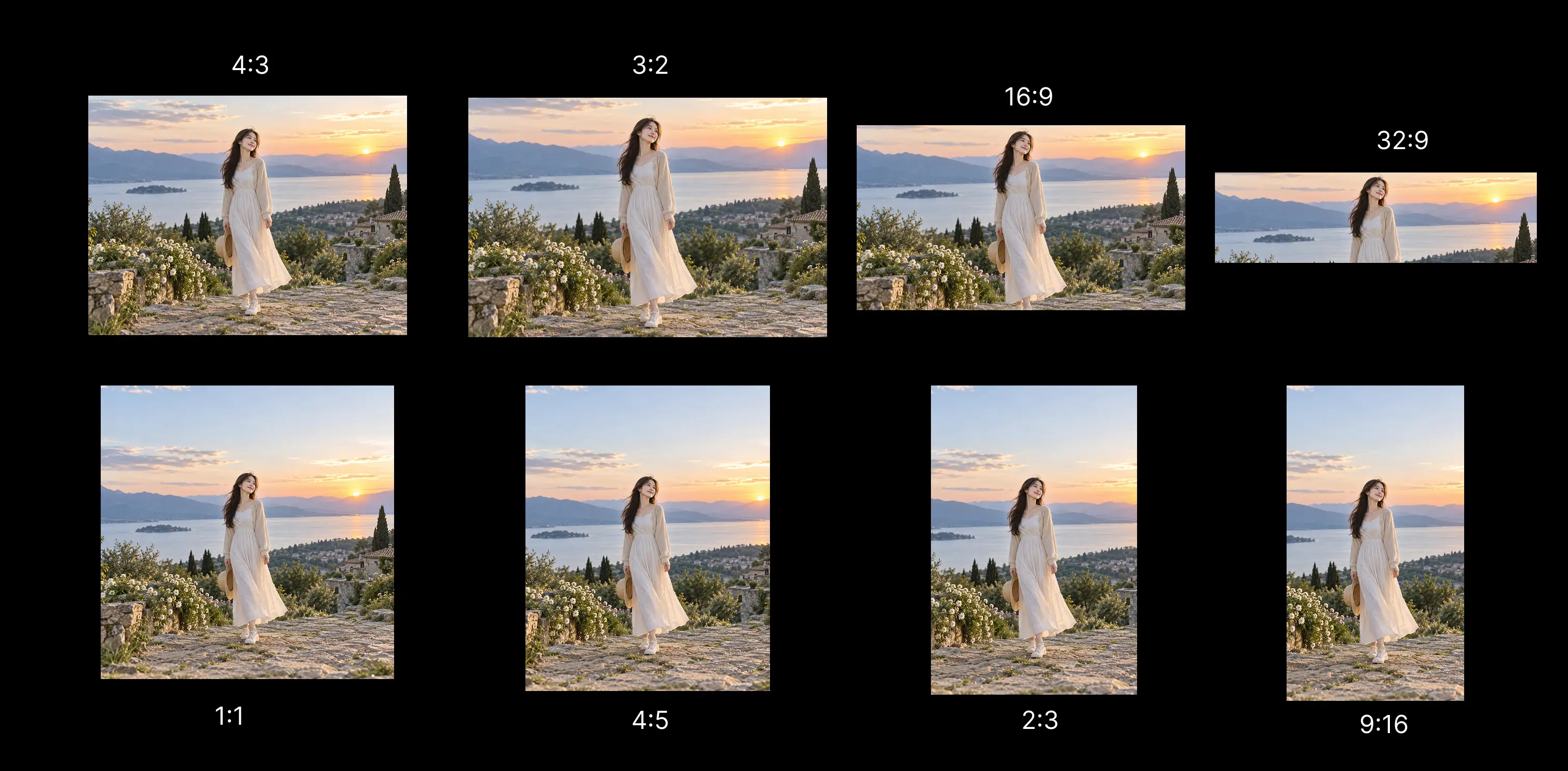
Any aspect ratio
Choose square, landscape, or portrait formats for social posts, ads, posters, presentations, and widescreen scenes.
Choose an aspect ratioHow it works
Choose a model, enter a prompt, add a reference when needed, then generate and preview your image.
Step 1
Choose an image model such as GPT Image 2 based on quality, style, and your creative needs, then set the aspect ratio and output quality.
Step 2
Describe the subject, style, composition, lighting, and mood so the model understands the image you want to create.
Step 3
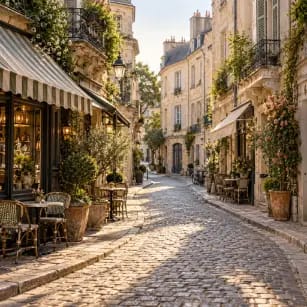
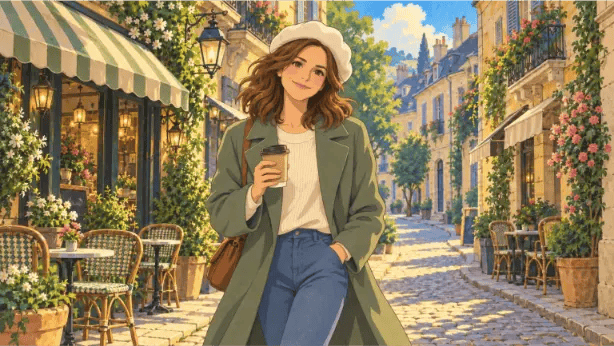
Add character and street references so the model can follow the woman's appearance and outfit as well as the European composition and atmosphere.
Step 4
Confirm the model, prompt, and references, start generating, then preview or download the finished image.
Why choose Taupix
From commercial campaigns to complete visual stories, Taupix helps you explore ideas faster, create consistently, and turn every concept into an image ready to use.
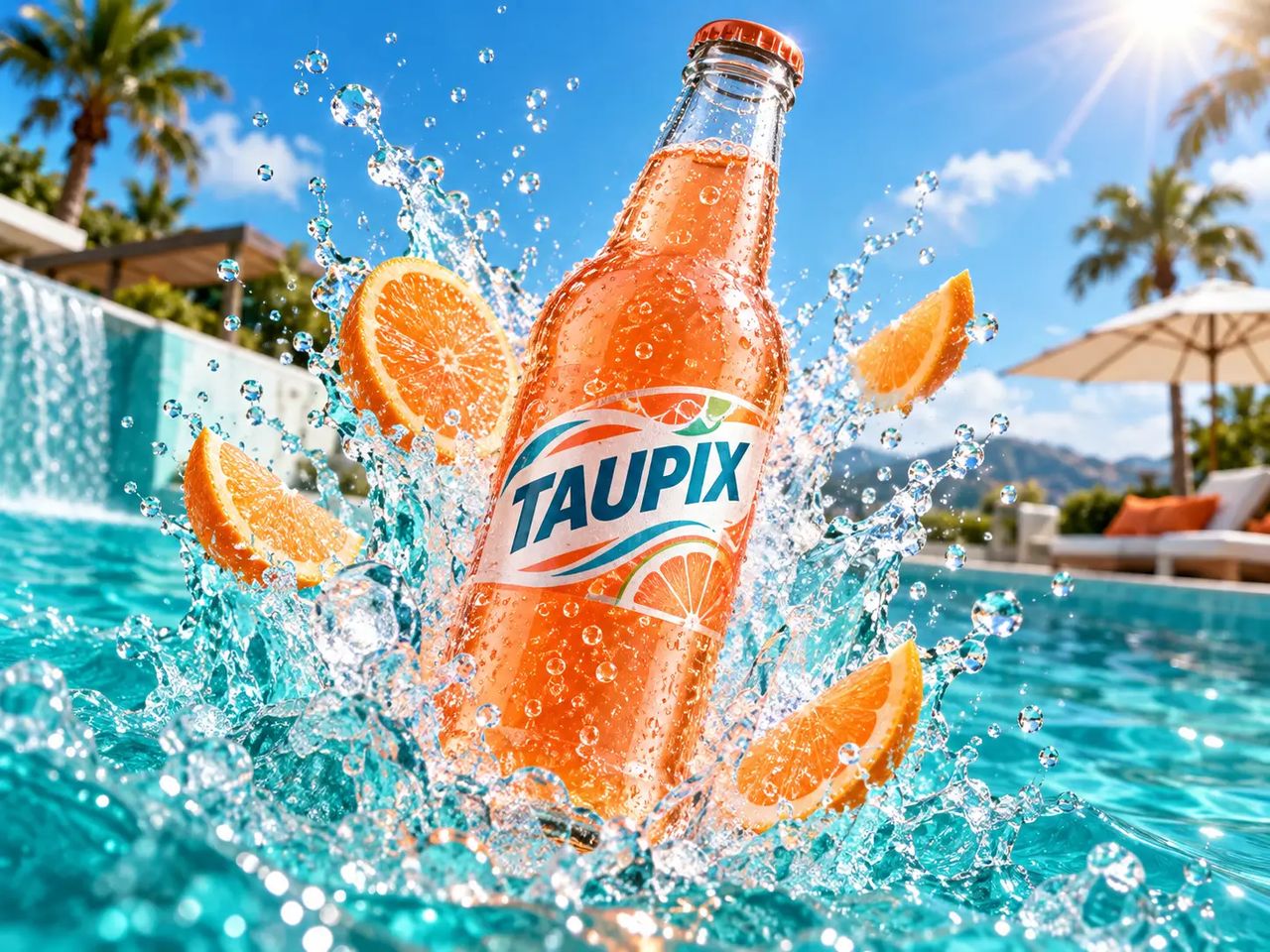
Quickly create ad and product visuals for different channels, audiences, and formats, then test composition, value propositions, and style to bring ideas to market faster.
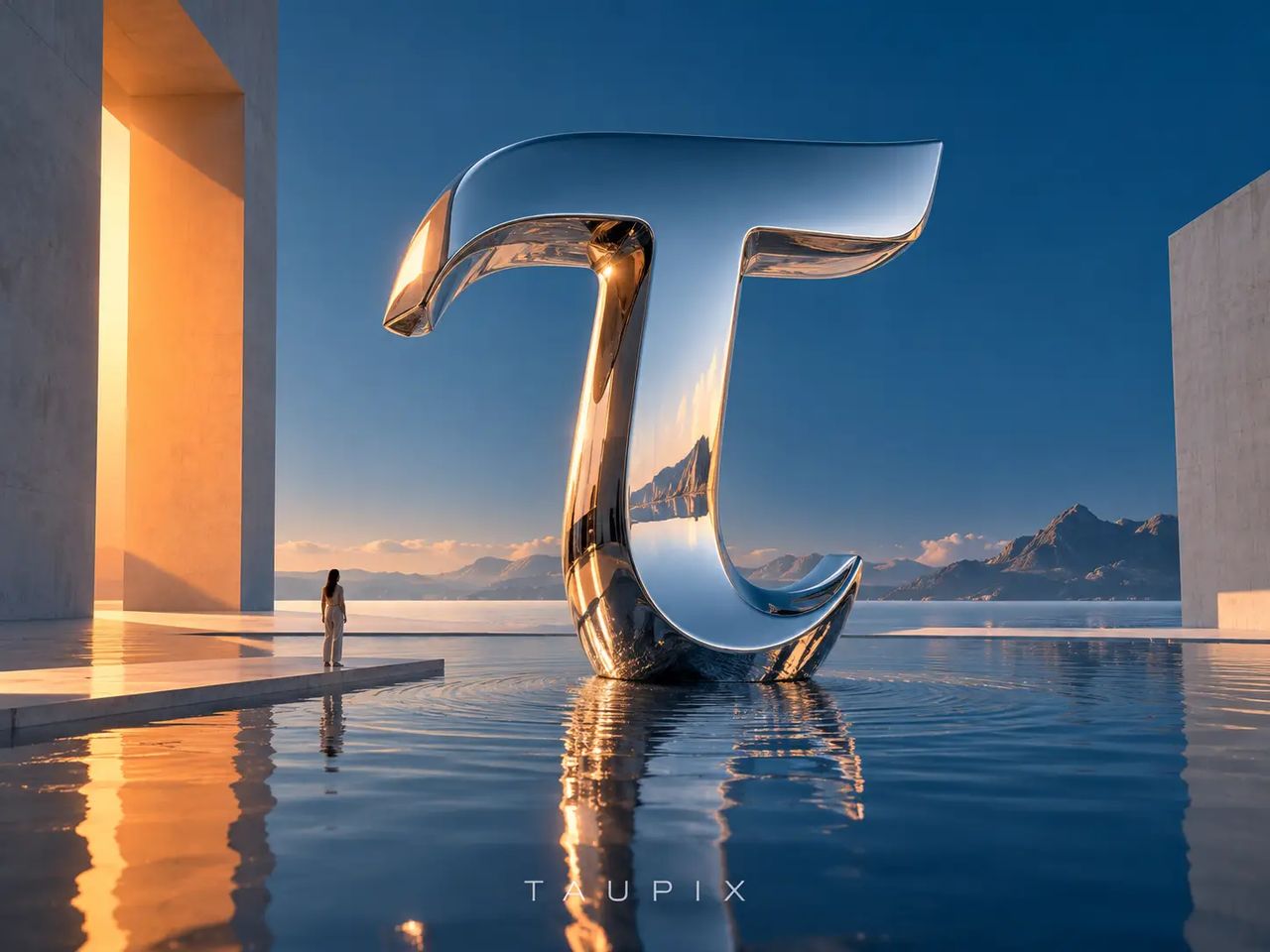
Explore materials, color, composition, and mood from early concepts to polished images, building a visual language quickly for design proposals and creative projects.
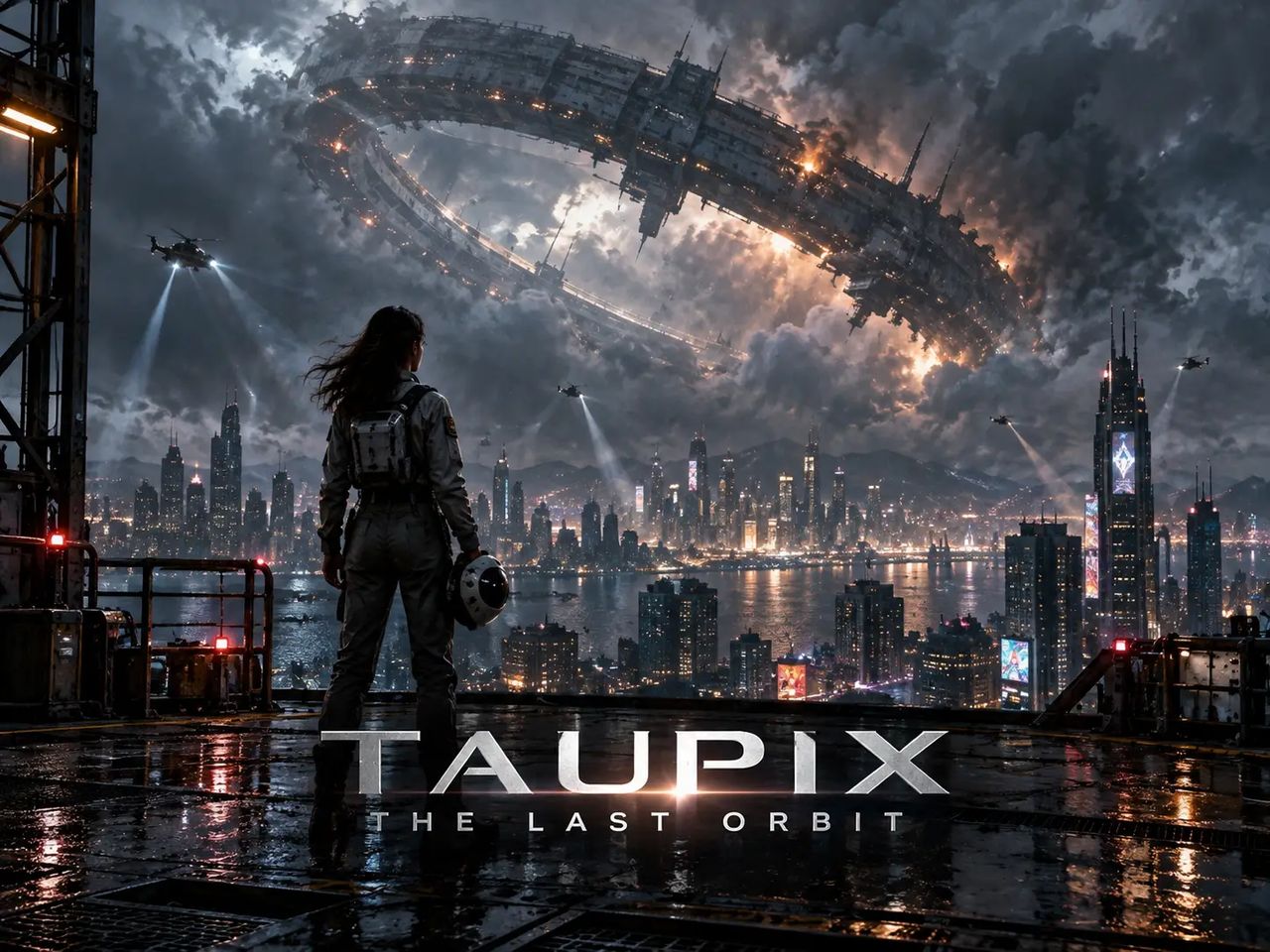
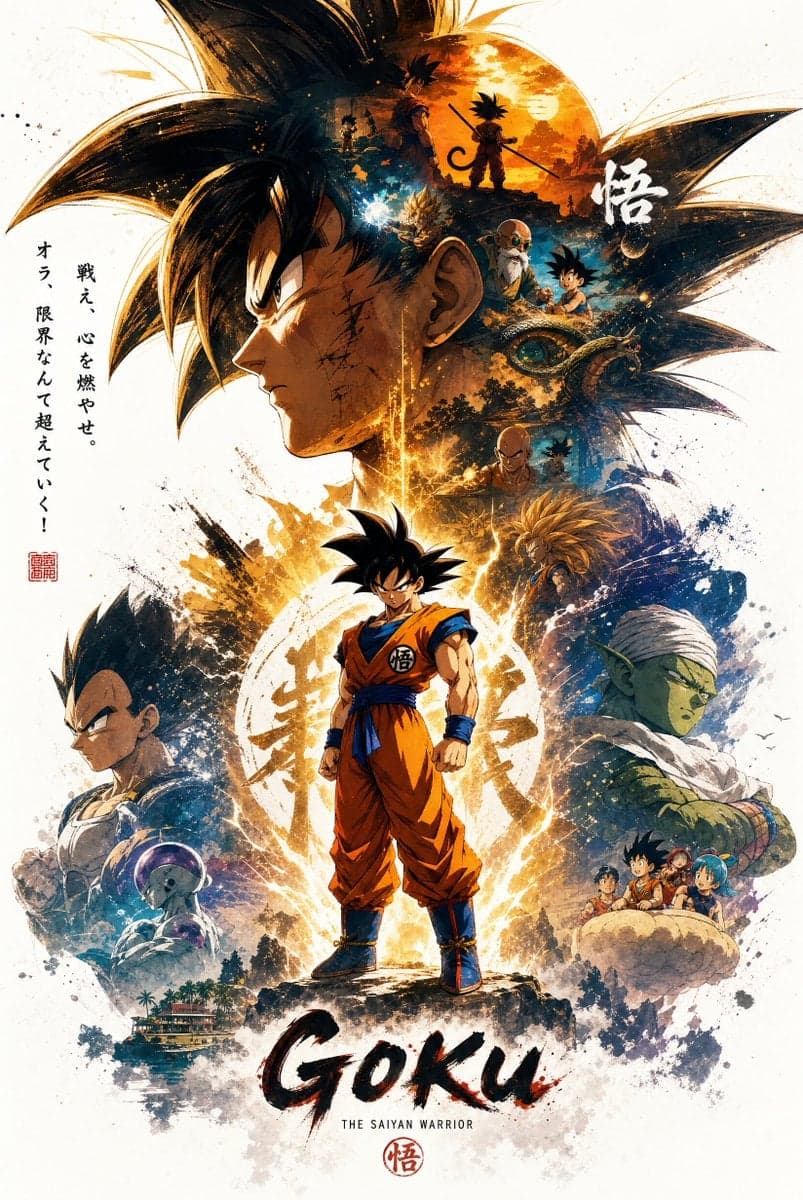
Create striking poster visuals for events, films, social campaigns, and brand launches while exploring different layouts, formats, and focal points.
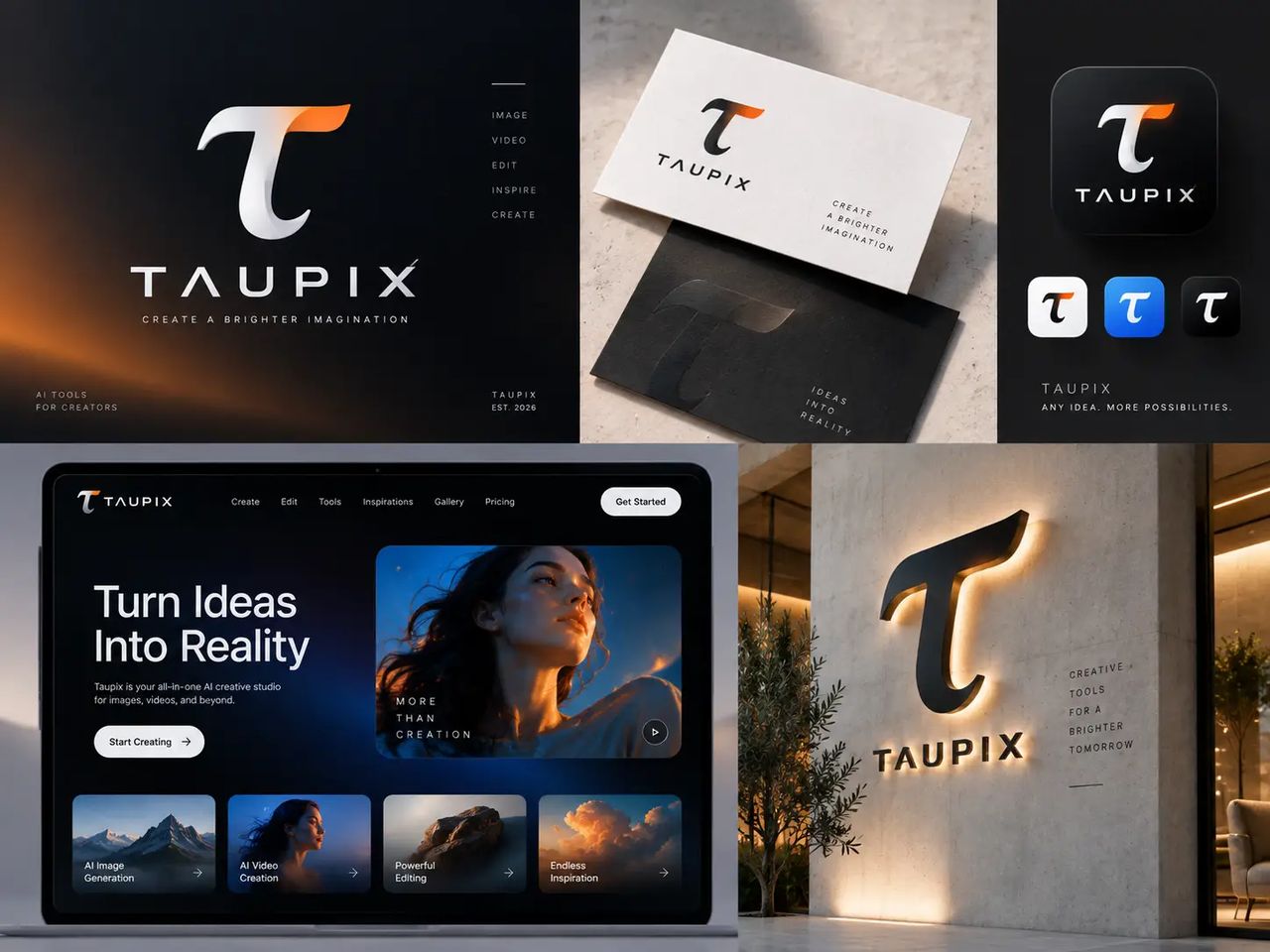
Turn your brand positioning, product character, and visual preferences into cohesive graphic and logo concepts, then rapidly explore the direction that fits.
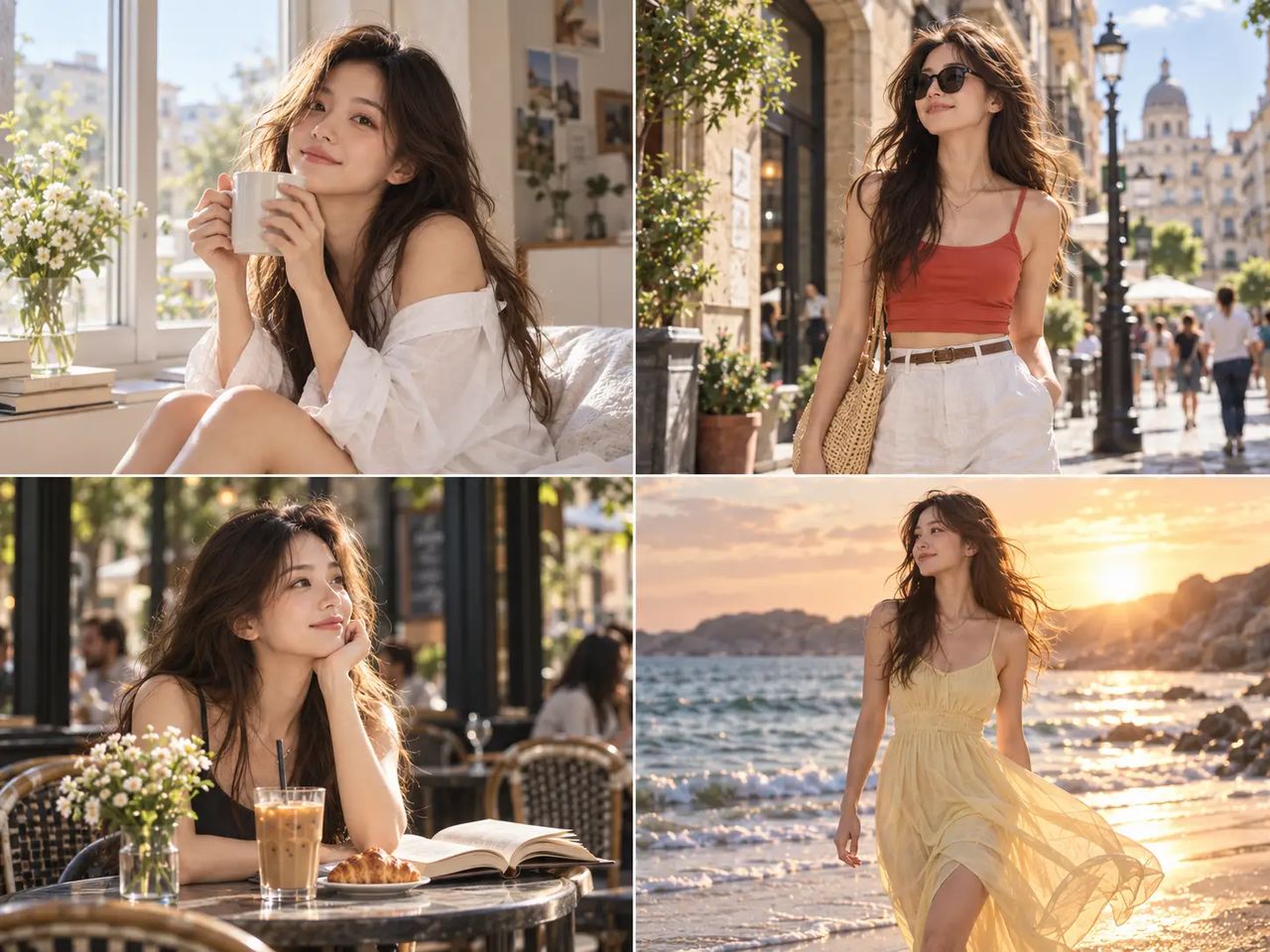
From character concepts to connected storyboards, keep visual traits, scene mood, and narrative rhythm consistent so the story in your head becomes easy to see.
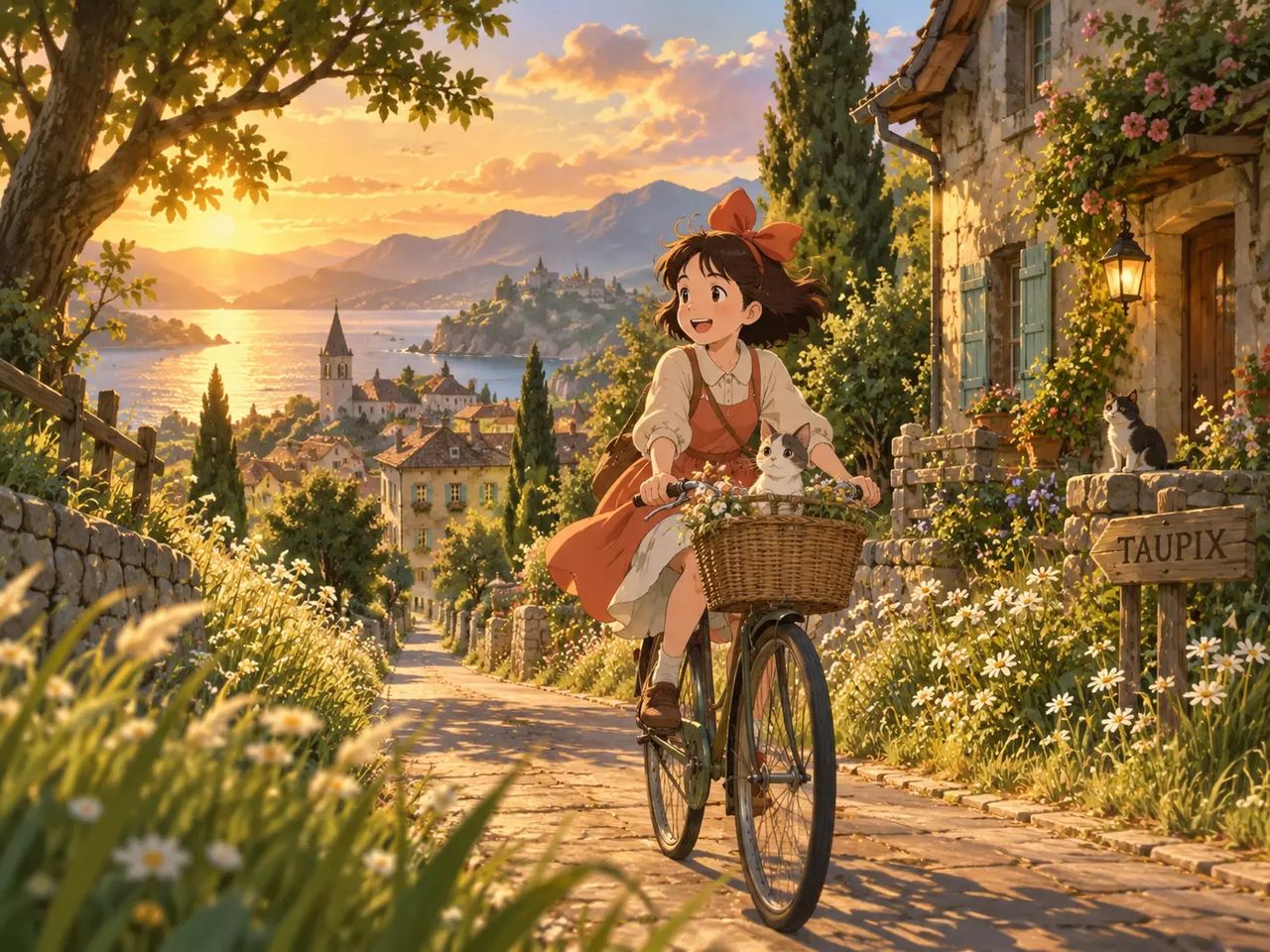
Move quickly between photorealistic, illustration, 3D, vintage, minimal, and more styles to discover distinctive ways to express the same idea.
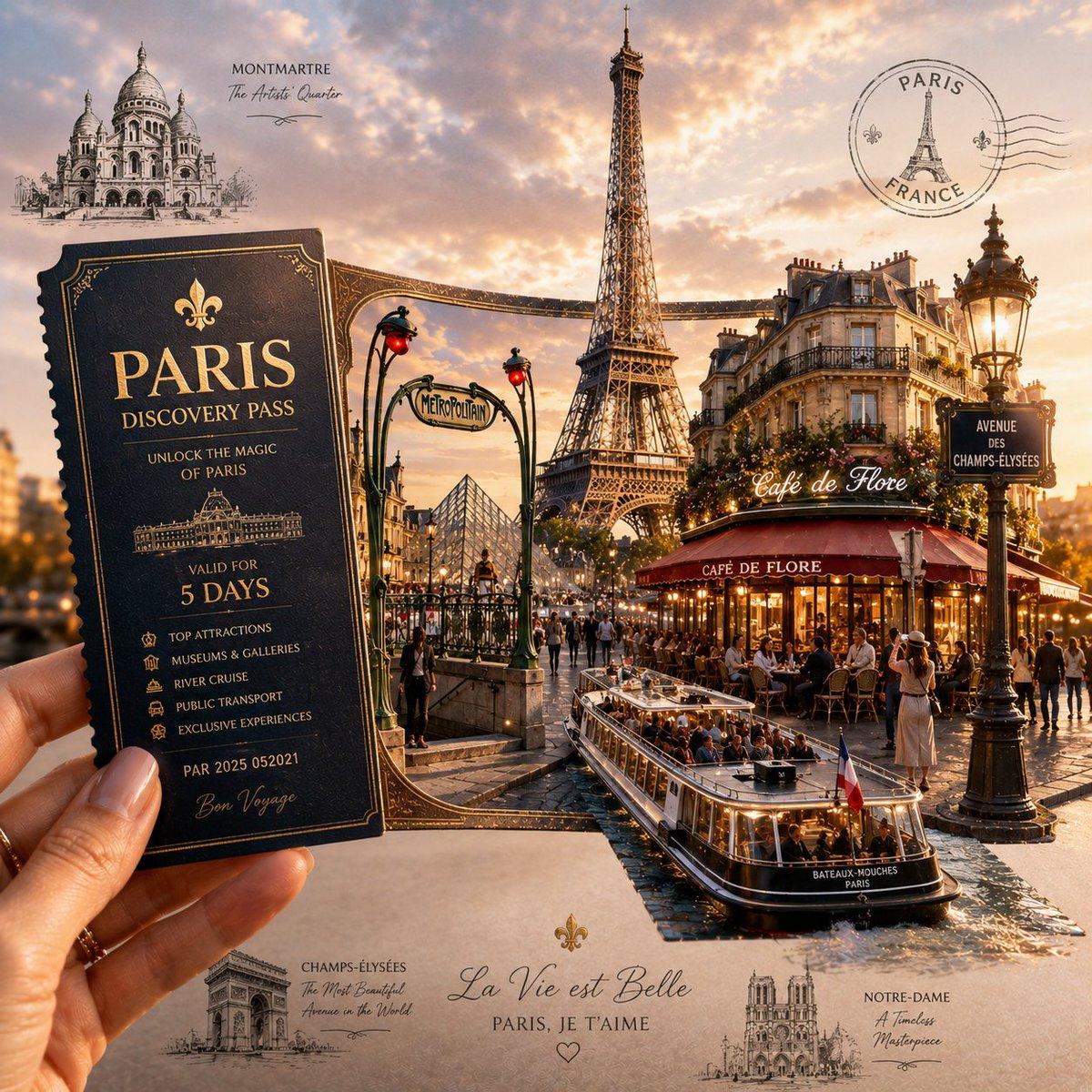
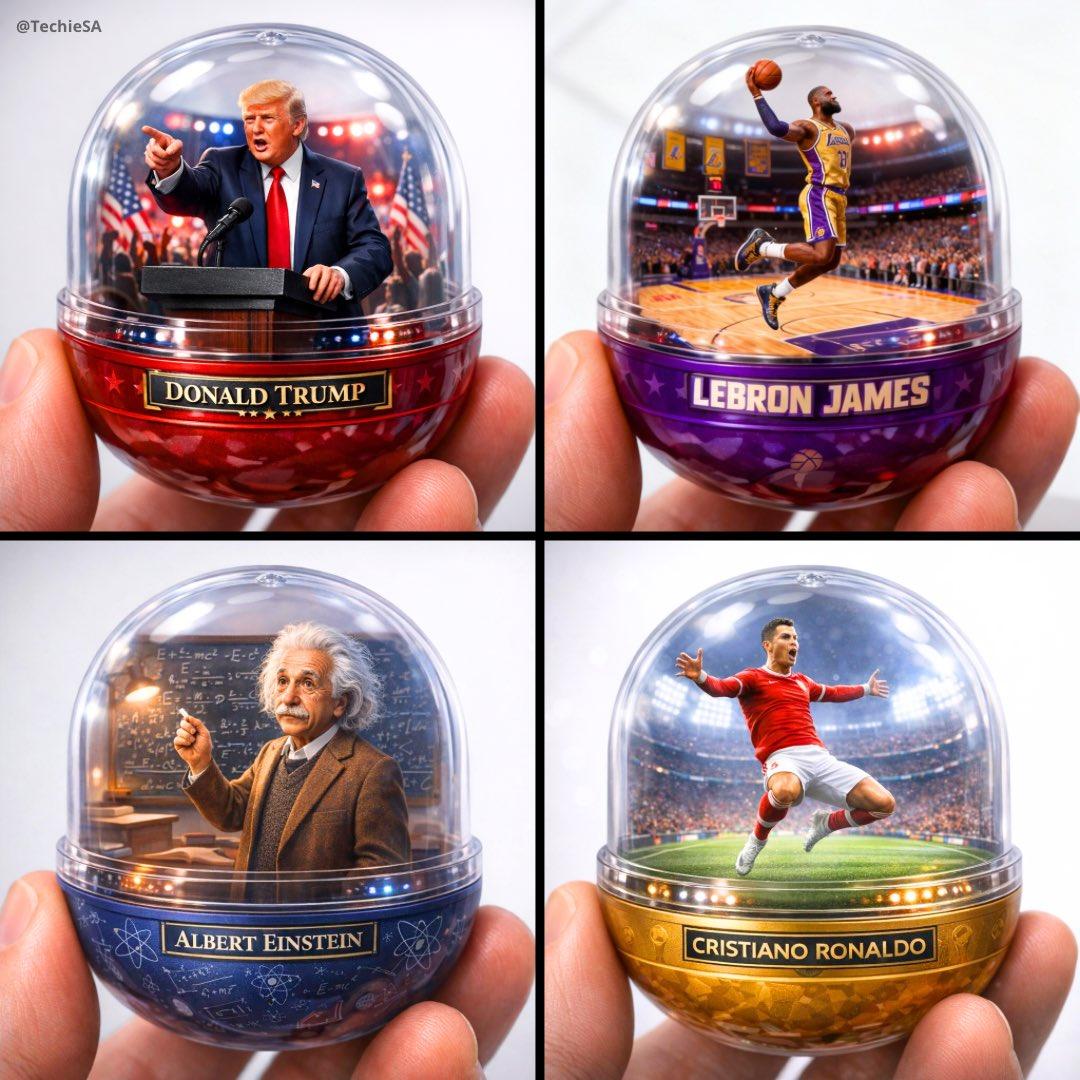
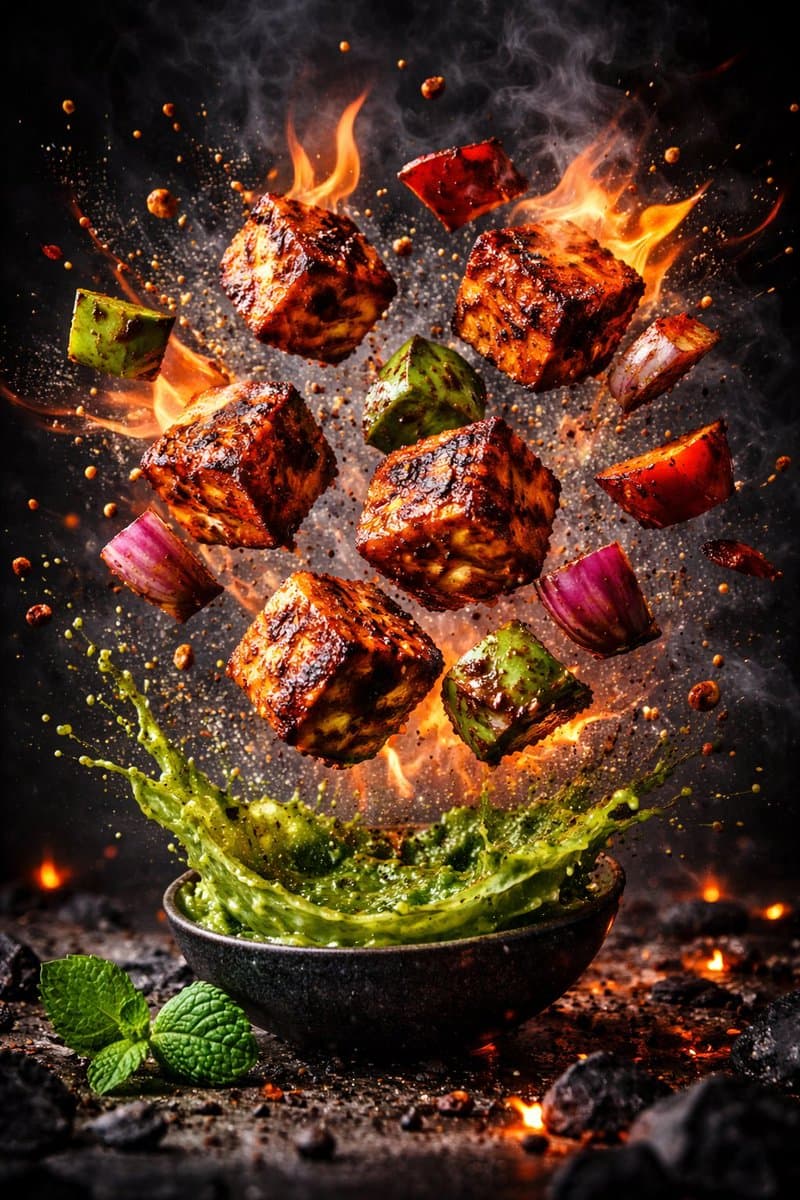
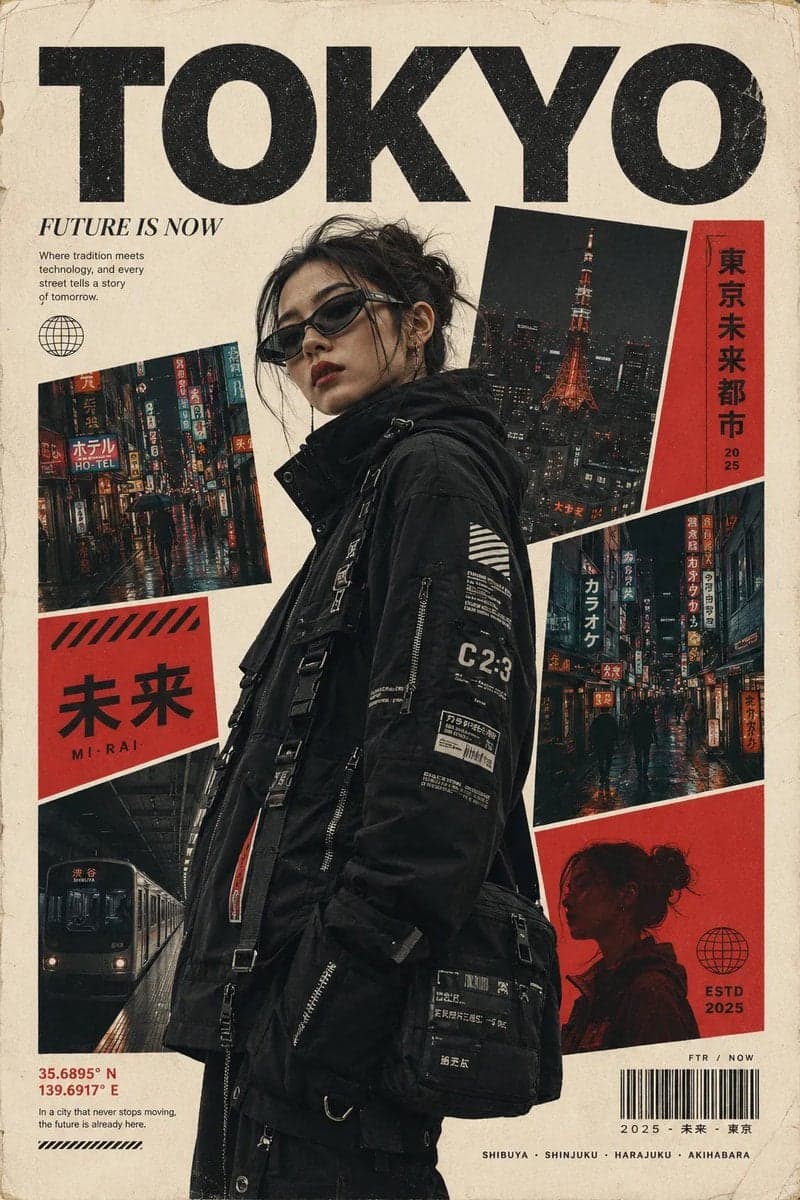
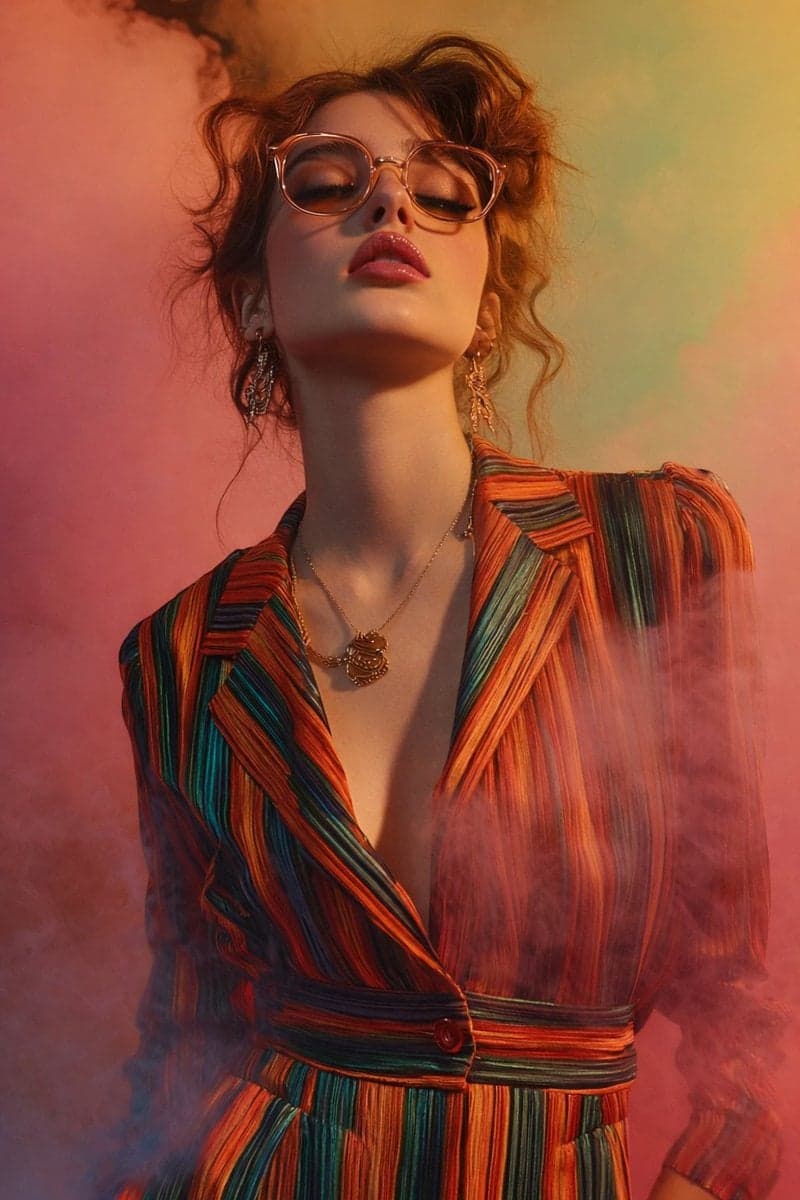
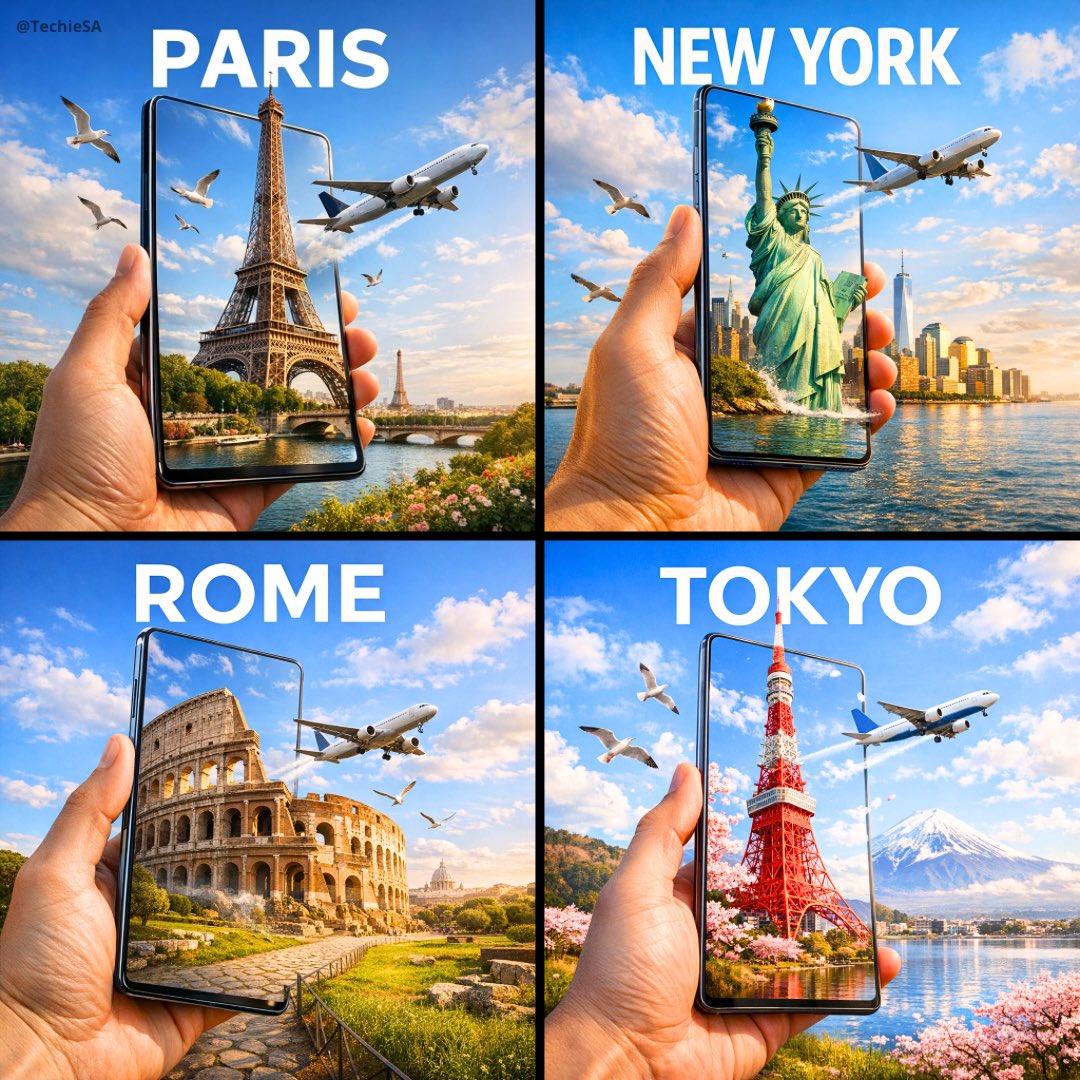
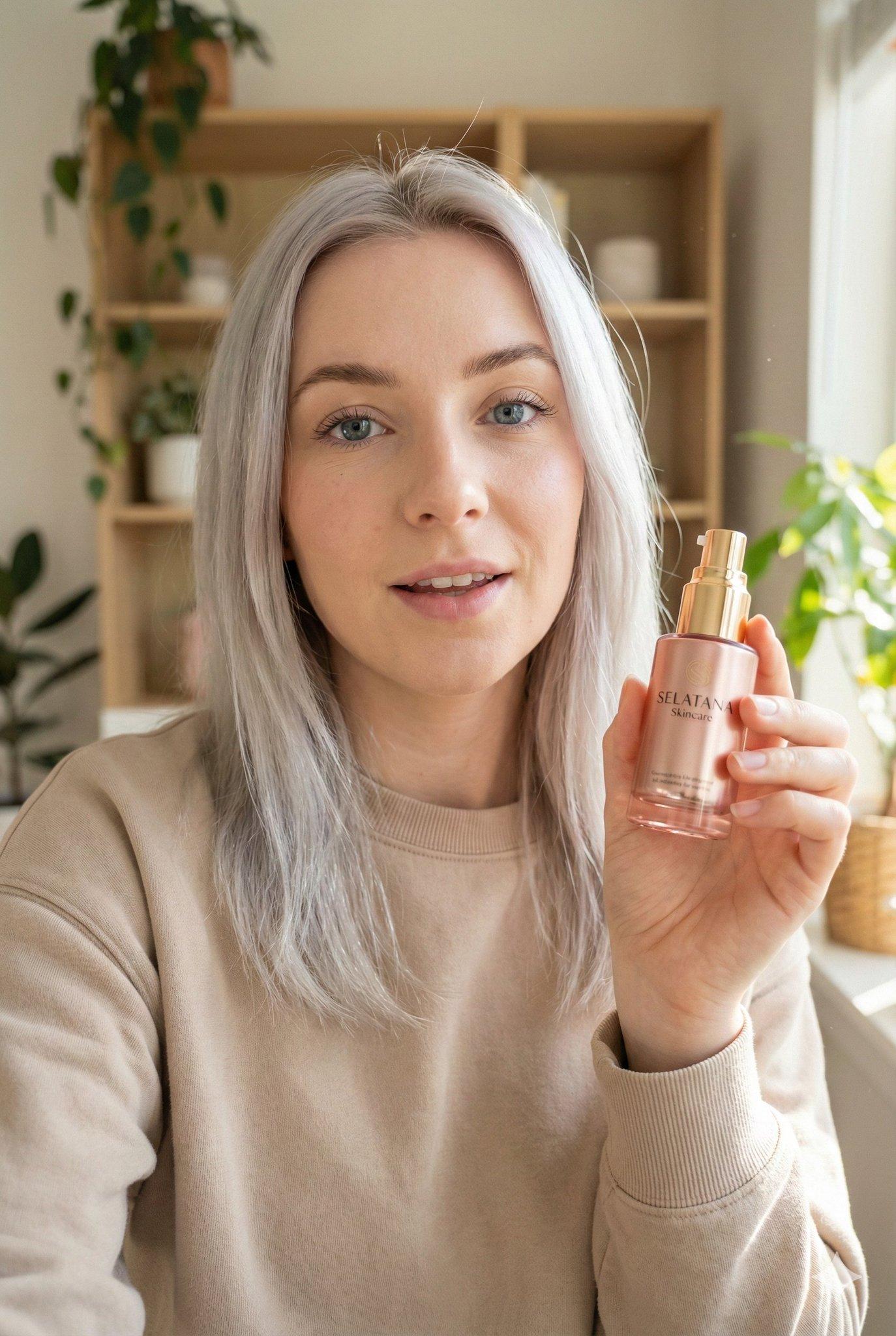
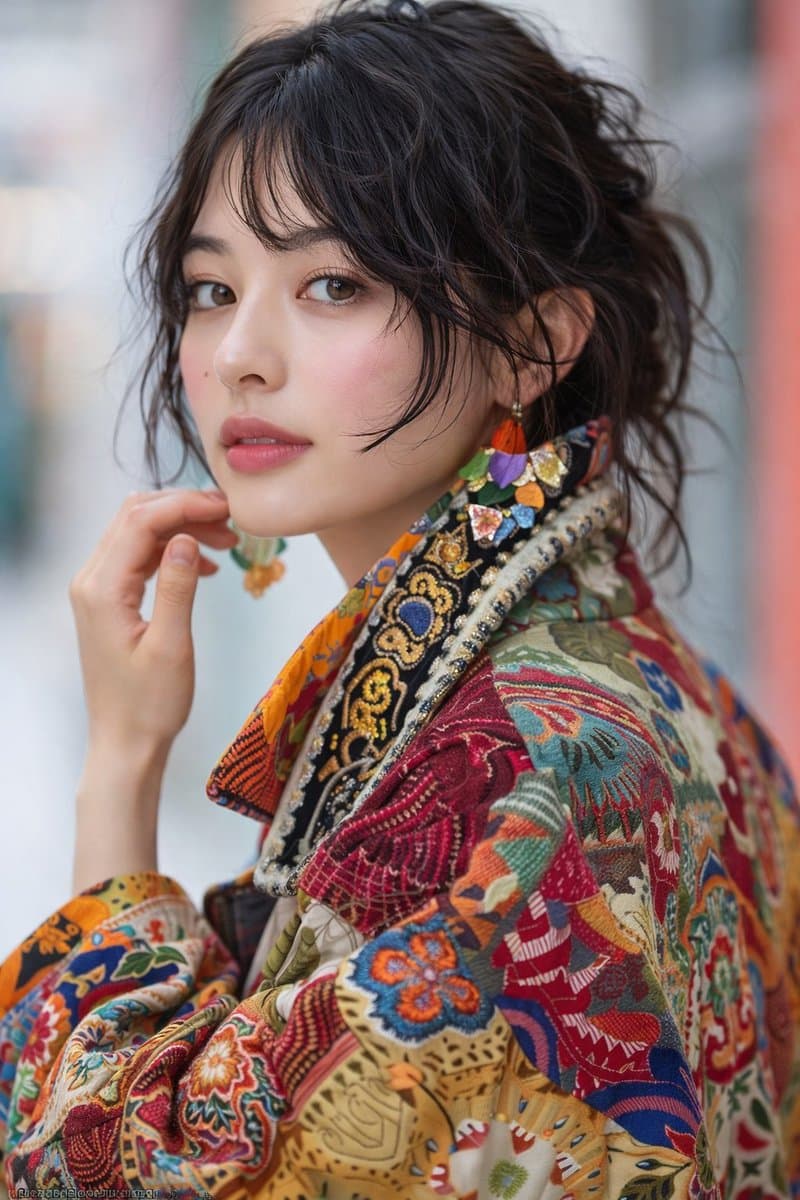
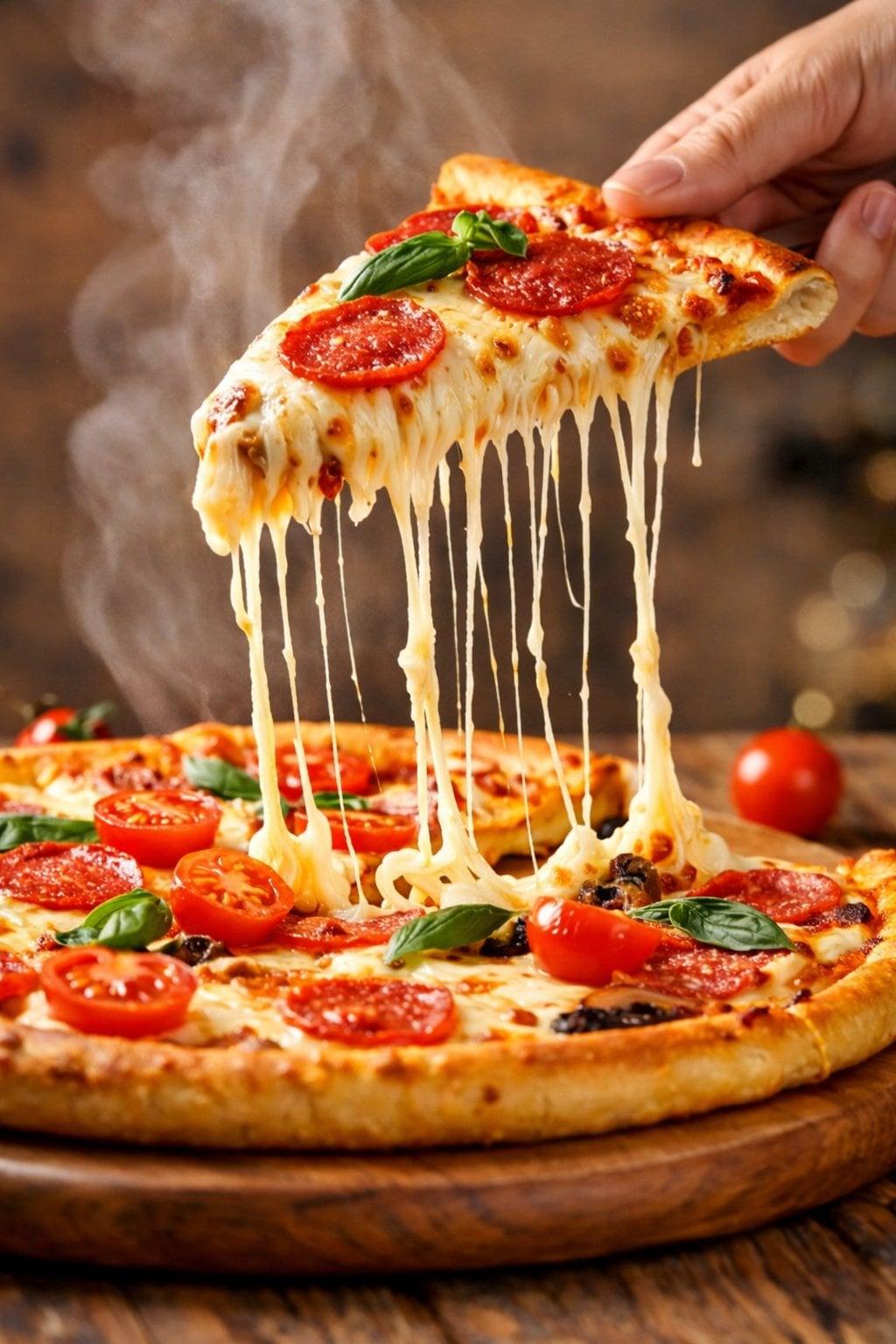
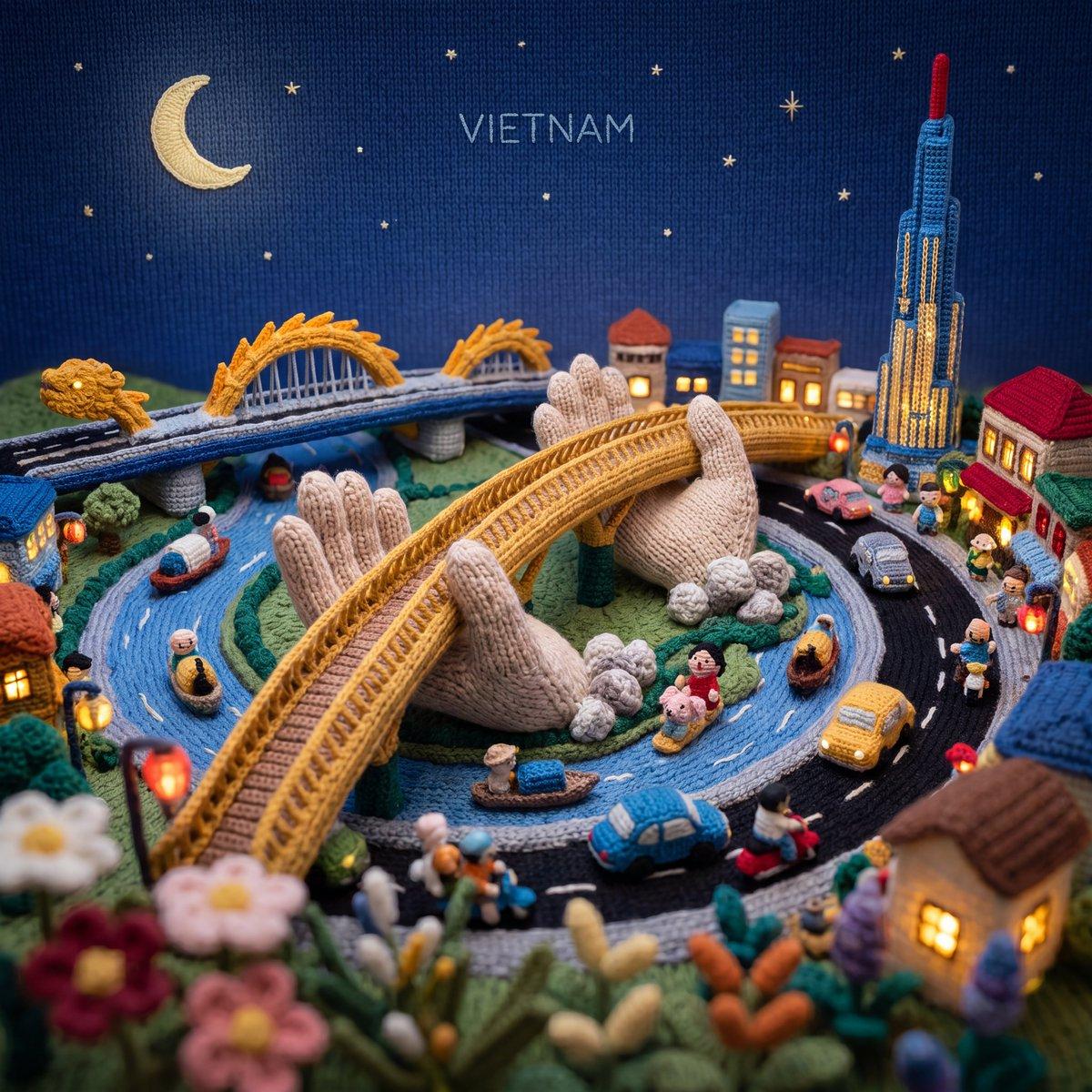
Browse what creators are making with Taupix, borrow a direction, and start your own image in seconds.

All features unlocked
8,000 credits
Good for daily use
16,000 credits
Most Popular
32,000 credits
Best Value
60,000 credits
Access top generative models, powerful editing tools, and your full creative gallery — all in one workspace.