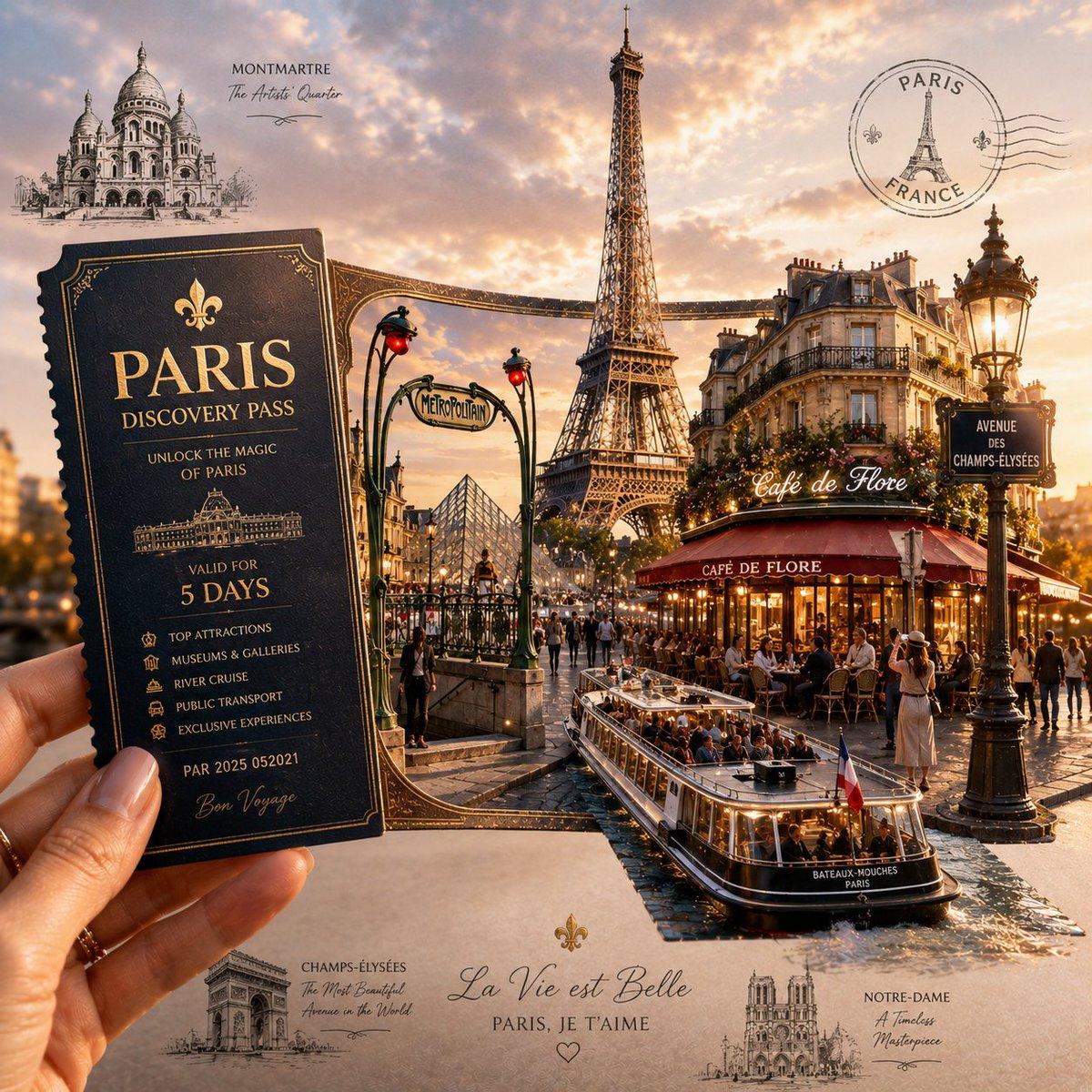
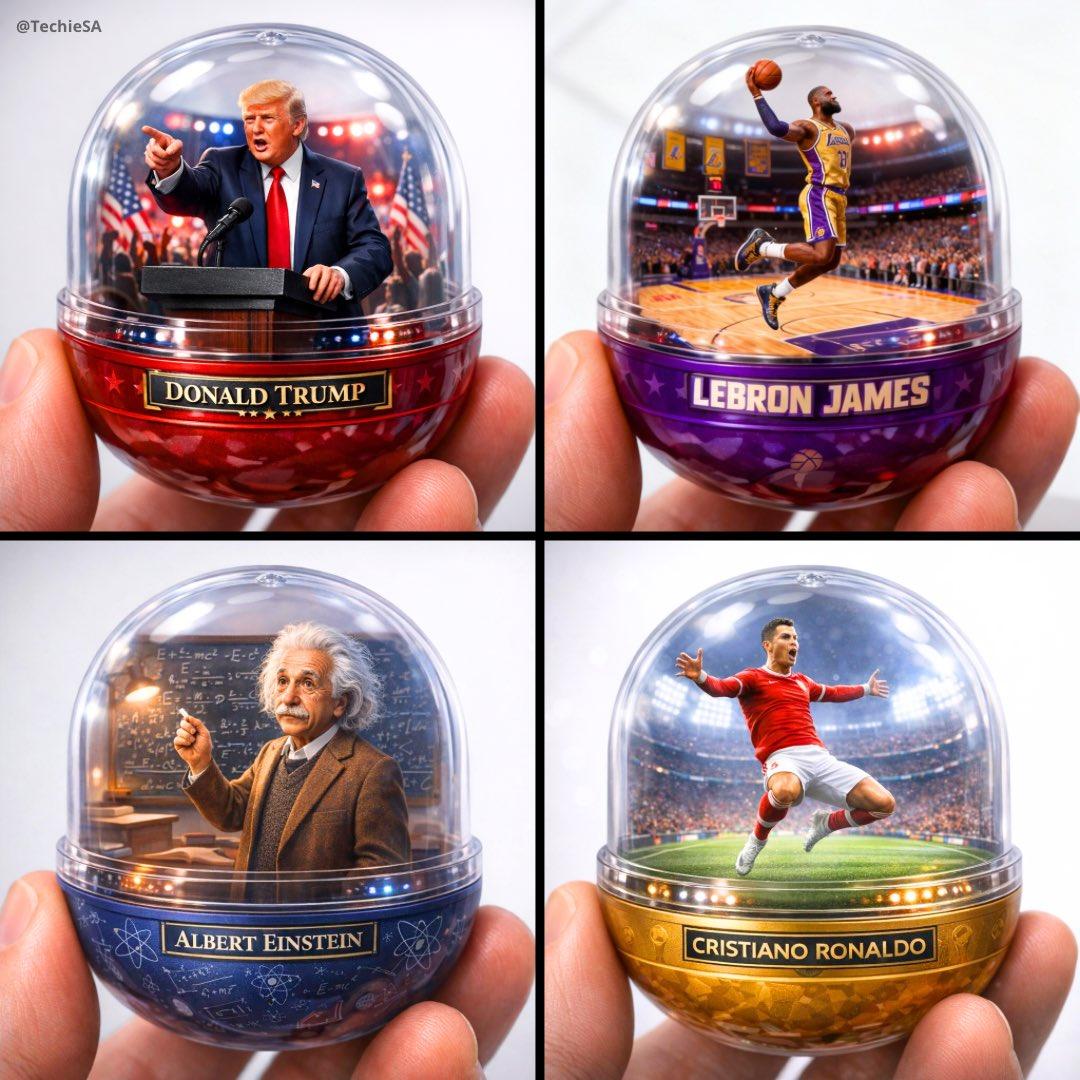
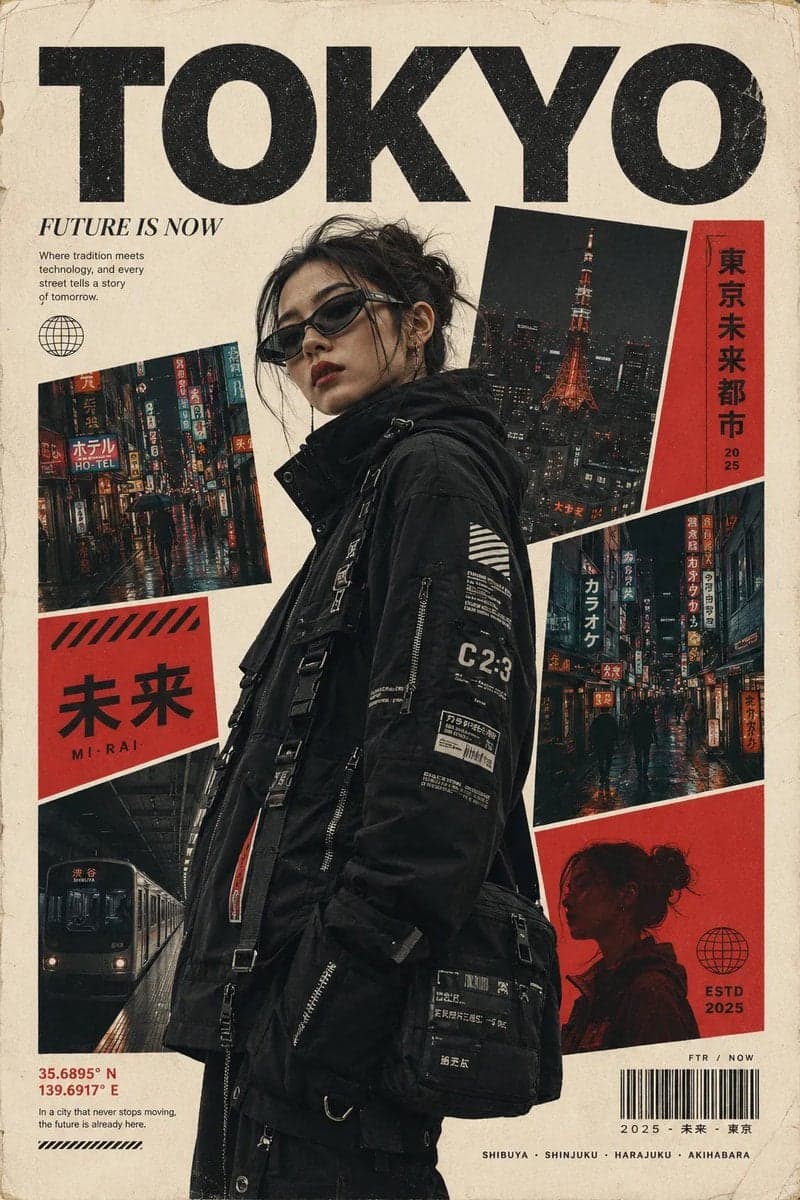
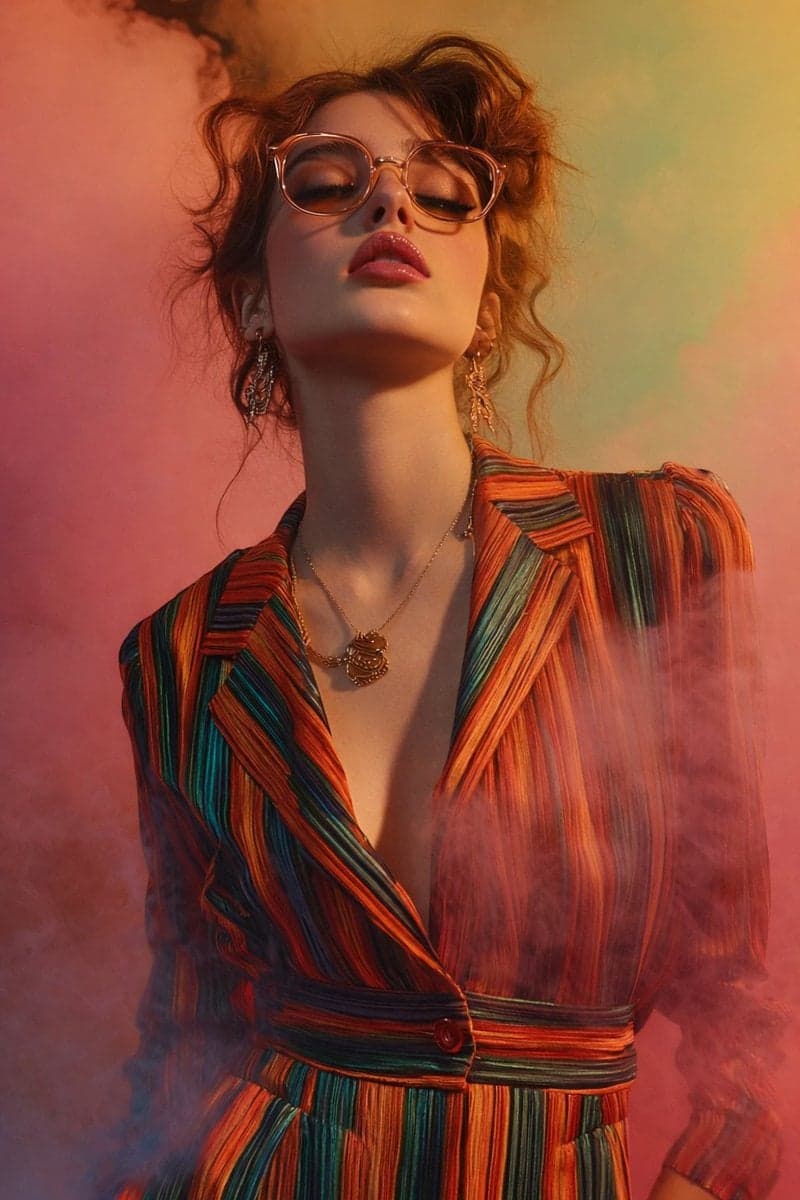
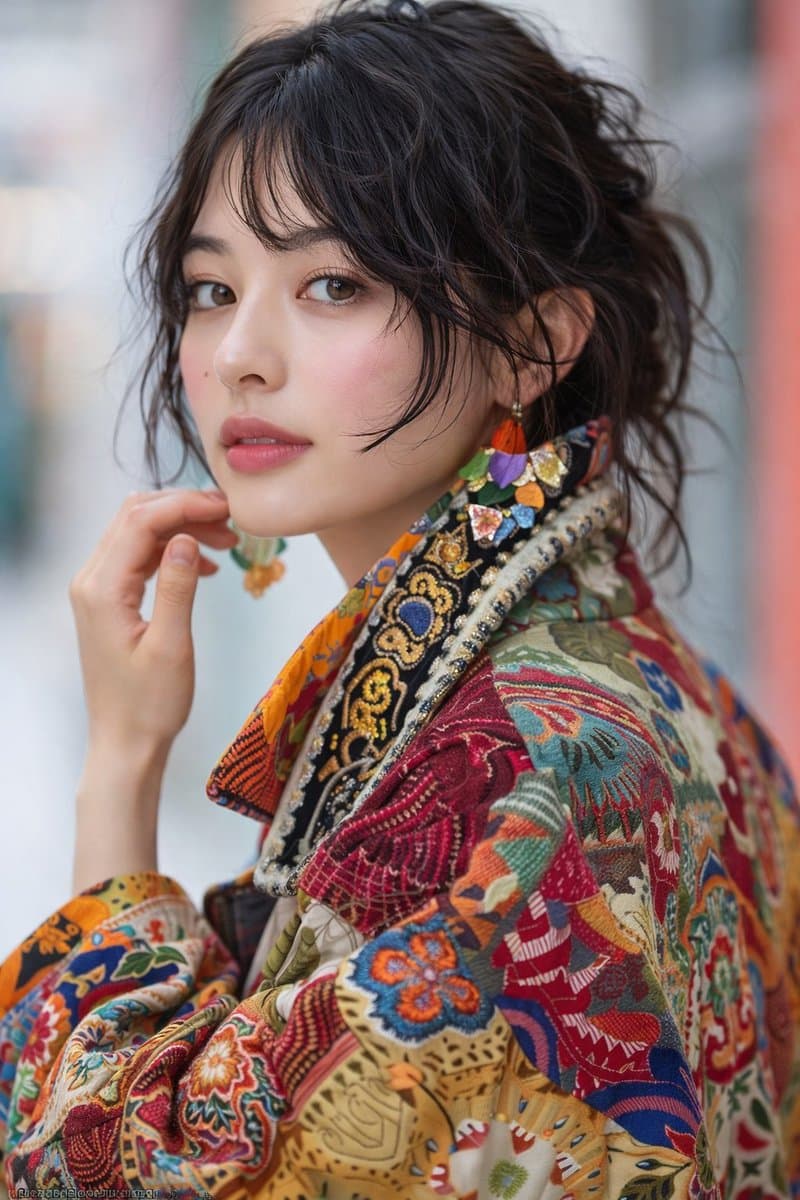
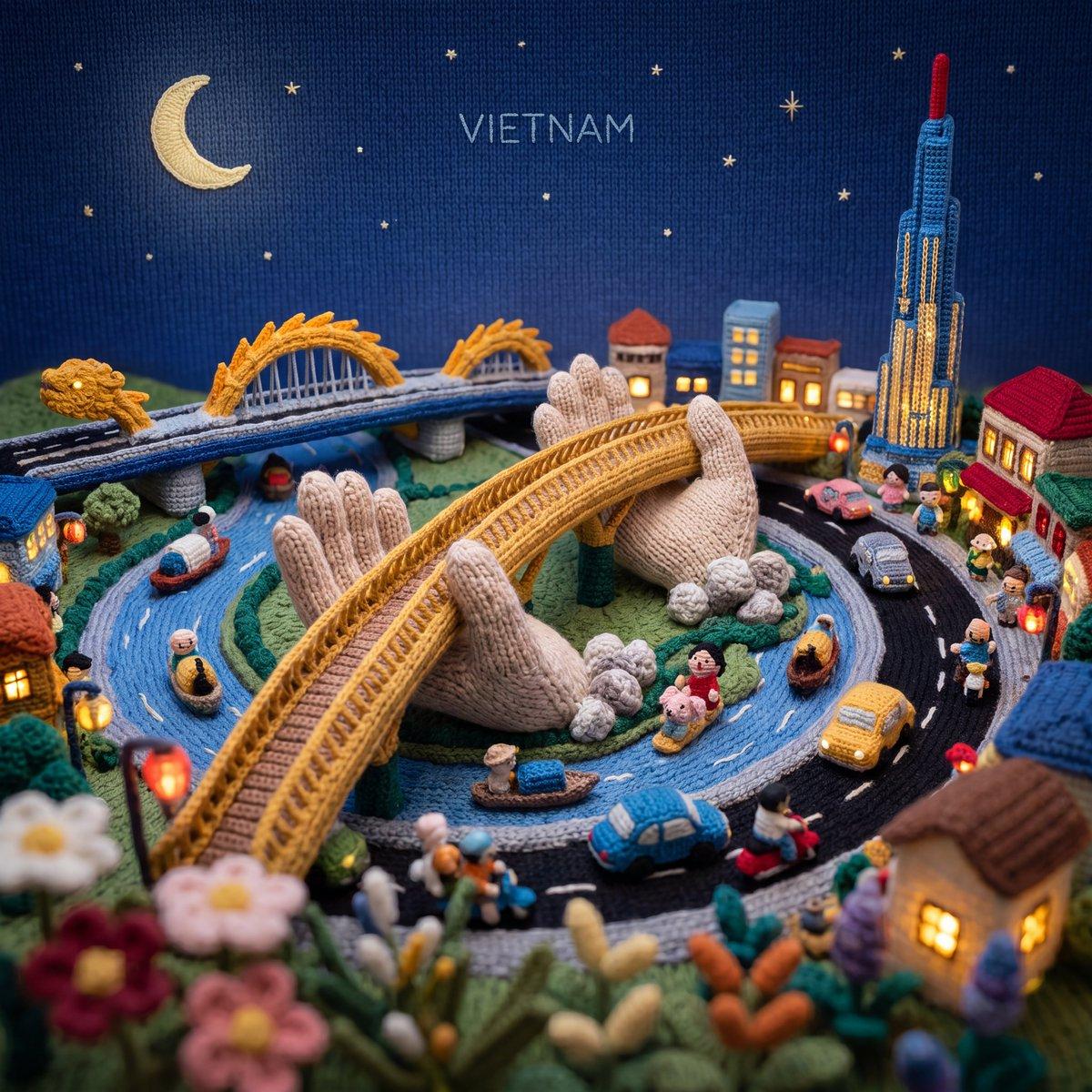
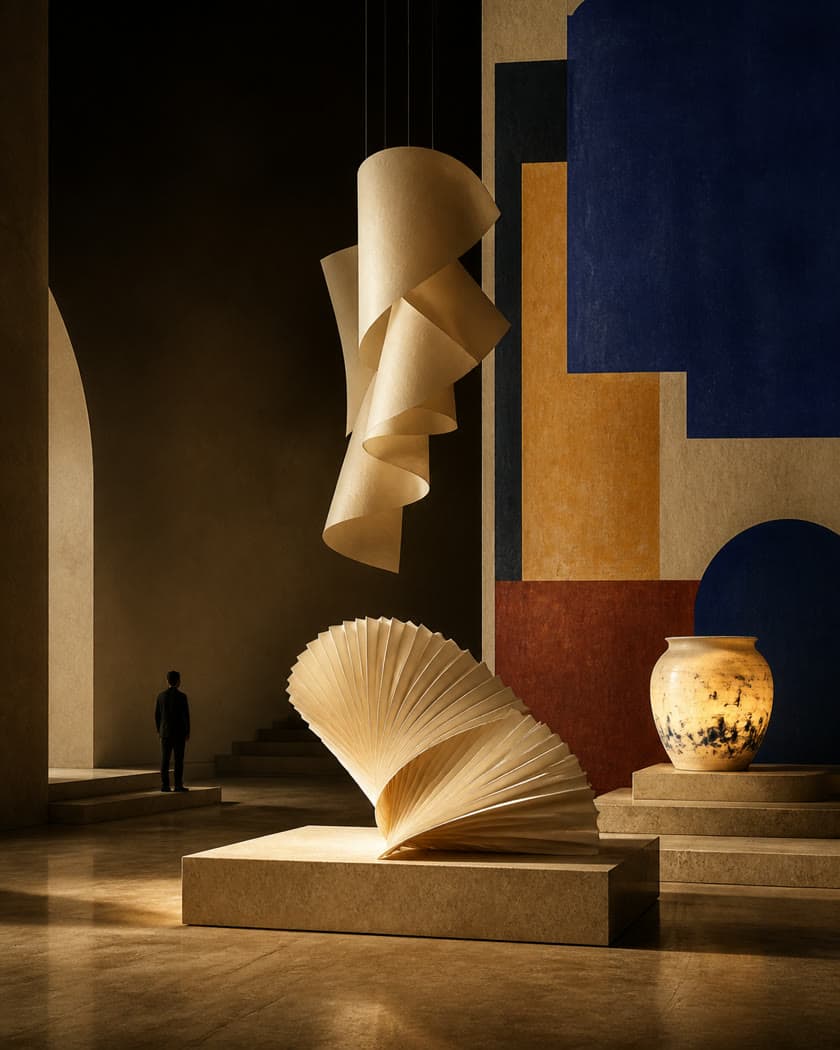
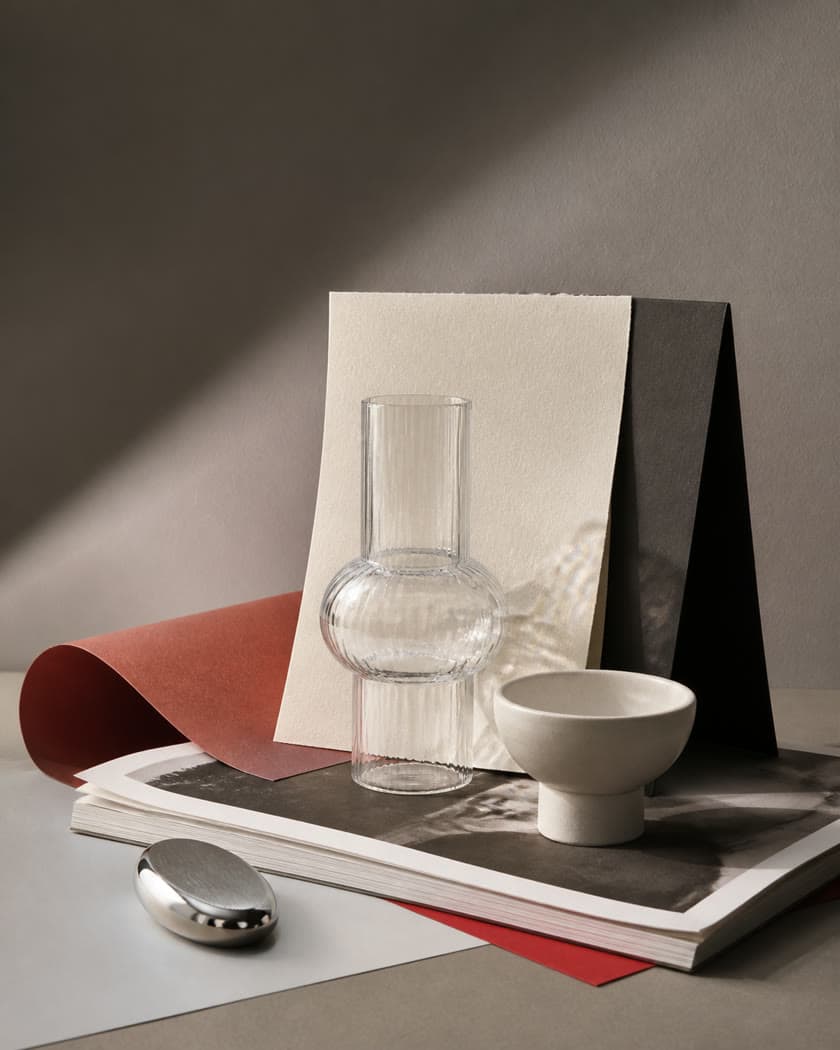
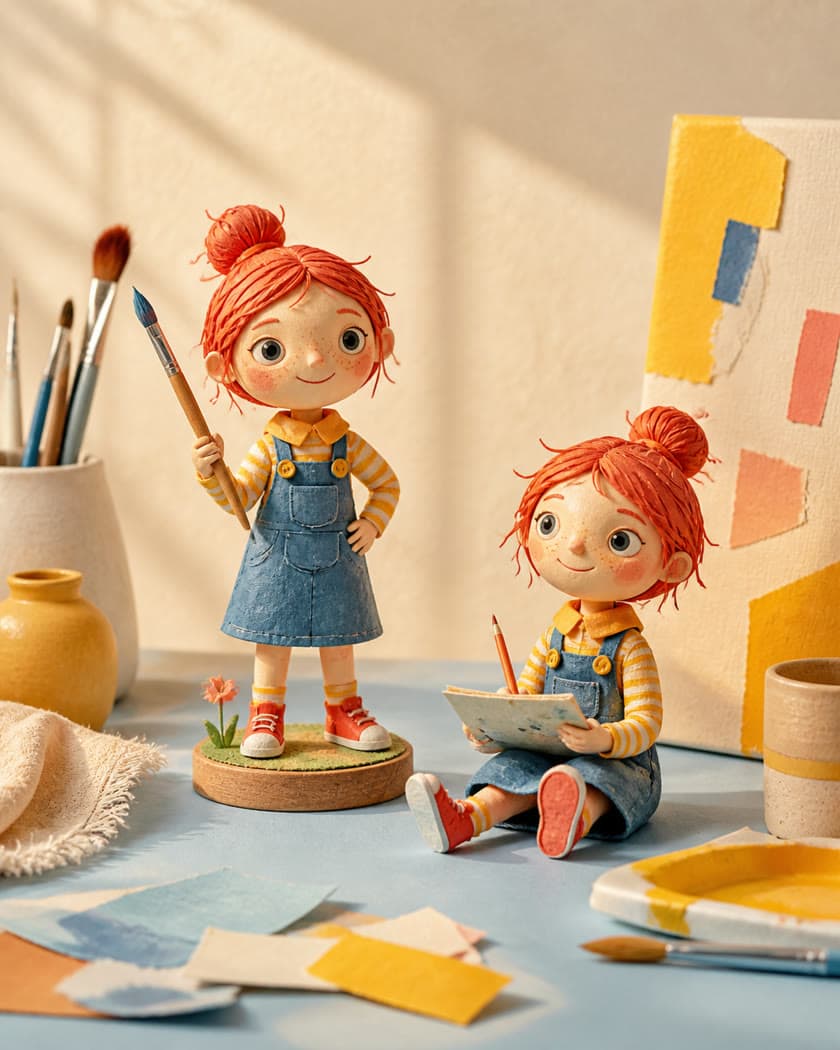
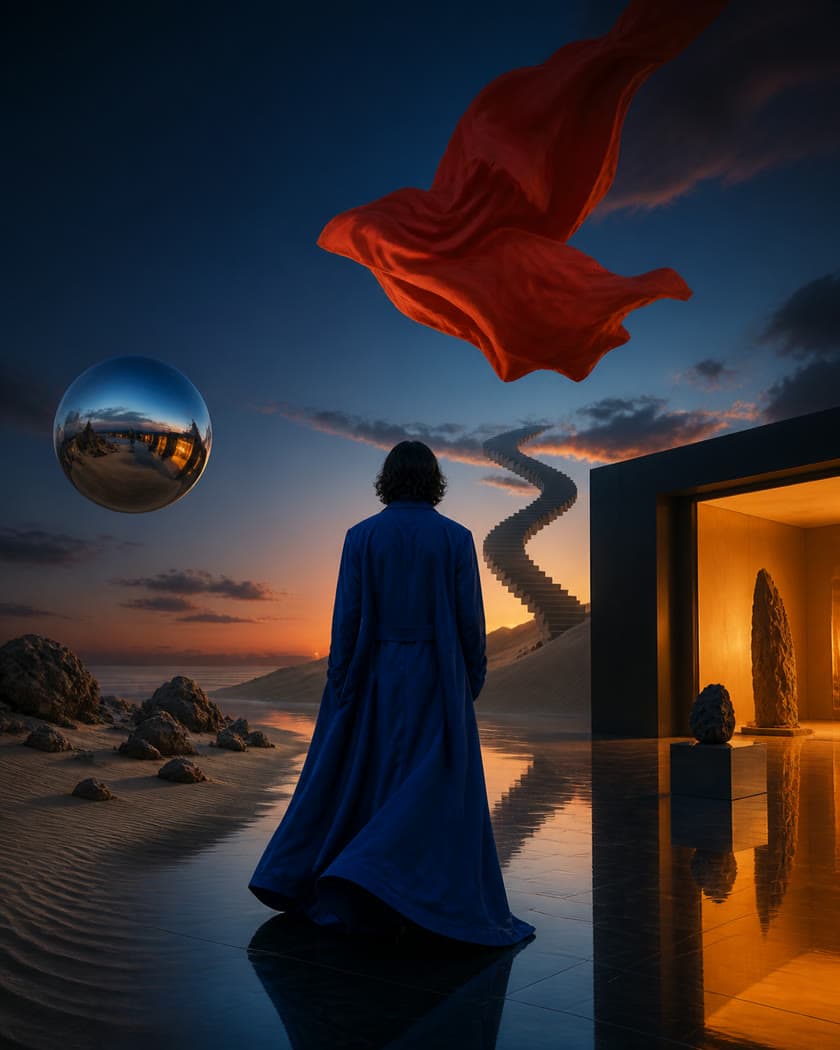
Turn prompts and reference images into polished visuals
Use Qwen Image 2.1 online to create images from text, edit existing pictures with natural-language instructions, and explore transparent-background assets.
One model for image generation, editing, and transparent assets
Create images from text, edit existing pictures, work with transparent backgrounds, and guide compositions with reference images in one workflow.
Text to image
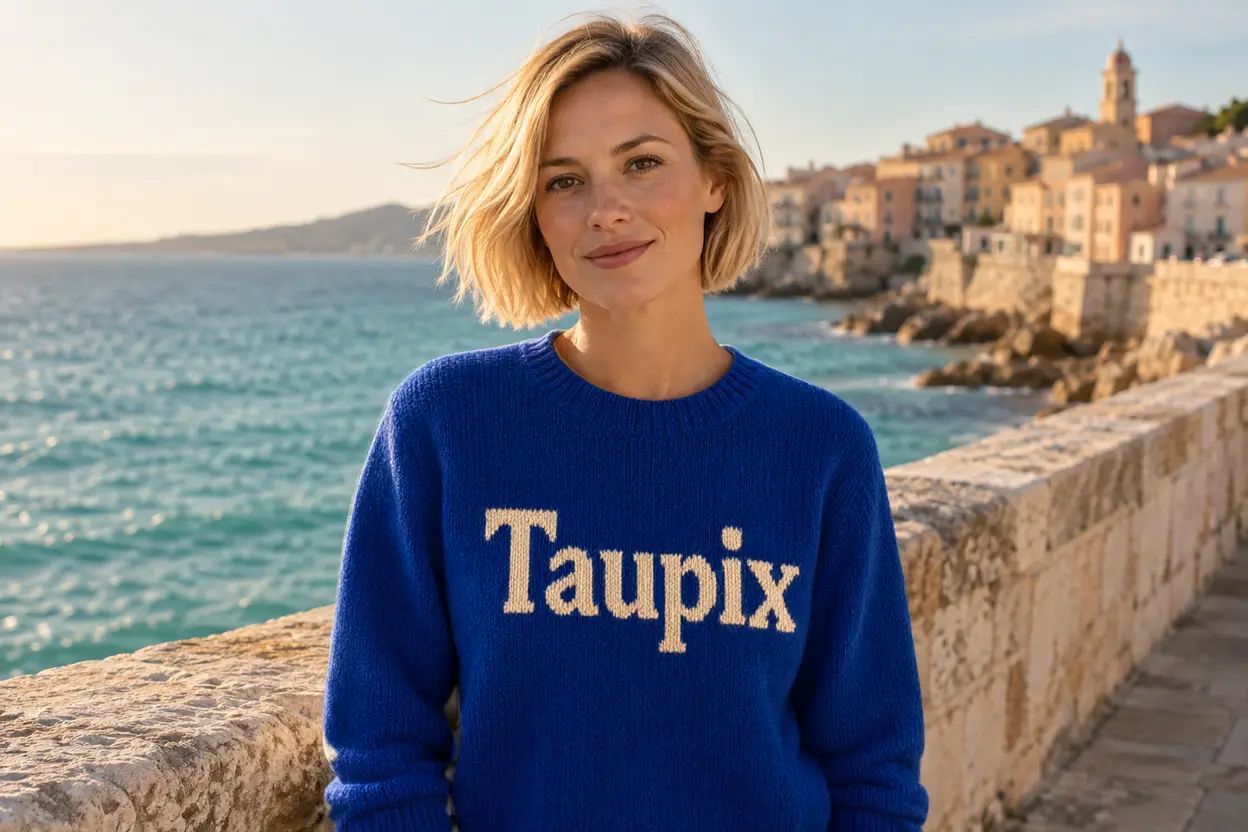
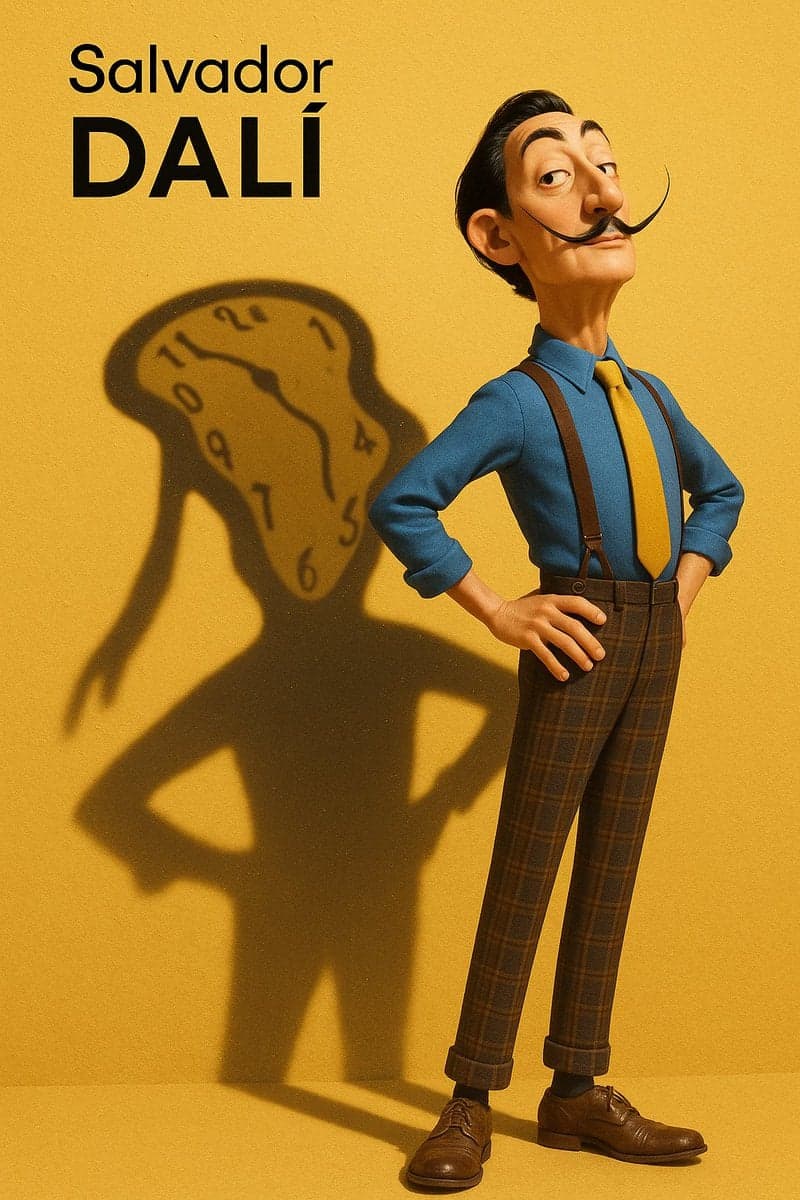
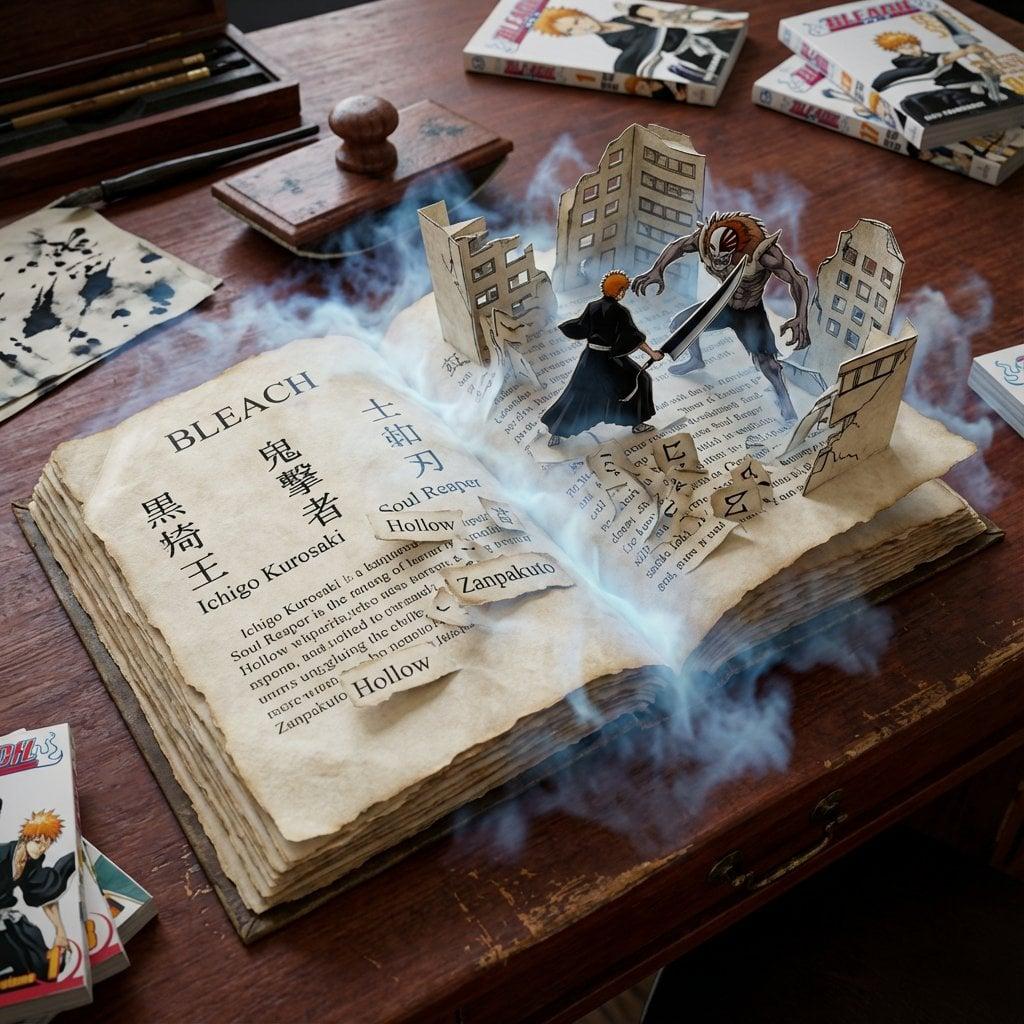
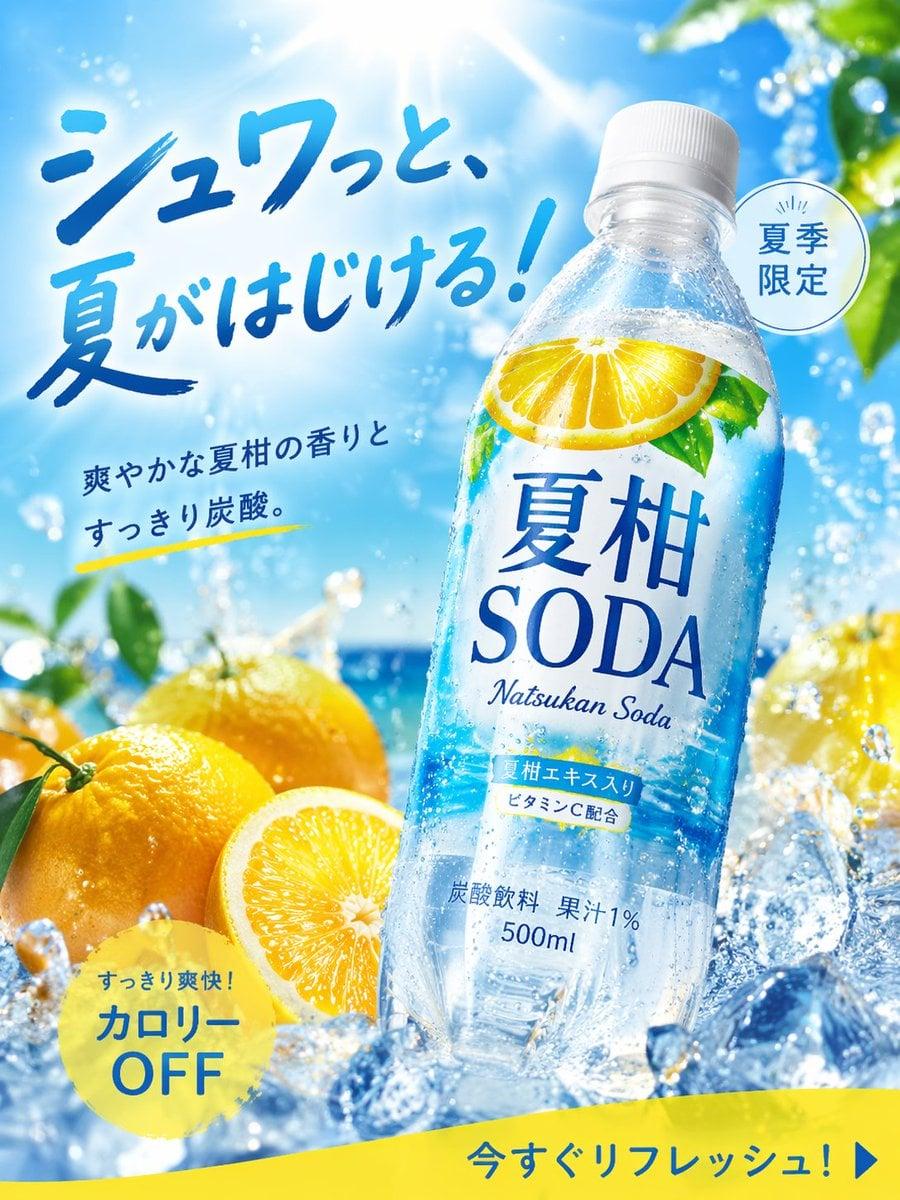
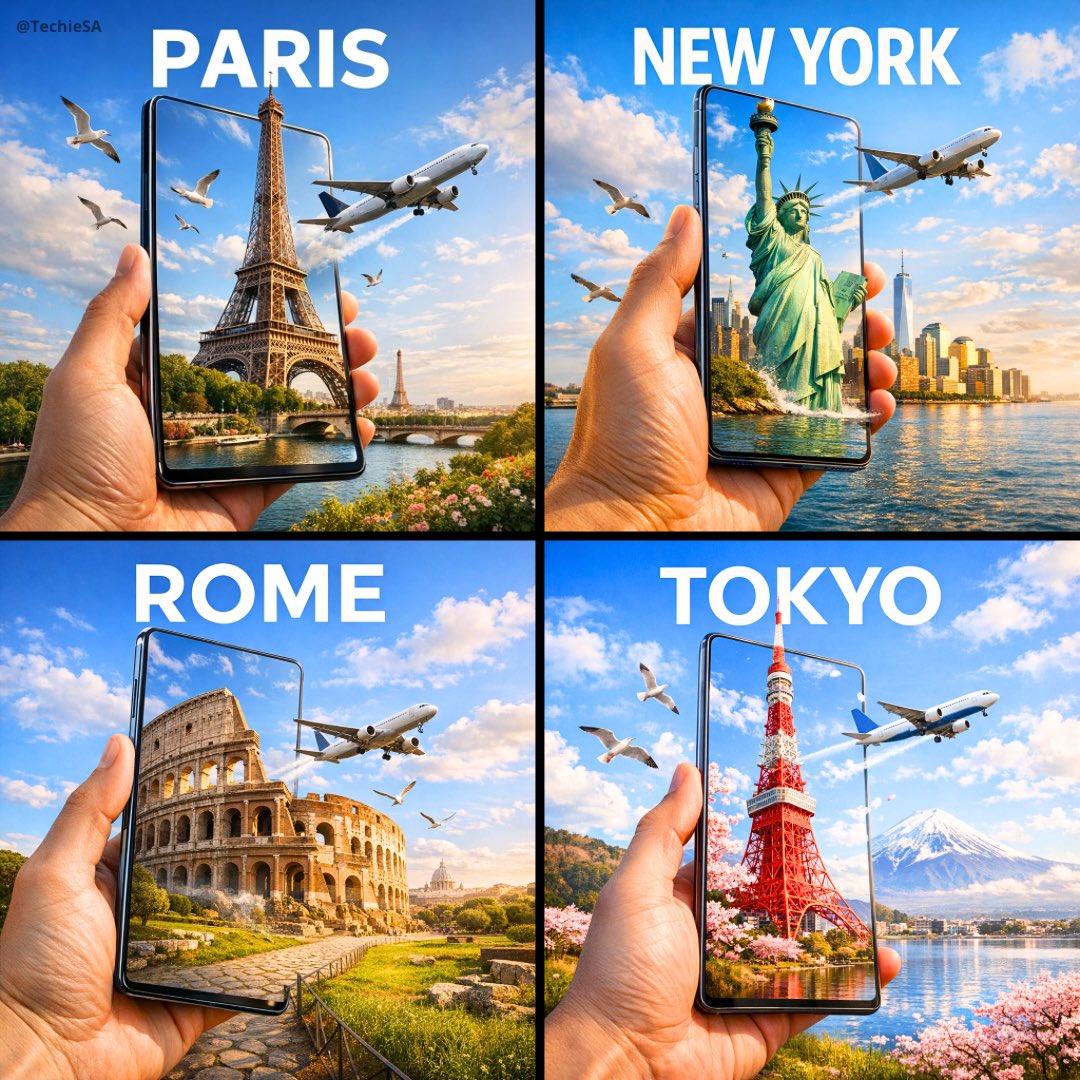
Create posters and visuals with in-image text
Describe the wording, layout, type style, and relationship between text and subject to explore posters, covers, infographics, and social visuals. Review important copy in the final image before using it.
Generate images with transparent areas, edit transparent artwork, or isolate a subject from a photo for product compositions, stickers, and design assets. Available export formats depend on the workspace options.
Combine people, products, or scene references with a text prompt to build a more coherent composition. Qwen Image 2.1 supports up to 10 references; Taupix upload limits and task settings are shown in the workspace.
Use a specific editing instruction to change a background, expression, or selected detail while aiming to preserve a person’s appearance or a product’s defining features. Results depend on the source image and prompt.
Qwen Image 2.1 generations use credits, and the cost may vary with task settings. Check the model and credit estimate shown in the image workspace before submitting. The plans below do not promise a fixed number of Qwen generations.
Qwen Image 2.1 is an image generation and editing model from the Qwen family. It can create images from text, edit images using instructions, and work with transparent imagery and multiple references.
Qwen Image 2.1 generations in Taupix use credits, so the service is not unlimited or automatically free. Any free credits depend on your account’s current benefits. Check your balance and the task estimate in the workspace before generating.
Use a text prompt to create an image, or upload a picture and describe the changes you want. The model also supports transparent-image generation and editing, plus workflows with multiple reference images.
The model supports generating and editing images with transparency, including isolating a subject from a photo. Whether Taupix can export the result as a PNG that preserves its alpha channel depends on the output options shown in the workspace.
Qwen Image 2.1 supports up to 10 reference images. The upload limit, task settings, and credit cost available in Taupix are shown in the image workspace.
Be specific about the subject, action, setting, composition, lighting, style, and any text in the image. For editing, name what should change and what should stay untouched. Break complex edits into a few clear iterations.
Taupix uses credits, and this page does not quote a fixed per-image Qwen price. The credit cost can change with task settings, so review the estimate in the workspace before you submit. Plan prices and monthly credits are listed in the pricing section.
Qwen’s release materials highlight a unified image generation and editing workflow, native transparency features, support for up to 10 reference images, and improvements to typography and portrait details. Your results still depend on the prompt, references, and available settings.
The upstream Qwen Image 2.1 model materials are under a research license that limits use of those materials to non-commercial purposes; commercial use of the model materials requires separate authorization. That license alone does not determine rights to generated images. When using Taupix, also review Taupix’s terms and the terms that apply to the selected model.
Start creating with Taupix.
Access top generative models, powerful editing tools, and your full creative gallery — all in one workspace.