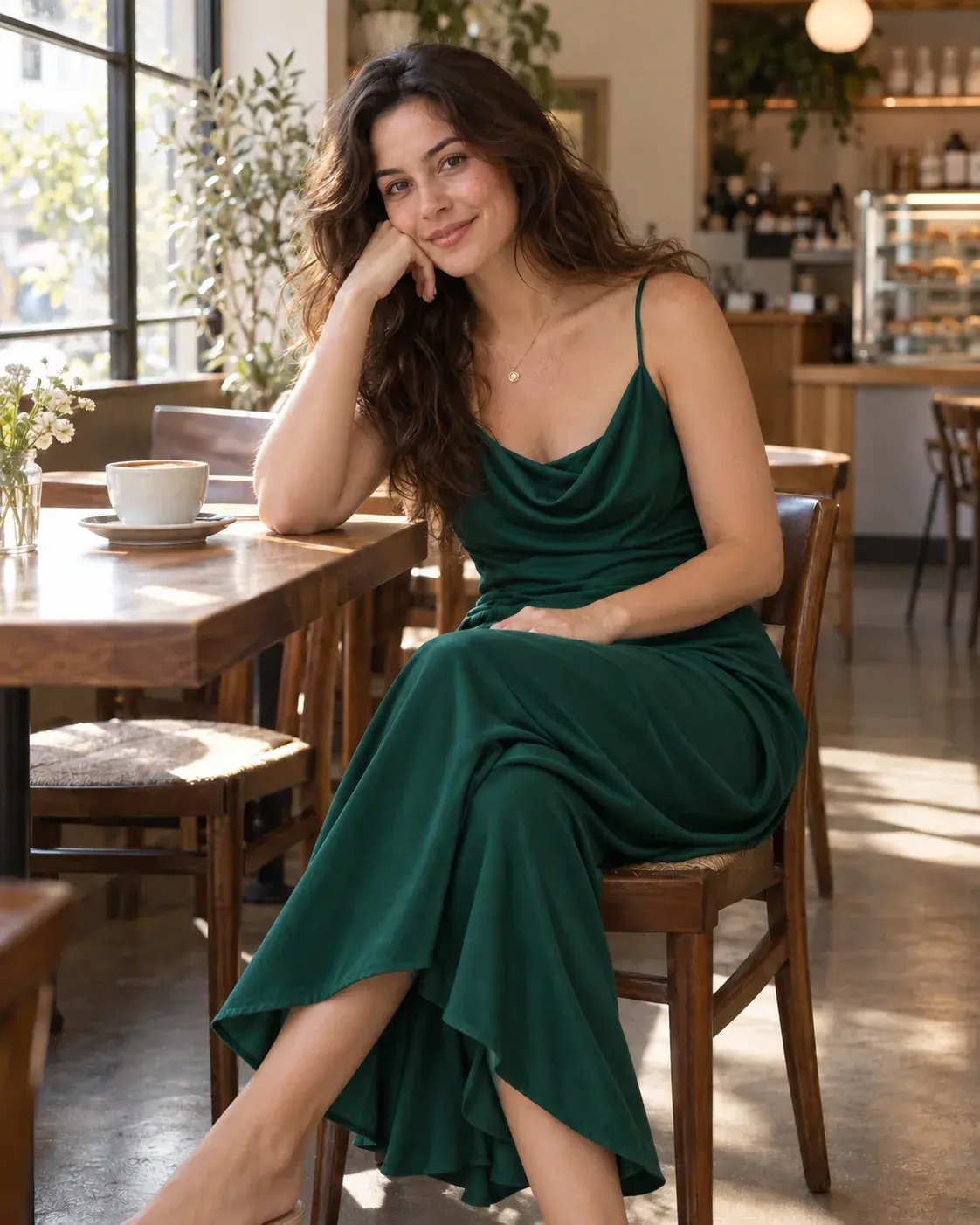
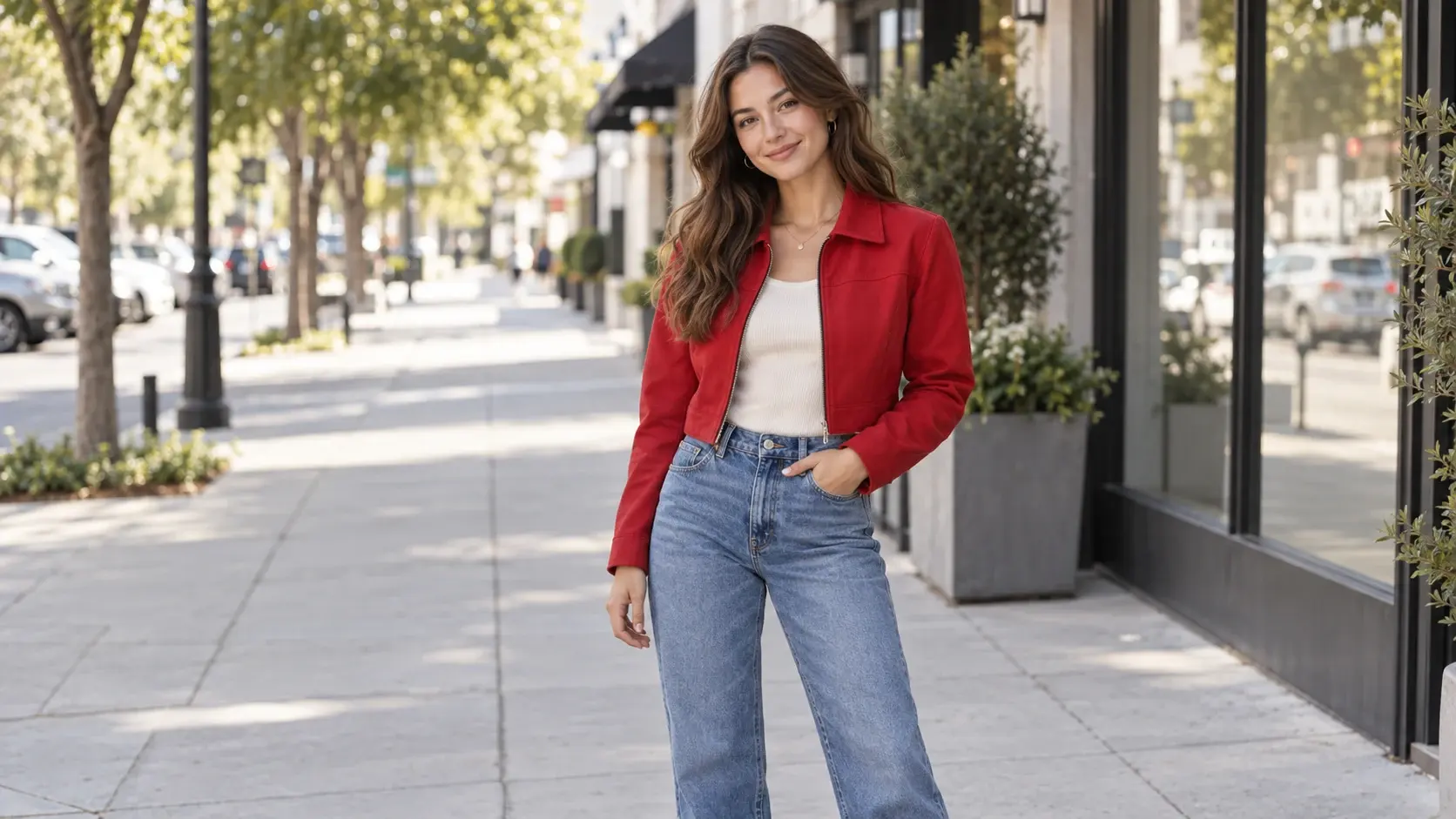
AI Clothes Changer: Try new outfits in your photo.

Use an AI clothes changer to preview outfit changes in a photo. Upload a clothing reference or describe a new look while keeping the person, pose, and background consistent.
Generate

.png, .jpeg, .webp, .heic, .heif

Example original person photo
Example AI outfit change
BeforeAfter

AI virtual try-on for outfit ideas

Preview new outfits with an AI clothes changer

Try virtual outfit changes with a person photo and a clothing reference. Explore clothing colors, materials, and styles while keeping the person, pose, lighting, and background consistent.

1

Start with a model photo

Upload a clear person photo and create realistic outfit changes without rebuilding the whole scene.

2

Use any clothing reference

Try a product image, flat lay, or complete outfit to guide color, material, silhouette, and style.

3

Keep what matters

Preserve the face, body shape, pose, perspective, and background while you explore a new way to dress.

Before / After

See what an AI clothes changer can create

Explore real outfit changes across different people, settings, and styles while keeping the original photo intact.

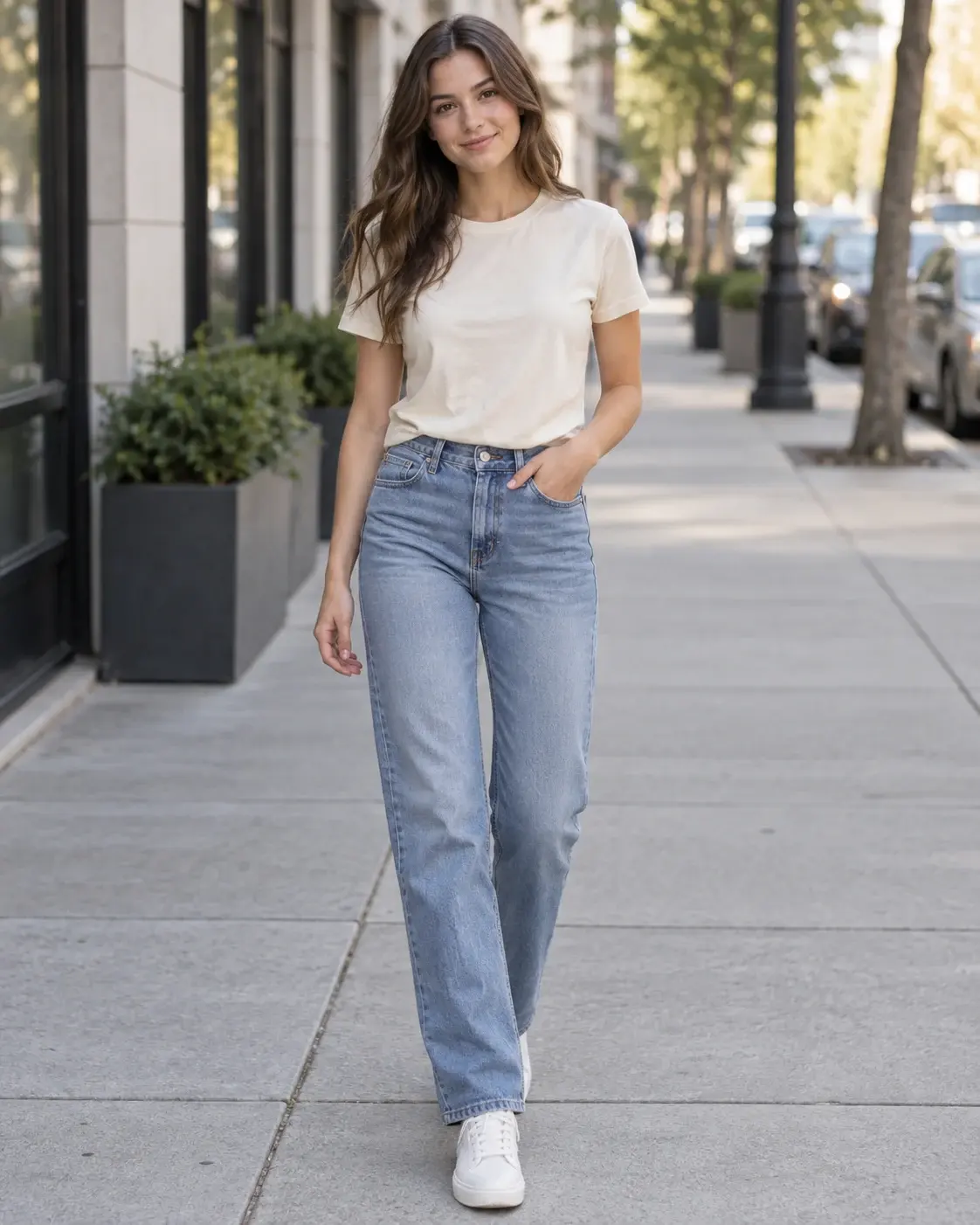
Woman wearing a cream T-shirt and blue jeans before changing clothes
Before
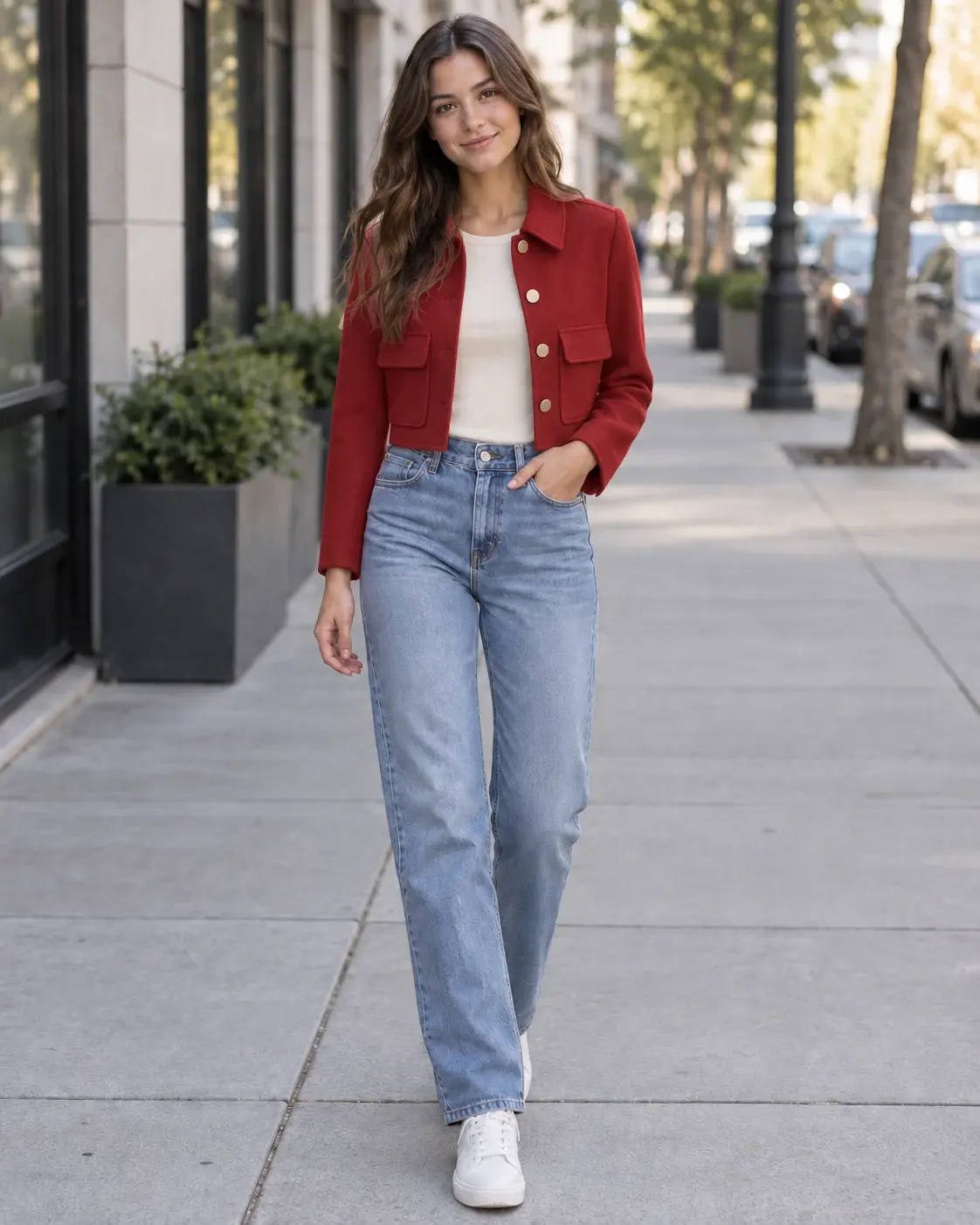
The same woman wearing a cherry-red jacket and jeans after changing clothes
After

Casual to streetwear

Turn a simple everyday outfit into a confident layered streetwear look.
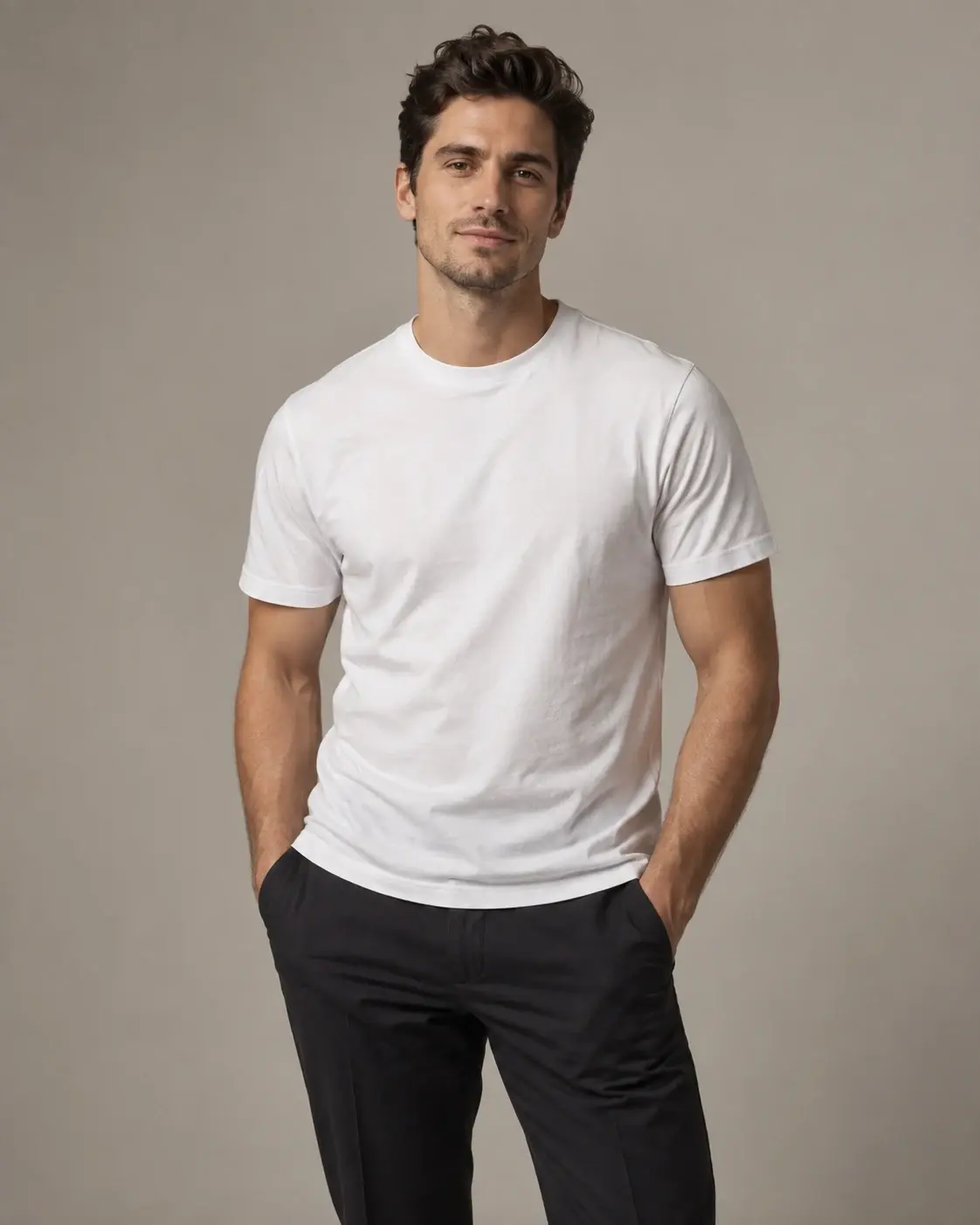
Man wearing a white T-shirt before changing clothes
Before
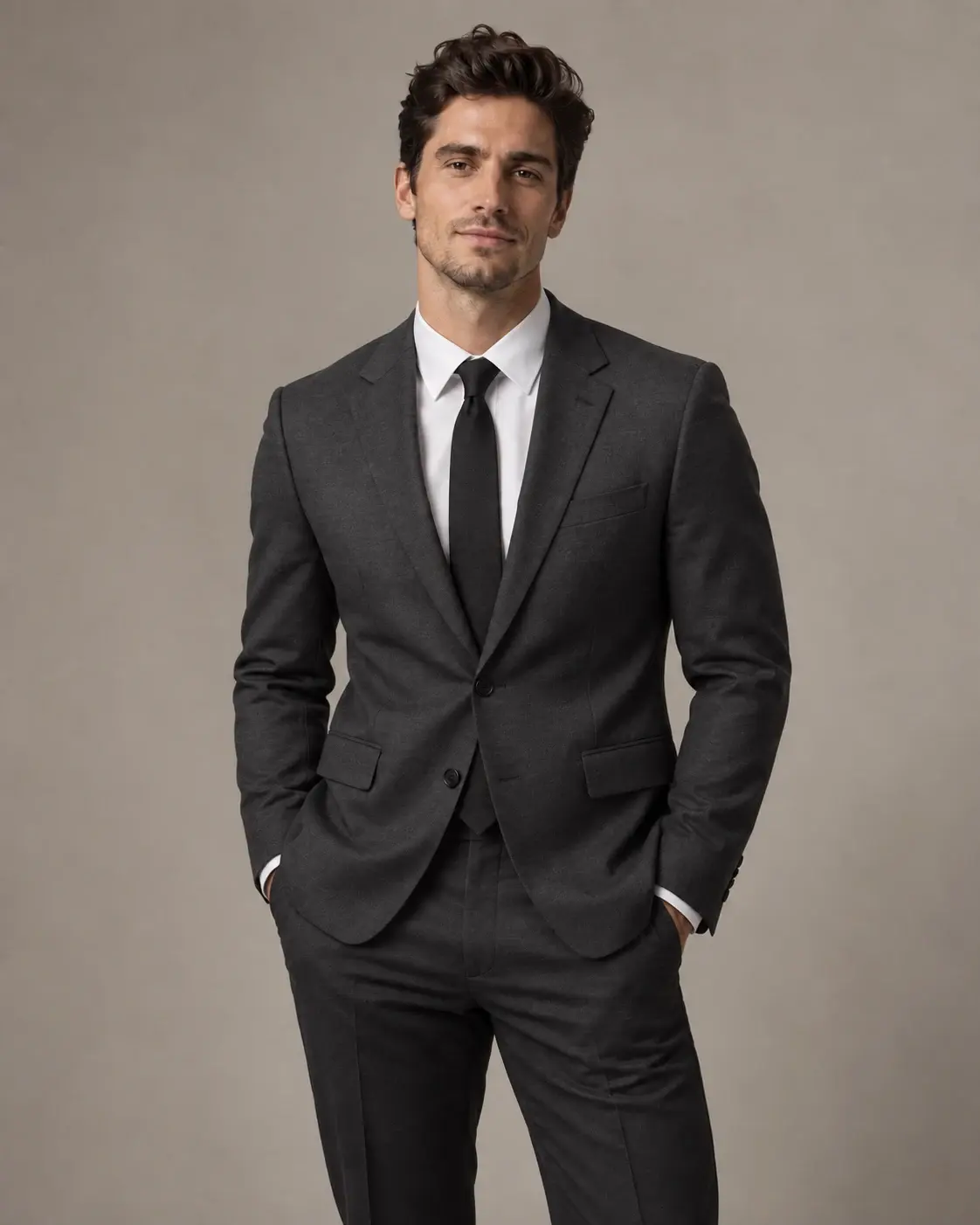
The same man wearing a charcoal tailored suit after changing clothes
After

T-shirt to tailored suit

Explore a polished formal look while keeping the original portrait and pose intact.
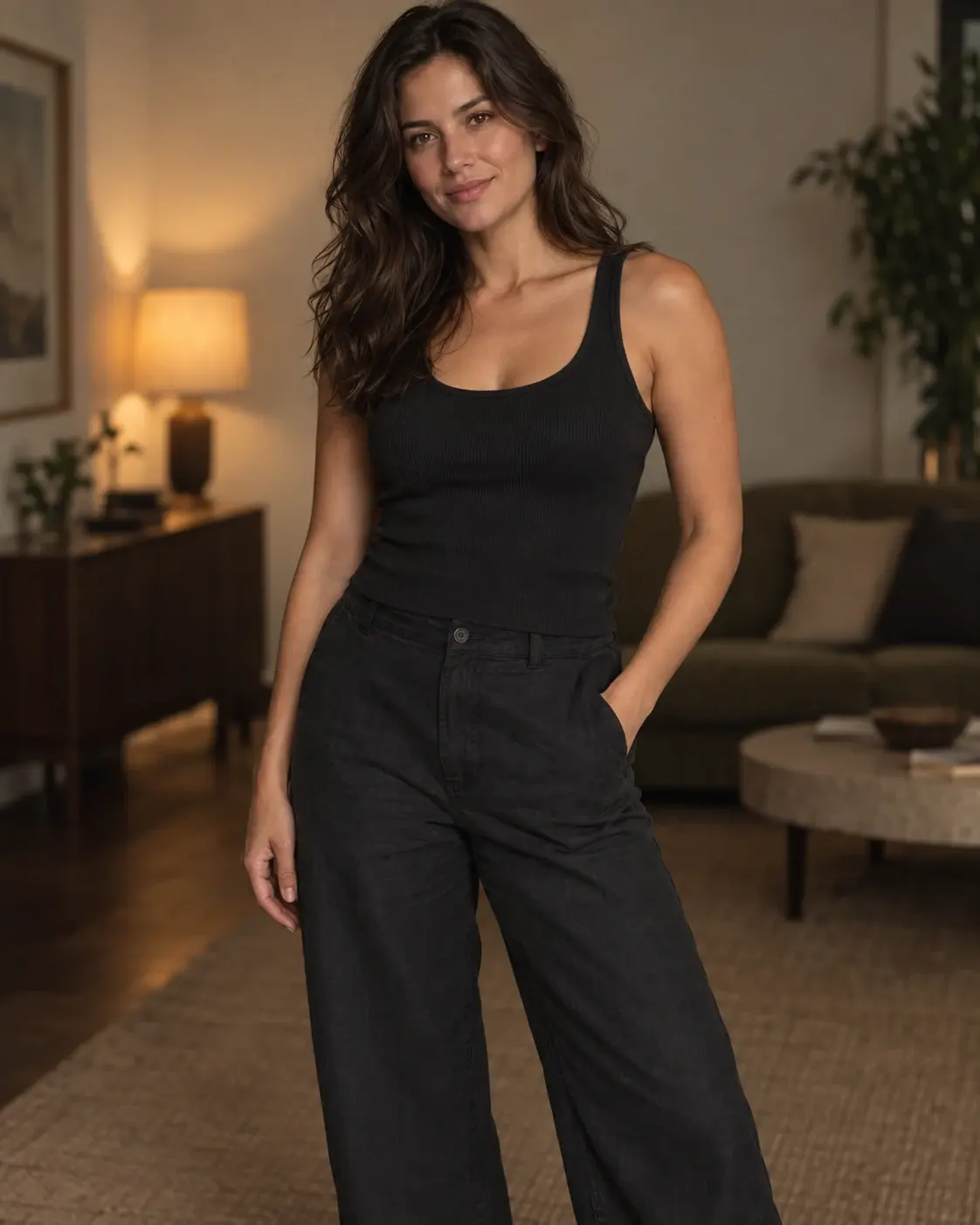
Woman wearing a dark casual outfit before changing clothes
Before
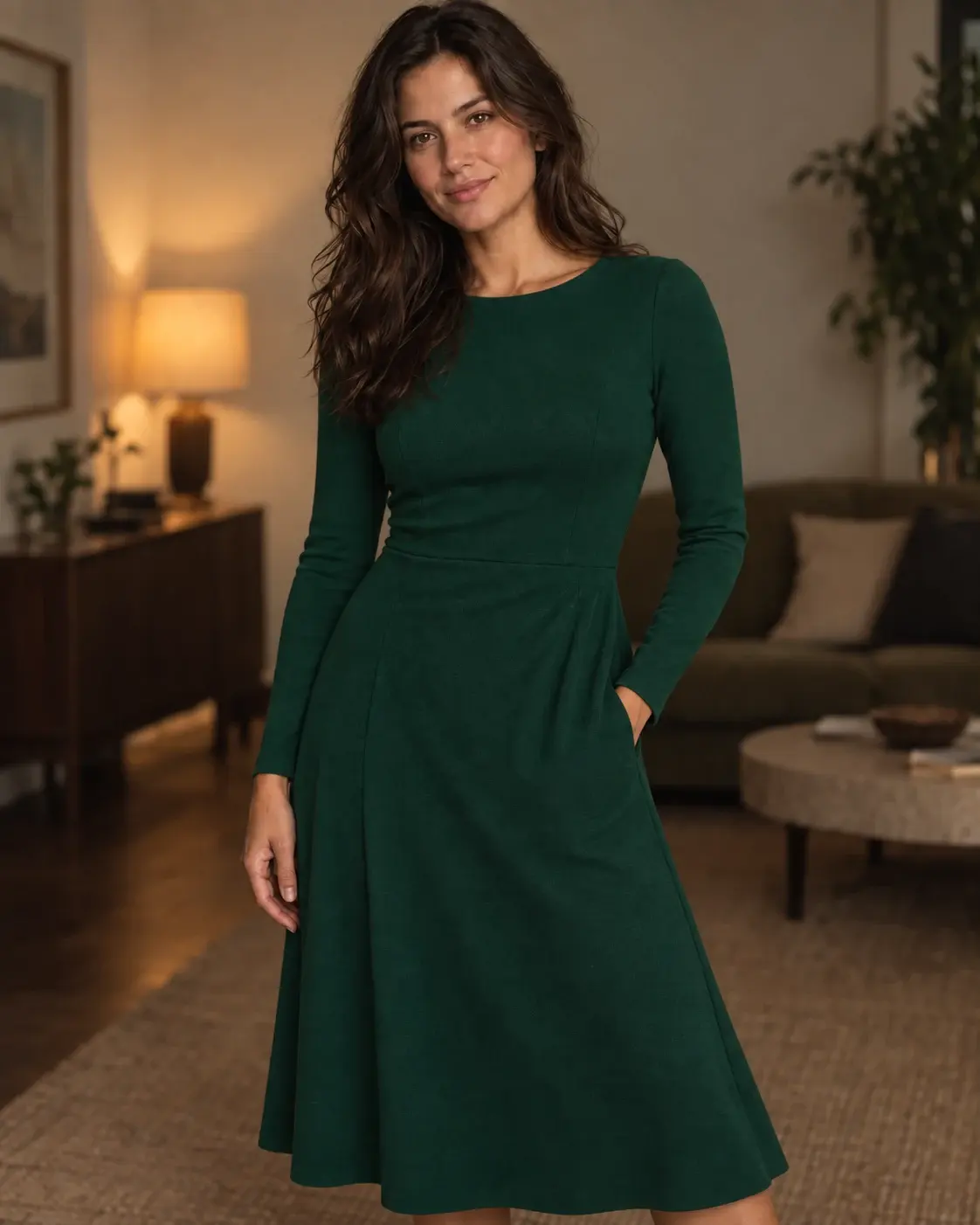
The same woman wearing an emerald green dress after changing clothes
After

Everyday to evening

Try an elegant emerald dress without recreating the room, lighting, or person.
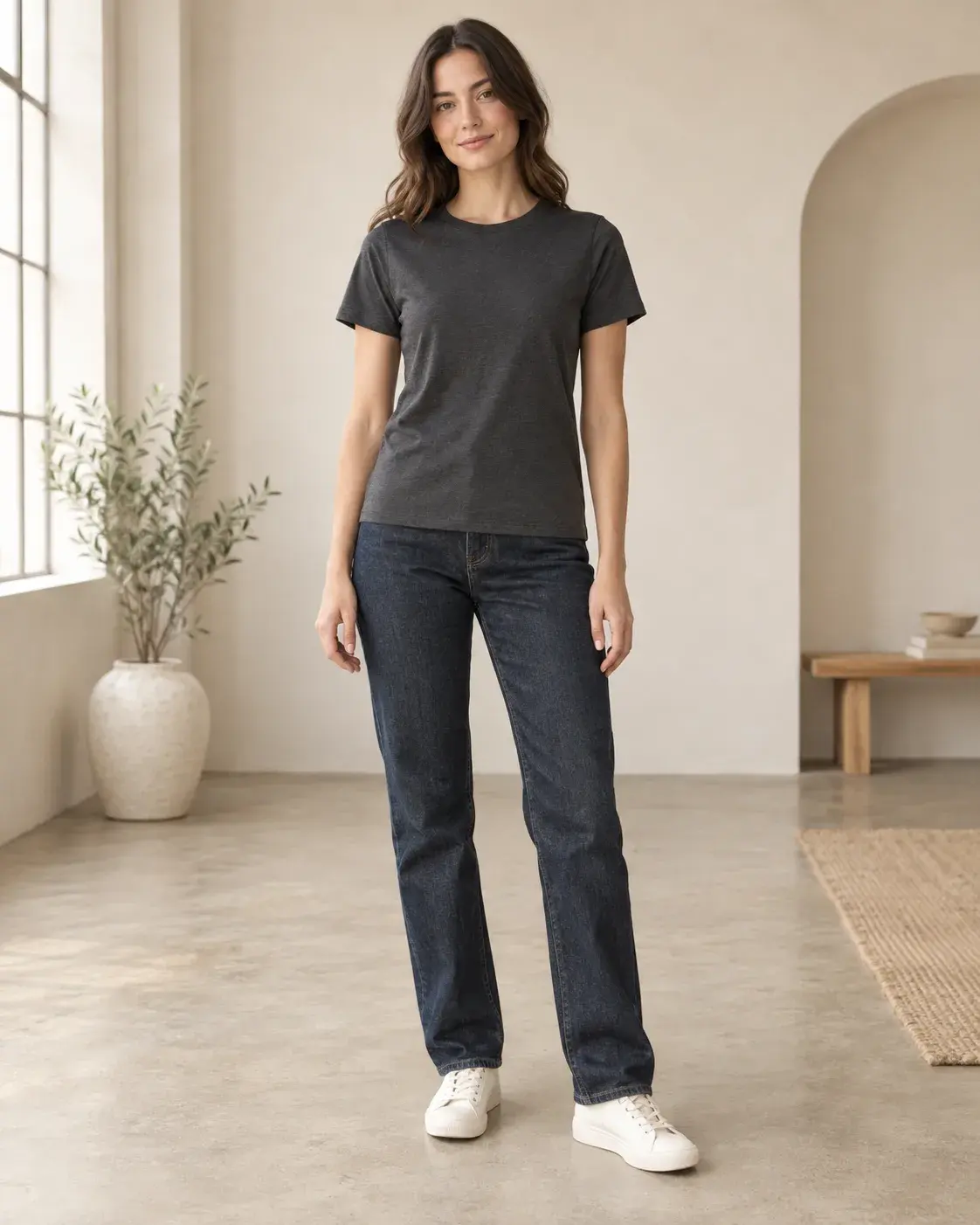
Woman wearing a charcoal T-shirt and jeans indoors before changing clothes
Before
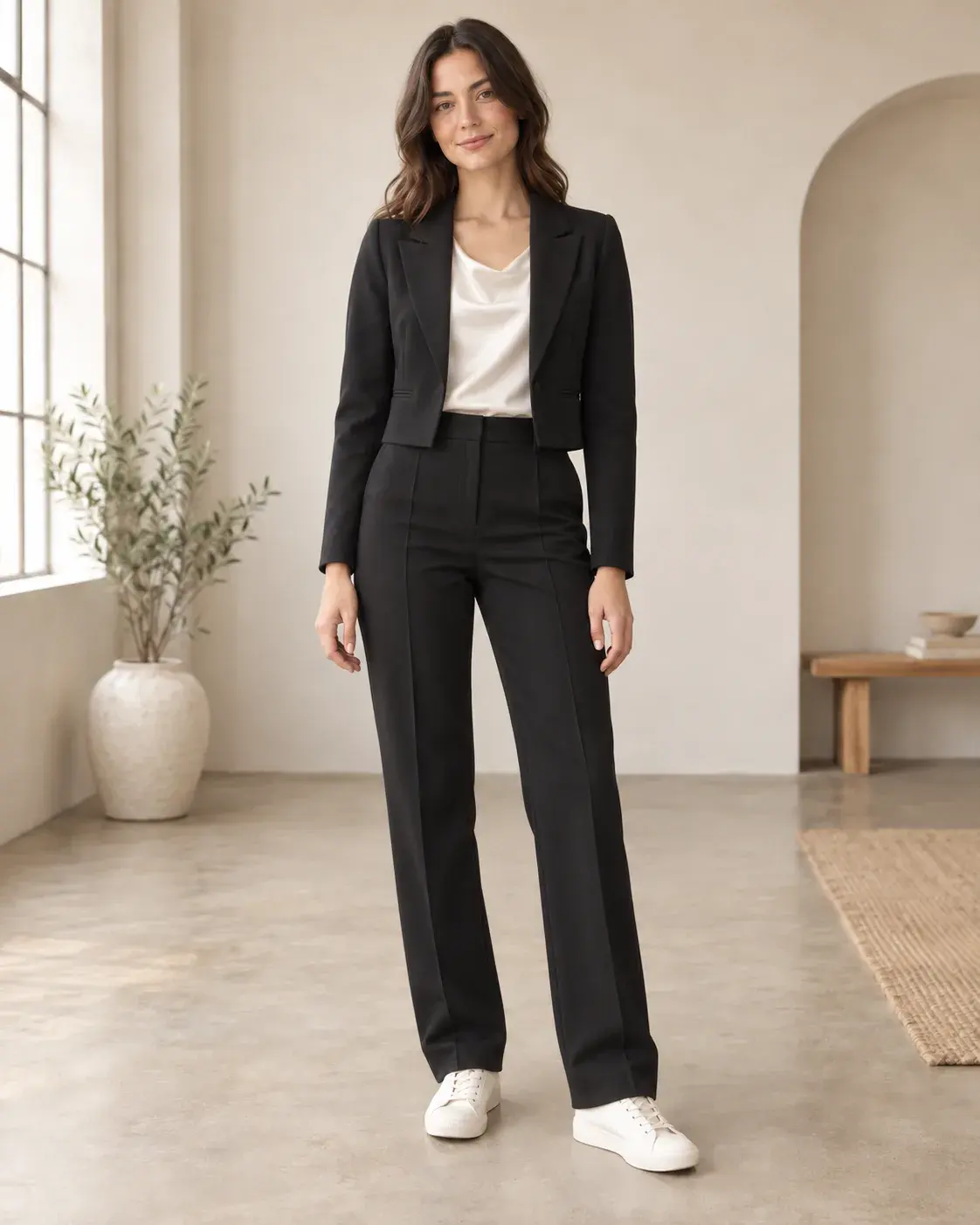
The same woman wearing a black suit and ivory satin top indoors after changing clothes
After

Basics to tailored suit

Turn a basic T-shirt and jeans into a polished black suit in the same softly lit studio.
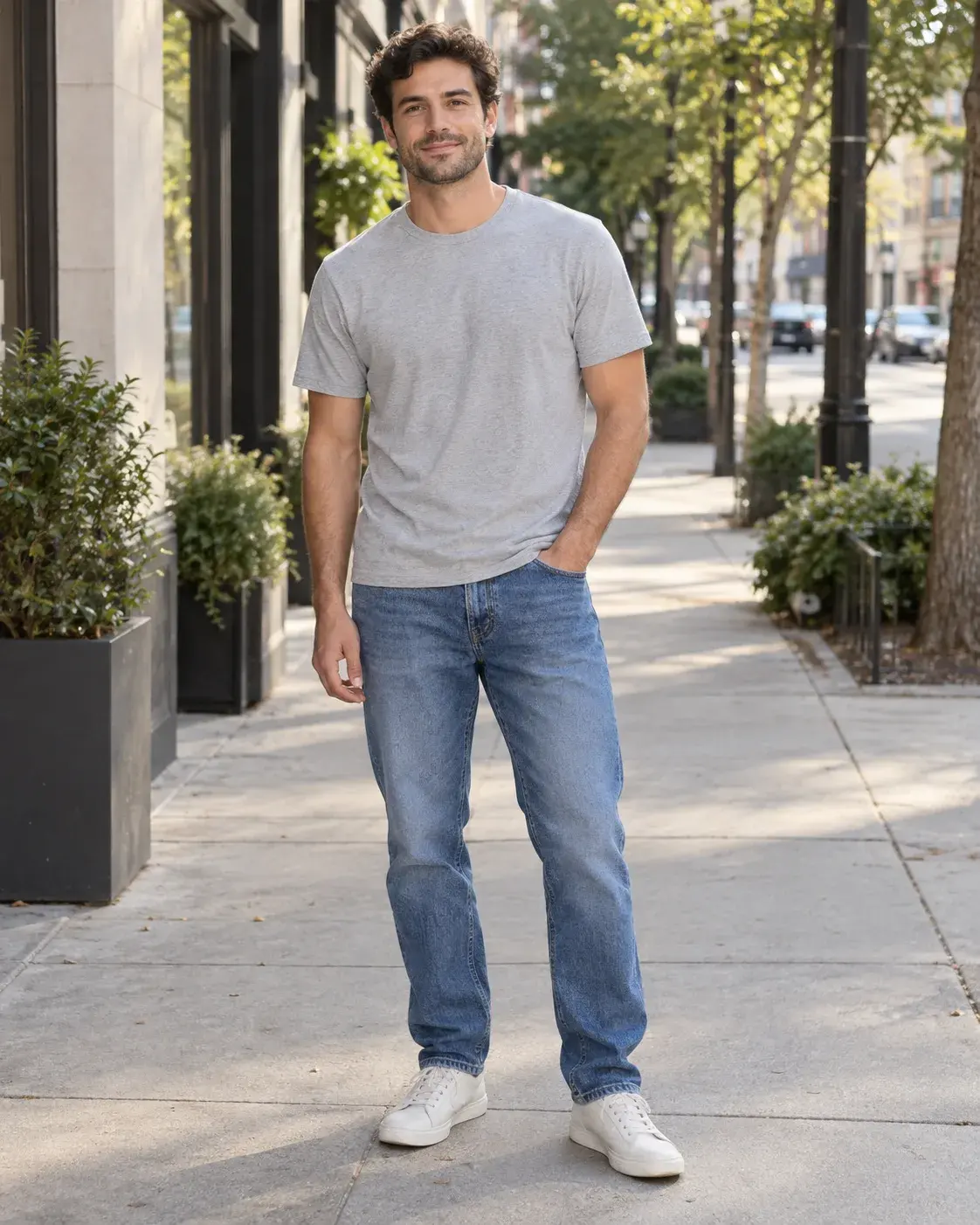
Man wearing a gray T-shirt and jeans on a city sidewalk before changing clothes
Before
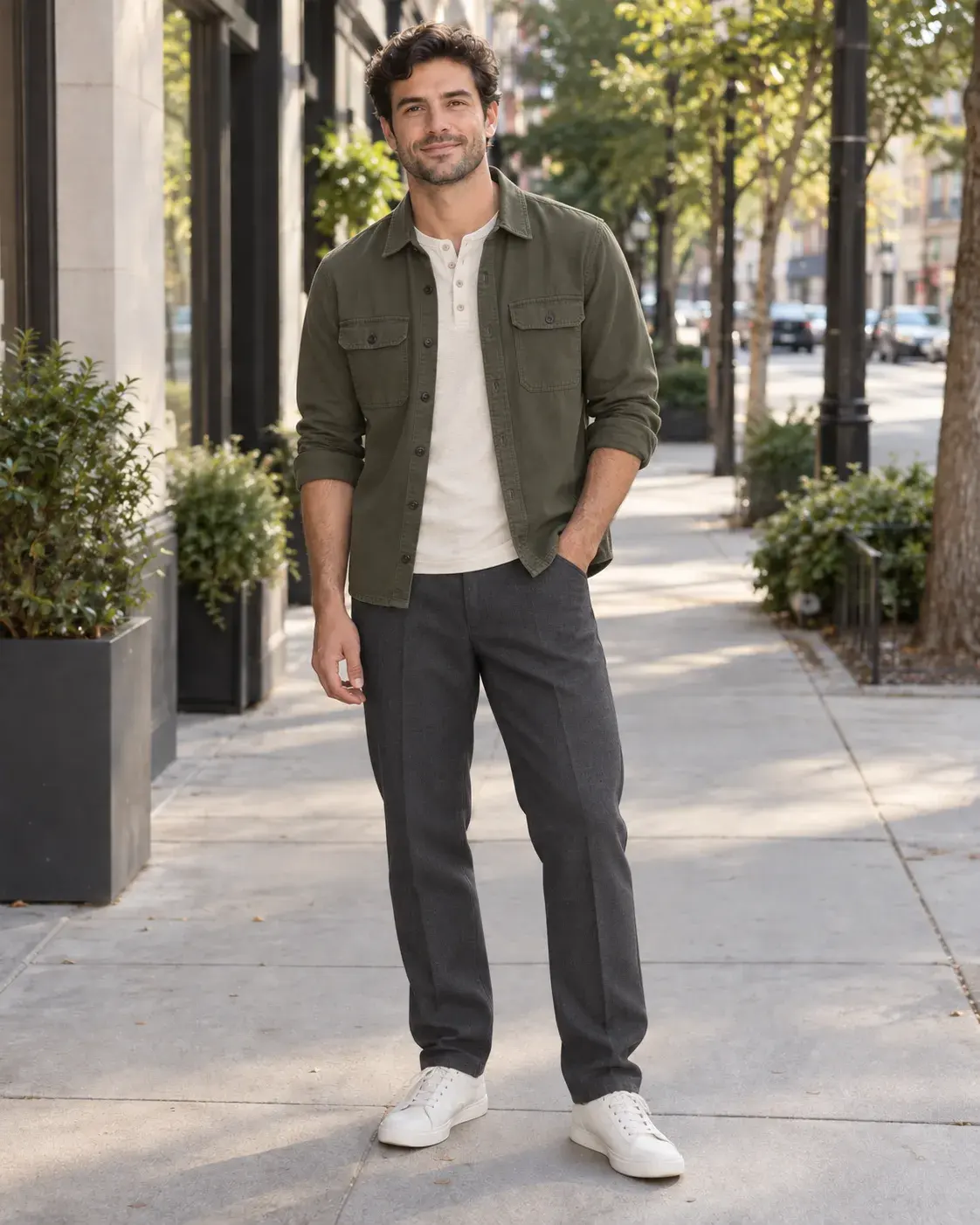
The same man wearing an olive utility overshirt and charcoal trousers after changing clothes
After

T-shirt to city layers

Replace a simple street-style T-shirt with an olive utility overshirt and tailored trousers.
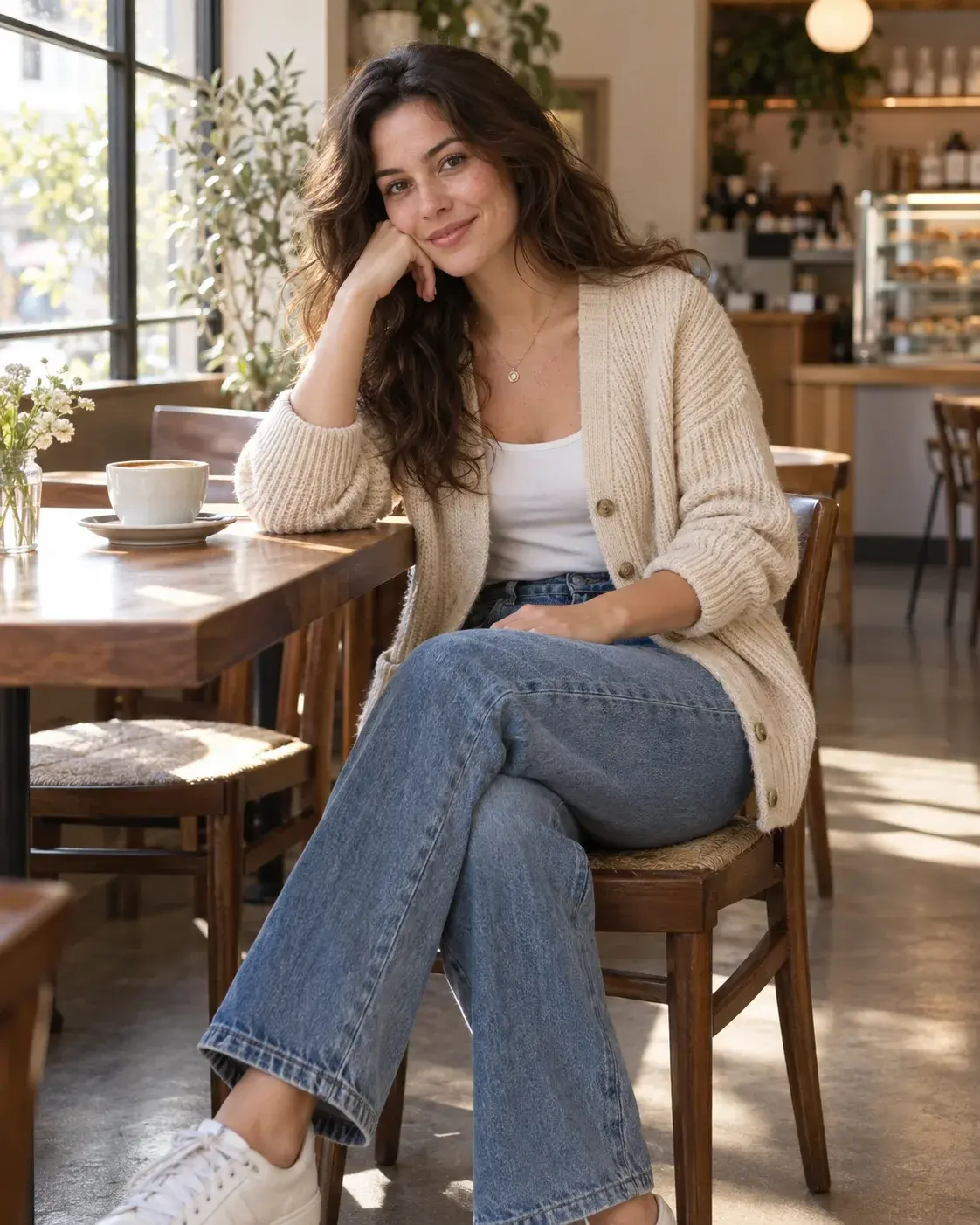
Woman wearing a beige knit cardigan and jeans in a cafe before changing clothes
Before
The same woman wearing a deep green dress in the same cafe after changing clothes
After

Knit cardigan to evening dress

Try an elegant emerald dress even in a seated pose with natural arm occlusion.

Use a reference

Turn any clothing reference into a new look

Use a product photo, flat lay, or complete outfit as direction, then apply the look to your person photo.
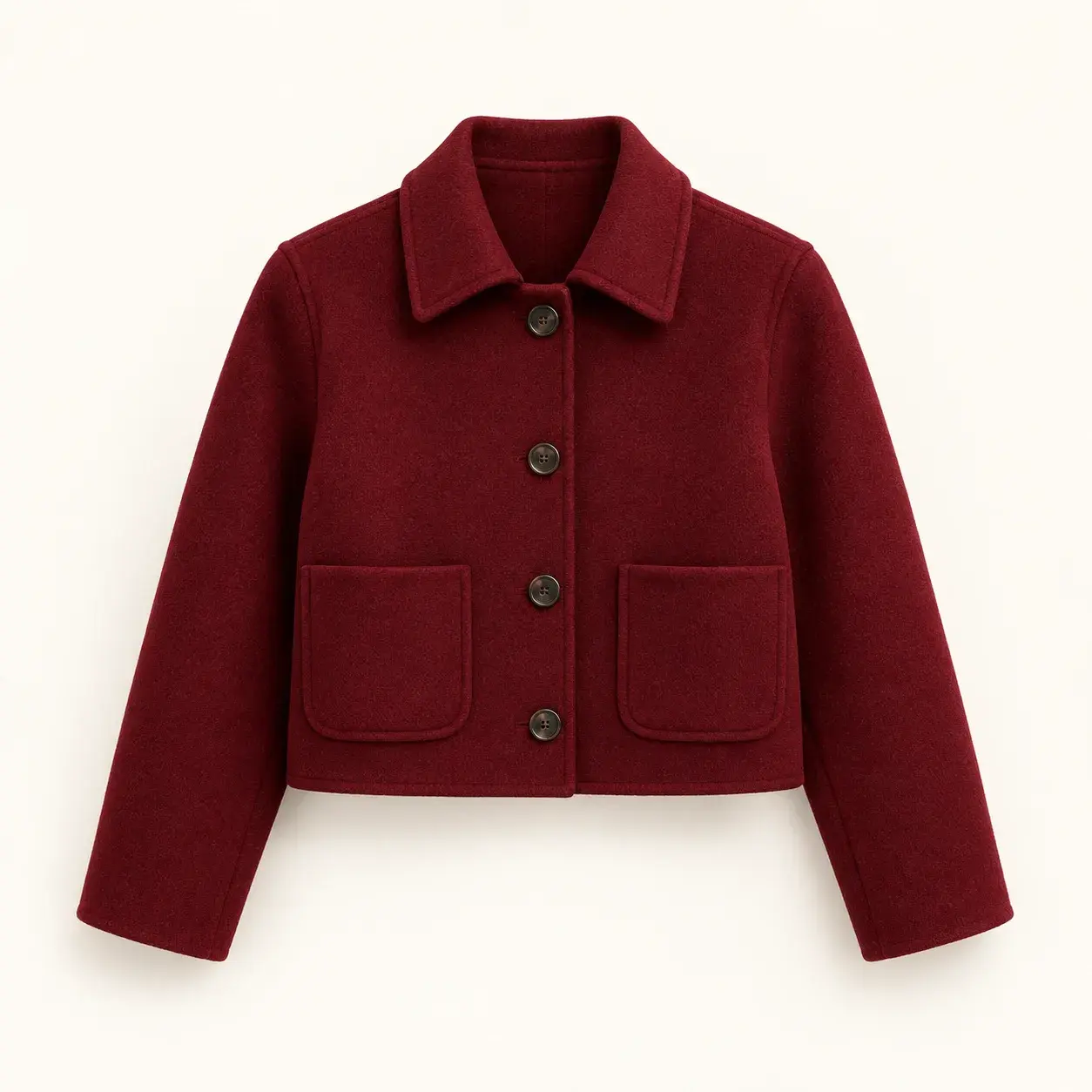
Burgundy cropped jacket product photo on a white background

Single garment photo

Extract color, silhouette, and material from a product image.
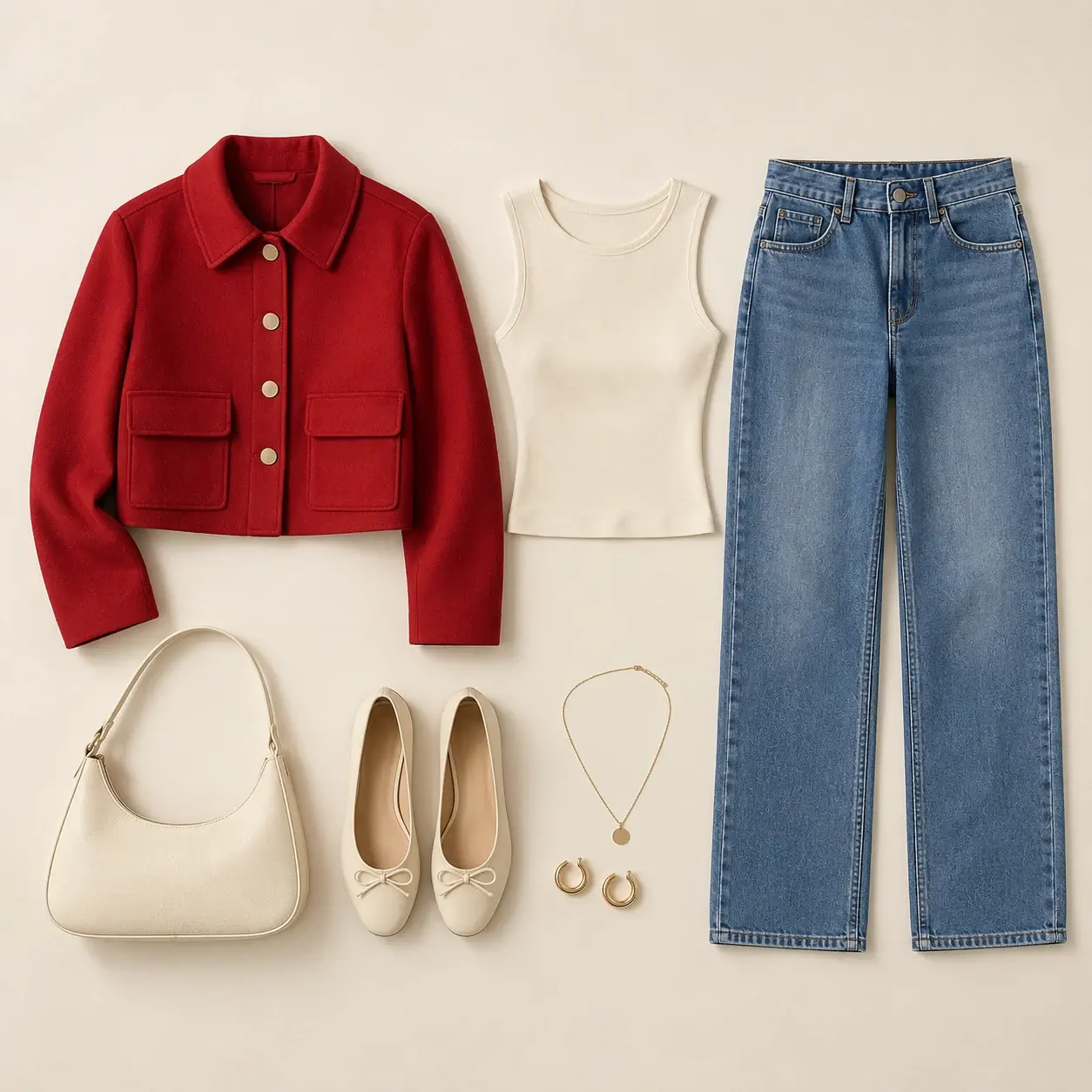
Flat lay with a red jacket, tank top, and jeans

Flat lay outfit

Show the relationship between pieces in one styled flat lay.

Person wearing a complete vintage-inspired outfit as a reference

Complete outfit reference

Reference the overall direction of another finished look.

  • Keep the garment colors
  • Preserve materials and texture
  • Match the outfit structure
Try a reference outfit
Person photo before an outfit change
Your photo
Red jacket outfit shown as a clothing reference flat lay
Outfit reference
Person wearing the referenced red jacket outfit
New look
Woman wearing a cream T-shirt and blue jeans before changing clothes
The same woman wearing a cherry-red jacket and jeans after changing clothes

Keep what matters

Change your clothes. Keep everything else.

The goal is not to recreate the whole image. It is to give the same person a new way to dress.

  • Keep your face

    Preserve facial identity and a natural appearance.

  • Keep your pose

    Maintain the original body position and composition.

  • Keep your background

    No need to recreate the entire image.

  • Keep your style

    Preserve lighting, perspective, and the photographic look.

How it works

Change an outfit in three simple steps

Upload a photo, describe the look, then generate and choose your favorite result.

  1. Step 1

    Upload a person photo

    Choose a clear, naturally lit photo as the starting point for your outfit change.

  2. Step 2

    Choose or describe an outfit

    Upload a clothing reference or describe the color, material, silhouette, and style you want.

  3. Step 3

    Generate and choose

    AI creates a new outfit while preserving the person’s identity, then lets you keep editing or download the result.

Starter

All features unlocked

$7.9/ month

8,000 credits

  • Up to ~8k image generations/month
  • Up to ~400 video generations/month
Get Starter
  • 8,000 credits per month
  • All image and video models
  • 4 concurrent image tasks
  • 2 concurrent video tasks
  • 10 GB storage

Plus

Save 13%

Good for daily use

$14.9$12.9/ month

16,000 credits

  • Up to ~16k image generations/month
  • Up to ~800 video generations/month
Get Plus
  • 16,000 credits per month
  • All image and video models
  • 8 concurrent image tasks
  • 4 concurrent video tasks
  • 20 GB storage
Most Popular

Pro

Save 30%

Most Popular

$29.9$20.9/ month

32,000 credits

  • Up to ~32k image generations/month
  • Up to ~1.6k video generations/month
Get Pro
  • 32,000 credits per month
  • All image and video models
  • Unlimited concurrent image tasks
  • Unlimited concurrent video tasks
  • 40 GB storage

Ultra

Save 40%

Best Value

$49.9$29.9/ month

60,000 credits

  • Up to ~60k image generations/month
  • Up to ~3k video generations/month
Get Ultra
  • 60,000 credits per month
  • All image and video models
  • Unlimited concurrent image tasks
  • Unlimited concurrent video tasks
  • 50 GB storage

AI Clothes Changer FAQs

An AI clothes changer can use a person photo and a text description or clothing reference to preview outfit changes, colors, materials, and styles for inspiration and visual content.
Clear photos with a visible subject, even lighting, and defined clothing shapes usually produce more consistent results.
The system aims to preserve the face, pose, and overall composition while changing the outfit. Results depend on the source image and how clearly the look is described.
Yes. Upload a person photo and a clothing reference, such as a product image, flat lay, or complete outfit. Describe the color, material, and silhouette you want, and the reference can help guide the virtual try-on result.
Commercial use follows the terms of your selected plan and model. Review the current plan and licensing terms before using an output commercially.
Each plan includes a monthly credit allowance. Image generations and selected editing operations use credits, which refresh with your billing cycle.

Start creating with Taupix.

Access top generative models, powerful editing tools, and your full creative gallery — all in one workspace.