Text to video
Describe the subject, movement, camera, and atmosphere to turn a written brief into an AI-generated video clip.
Turn prompts or reference images into high-quality video clips, compare available AI video models, and continue refining every scene in one creative workspace.
A flexible AI video generator
Taupix combines text-to-video, image-to-video, and video-to-video tools with leading AI video models. Build high-quality videos for social media, product launches, UGC, ads, and visual stories, then keep each iteration in one workspace.
Describe the subject, movement, camera, and atmosphere to turn a written brief into an AI-generated video clip.
Start with a still image, first frame, or reference set and guide how the scene should move without losing its visual identity.
Choose duration, resolution, aspect ratio, and model settings for social media, campaign content, product demos, and stories.
Models
Generate cinematic videos with leading models — free to start on Taupix.


ByteDance
Use Seedance 2.5 for fully synced 30-second, audio-visual cinematic output. It supports multimodal references, region-level video editing, and multilingual generation. Also try Seedance 2.0 Fast and Mini in the Taupix workspace.
Try Seedance 2.5

Runway
Use Runway Gen-4.5 for high visual fidelity and precise creative control. It sets a strong standard for motion quality, temporal consistency, realistic physics, and generation across every mode.
Try Runway Gen-4.5

Kuaishou
Use Kling 3.0 Pro for native 4K, 60fps video with multilingual lip-sync and professional brand content. Try Kling 3 Standard, Pro, or 4K for flexible cinematic production workflows.
Try Kling 3.0

Use Google Veo 3.1 for cinematic footage with native audio, high-quality dialogue, and synchronized sound effects in a single pass. Try Veo 3.1 Fast for quicker turnaround, or Veo 3.1 Lite for lower-cost generation.
Try Google Veo 3.1

Use Gemini Omni Flash for conversational video generation and editing that reasons across text, image, audio, and video in one prompt. Every edit builds on the last, preserving characters, physics, and scene continuity.
Try Gemini Omni Flash

Alibaba
Use Wan 3.0 for single-pass AI video generation with multimodal references for consistent branding and characters. It supports native audio generation, synchronization, and multilingual video production.
Try WAN 3.0

Black Forest Labs
Use FLUX 3 for a single-architecture multimodal model that handles images, video, and audio together. It supports keyframe-to-video, generative audio-visual continuation, and physically grounded sound that matches events on screen.
Try FLUX 3

MiniMax
Use Hailuo and MiniMax H3 for native high-resolution video generation with synchronized audio in a single pass. An omni reference system keeps faces, motion, and voice consistent across images, clips, and audio.
Try Hailuo 3.0 & H3 MaxAll-in-one AI video creation
Start with text, an image, or an existing video, then choose the right model and settings to turn your idea into a finished clip in one workspace.
Text to video
Write the subject, action, setting, and camera direction, and AI will turn the idea into a complete video for ads, short films, and social content.
Generate a videoImage to video
Upload an image and describe the action and camera movement you want. Keep the subject and visual style consistent while people, products, or scenes come alive.
Animate an imageVideo to video
Use an existing video as a motion reference to transform its characters, setting, or overall style while preserving the original action, composition, and pacing.
Transform a videoFlexible generation settings
Choose the model, aspect ratio, duration, and resolution, then use model-specific options such as start and end frames, references, or native audio to guide the result.
Configure and generateHow it works
Choose a model, enter a prompt, add a reference when needed, then generate and preview your video.
Step 1
Choose a video model such as Seedance 2.5, then set the aspect ratio, duration, and output quality.
Step 2
Describe the subject, action, setting, camera movement, lighting, and mood you want to generate.
Step 3
Add character and street references so the model can follow the woman's appearance and outfit as well as the European composition and atmosphere.
Step 4
Confirm the model, prompt, and references, start generating, then preview or download the finished video.
Why choose Taupix
From fast-moving campaigns to complete stories, Taupix helps you turn every video idea into a finished piece with less production overhead.
Create variations for different platforms, audiences, and aspect ratios, then test the creative, pacing, and message behind every campaign.
Generate natural, social-first content at a lower cost, so you can keep producing fresh ideas for short-form feeds and communities.
From product showcases to feature demos, keep the look, materials, and brand direction consistent while creating more persuasive video.
Build continuity across characters, scenes, and shots, then expand a loose idea into a more complete and cinematic story.
Made with Taupix
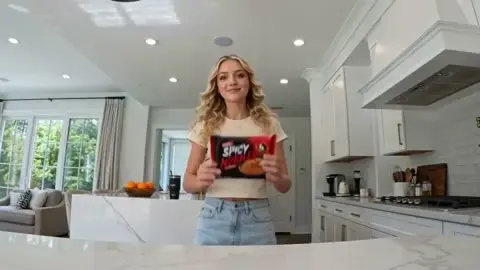
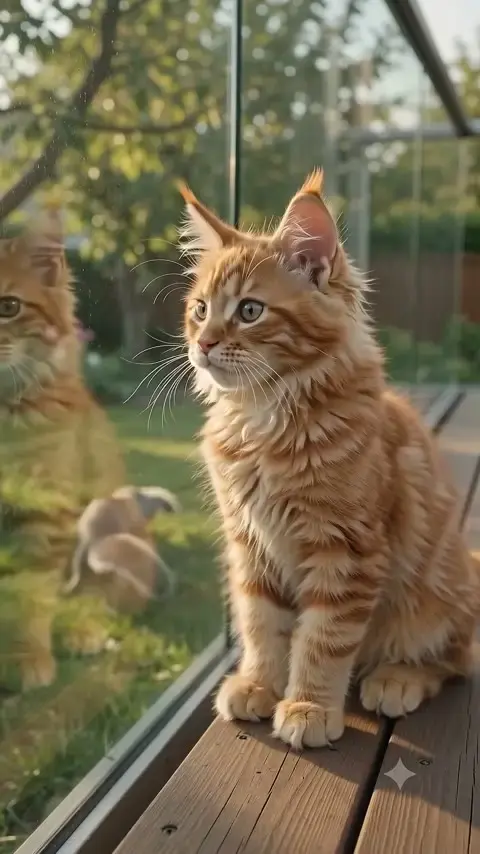
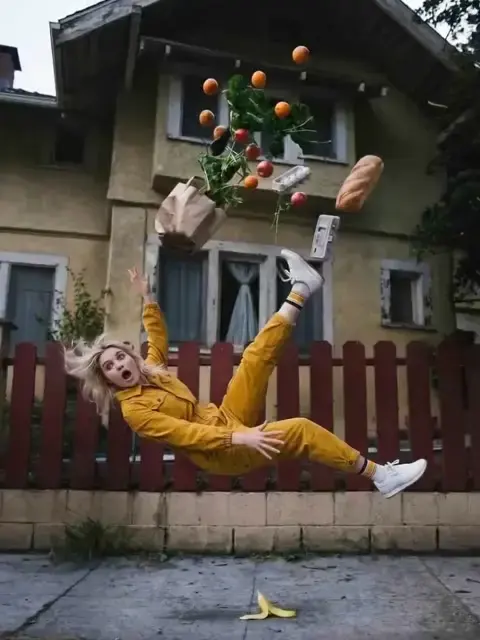
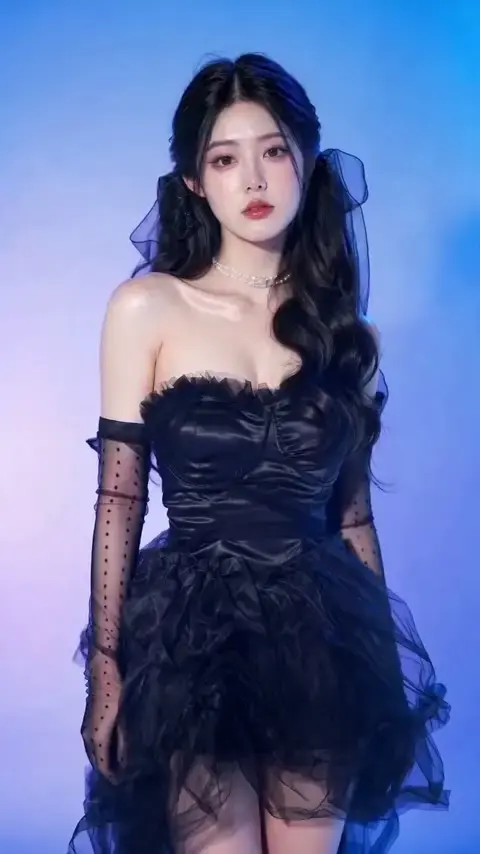
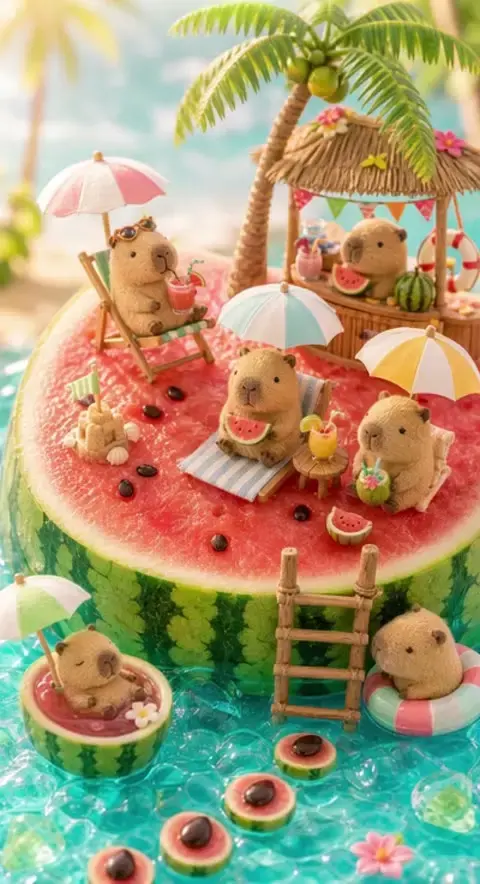
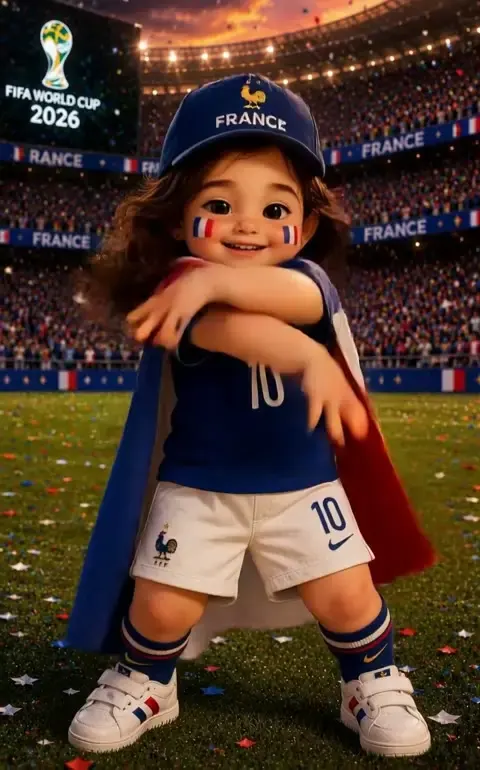
Borrow a visual direction, study how other creators frame an idea, and start your own moving image in seconds.




All features unlocked
8,000 credits
Good for daily use
16,000 credits
Most Popular
32,000 credits
Best Value
60,000 credits
Access top generative models, powerful editing tools, and your full creative gallery — all in one workspace.