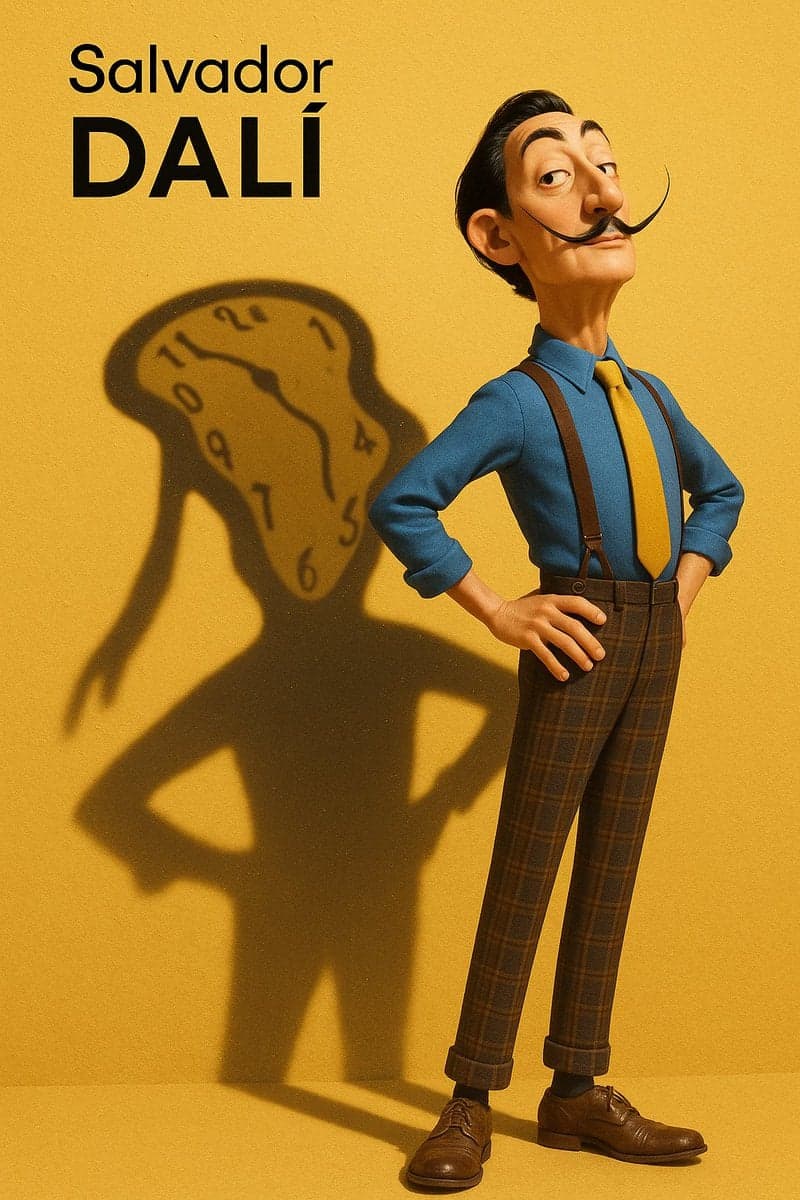
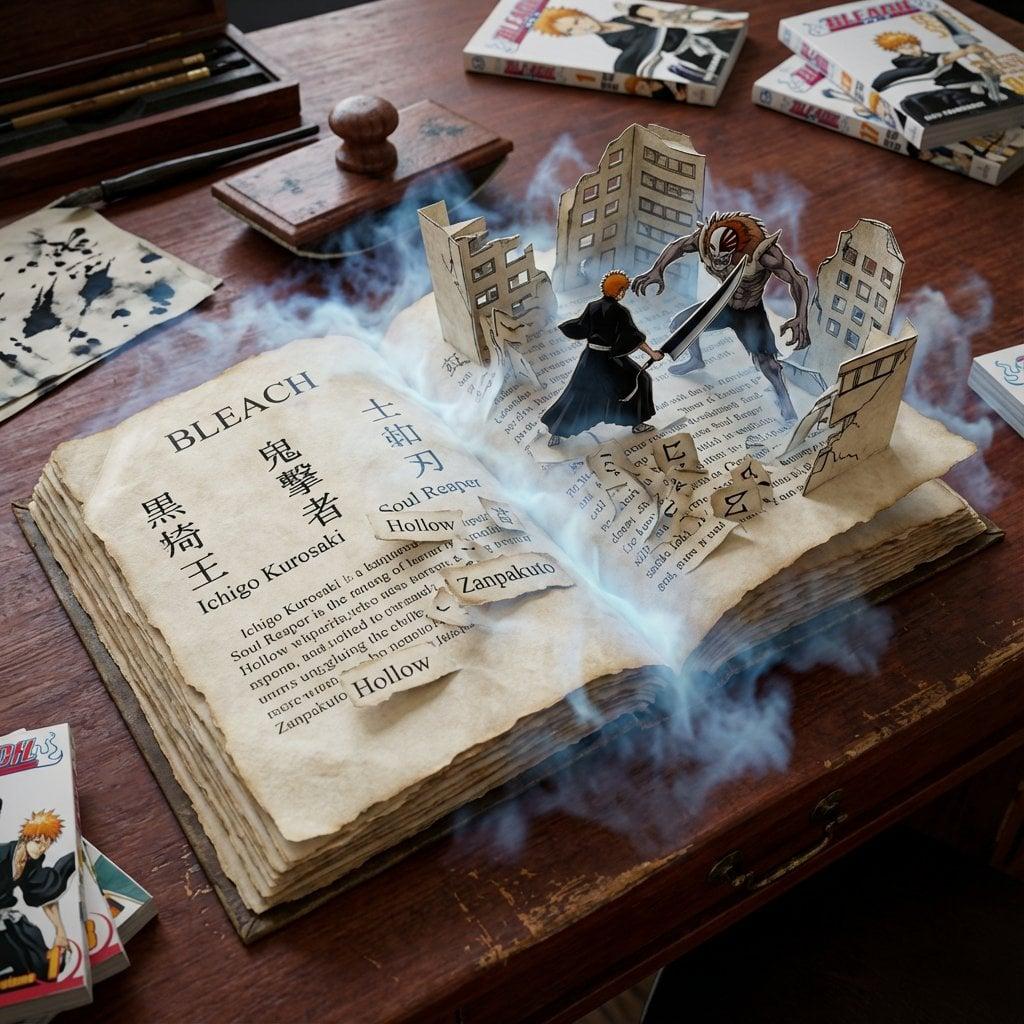
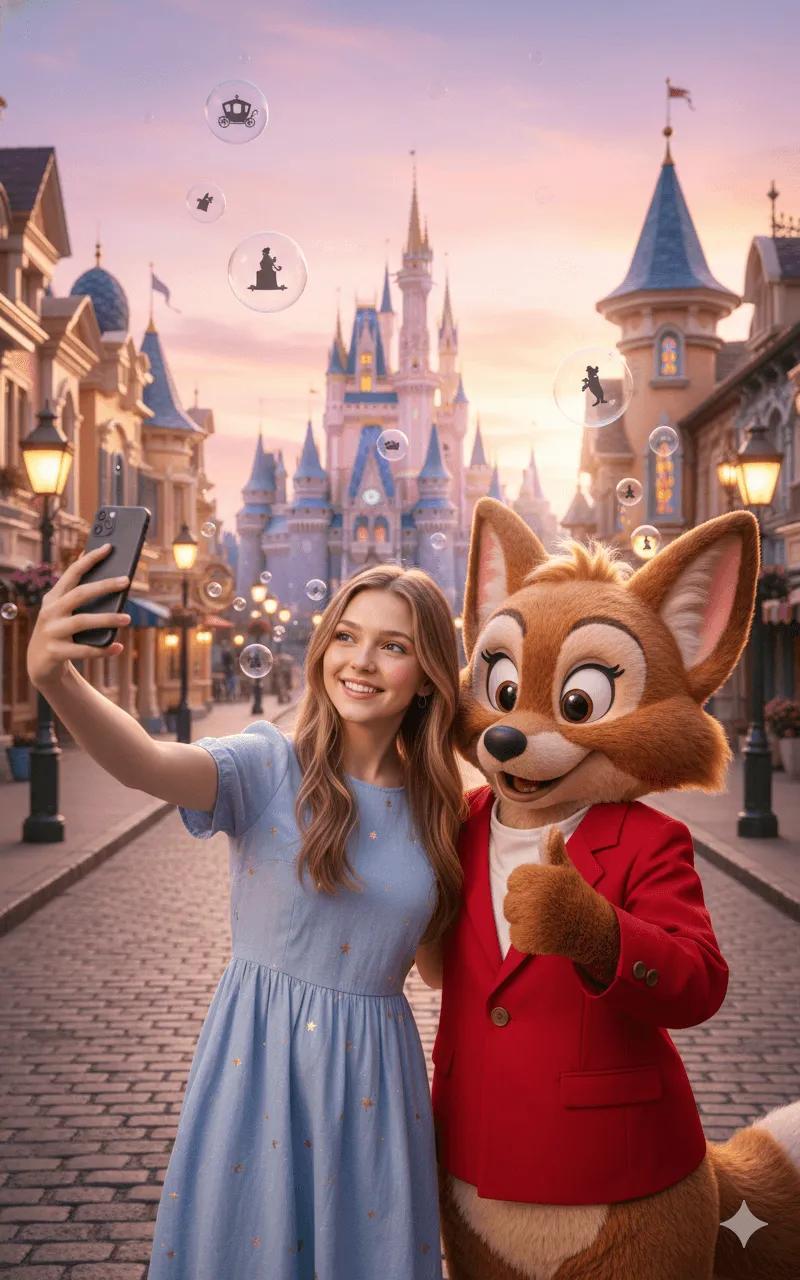
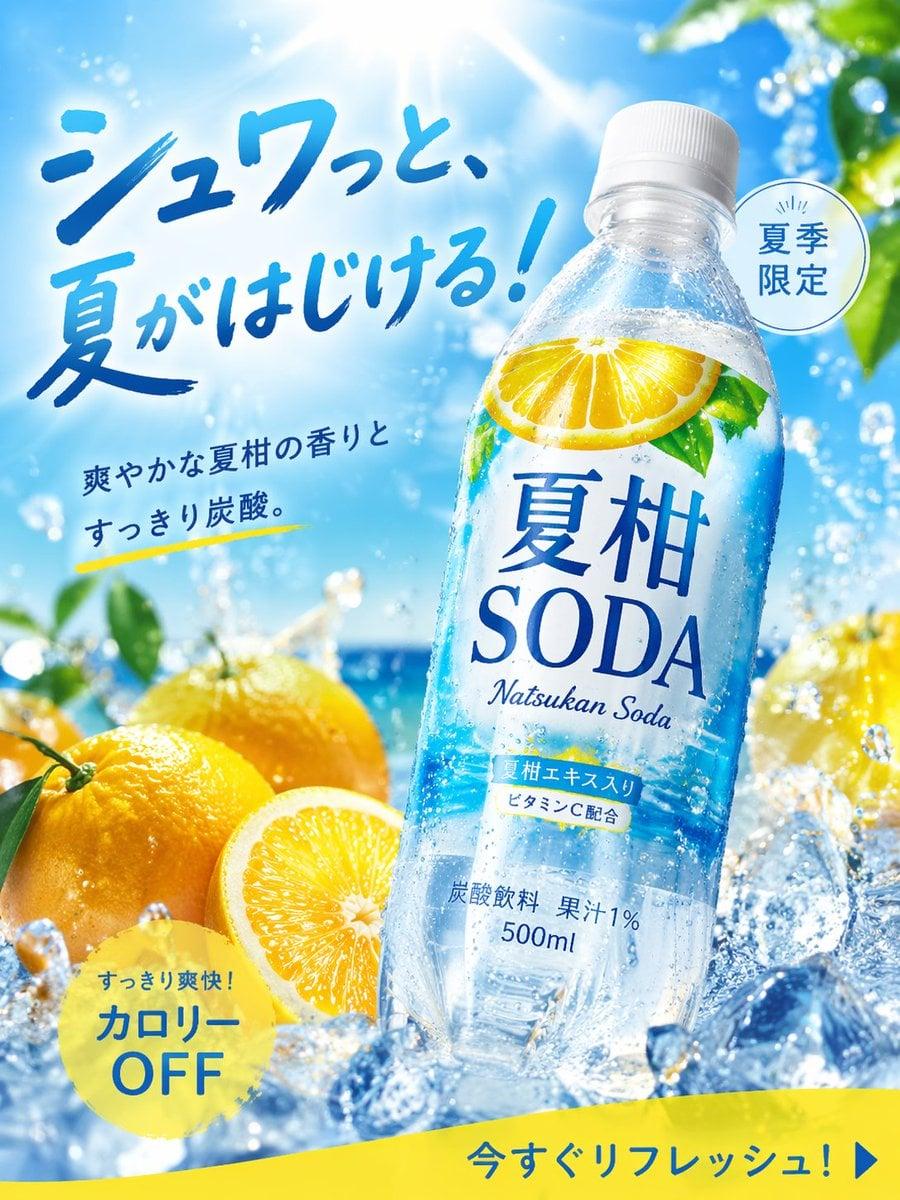
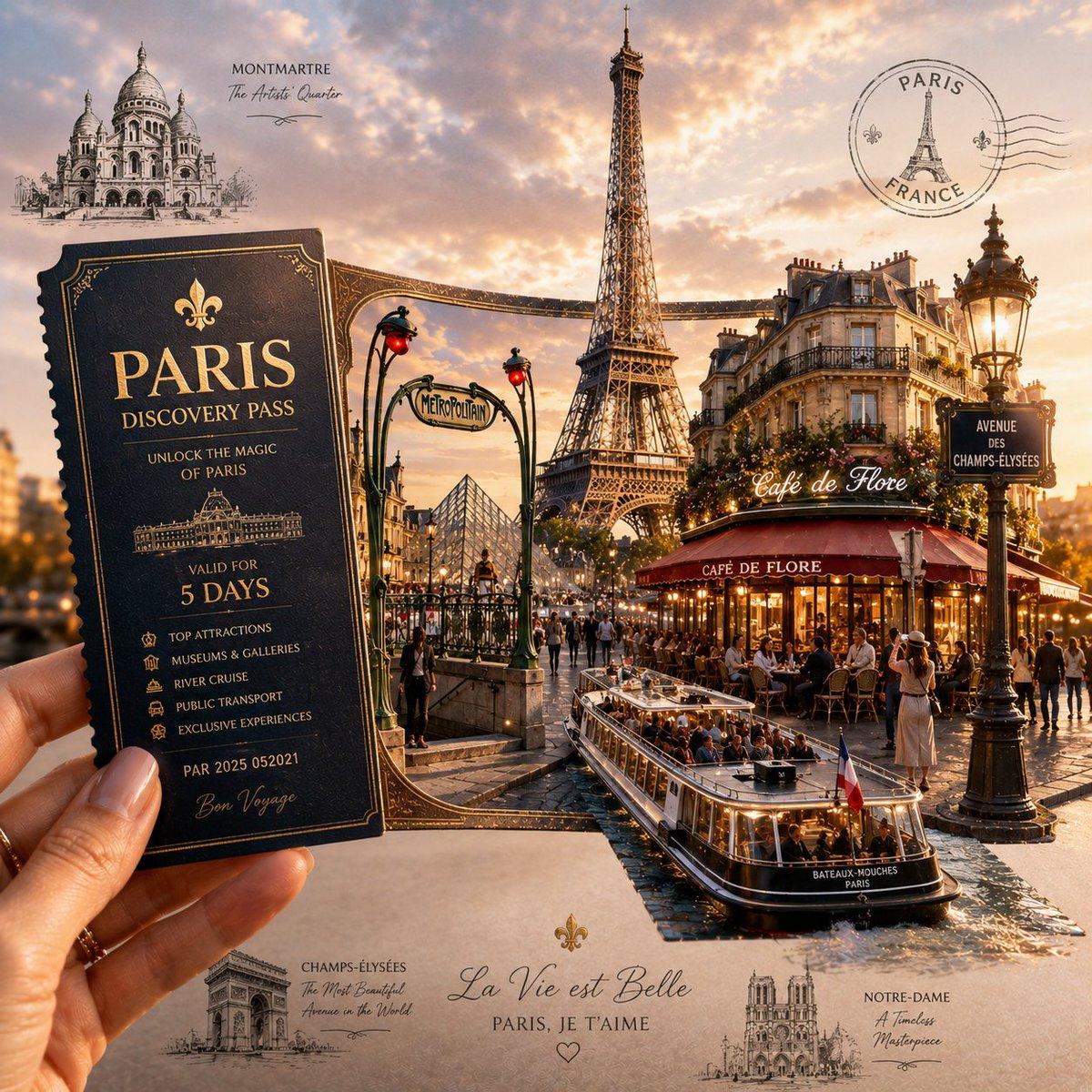
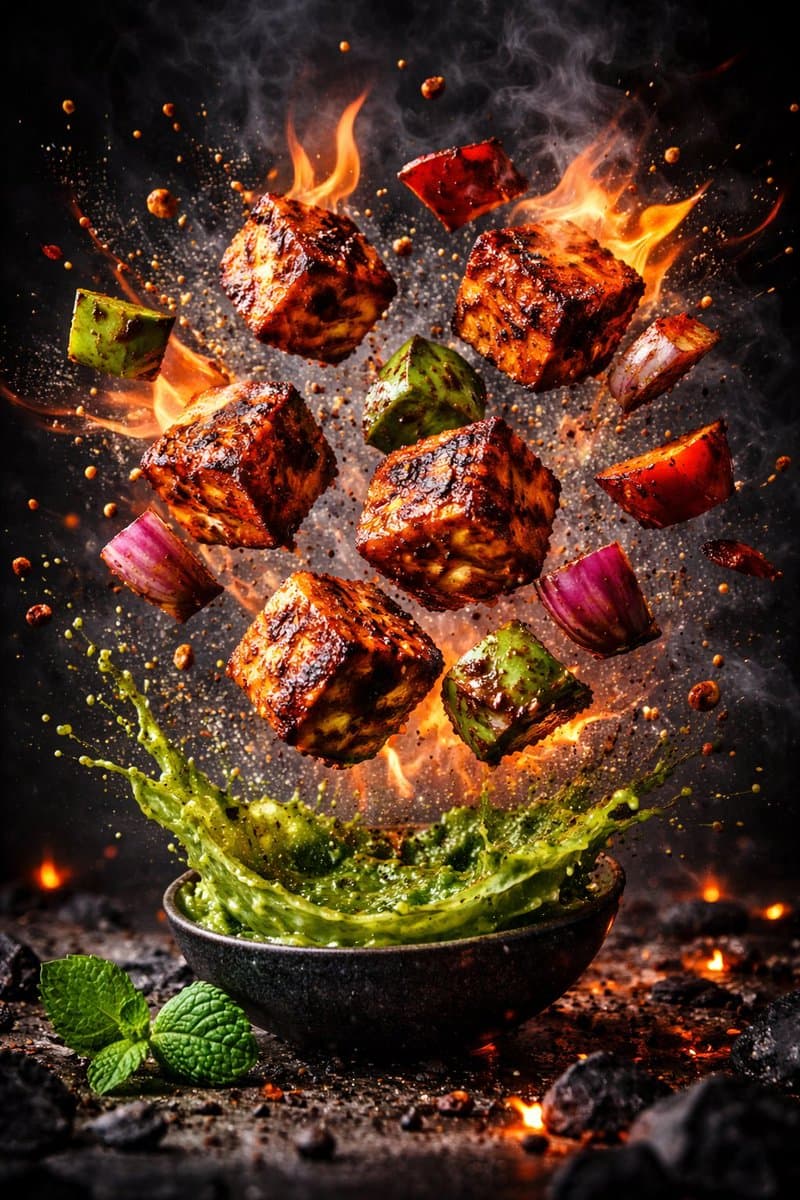
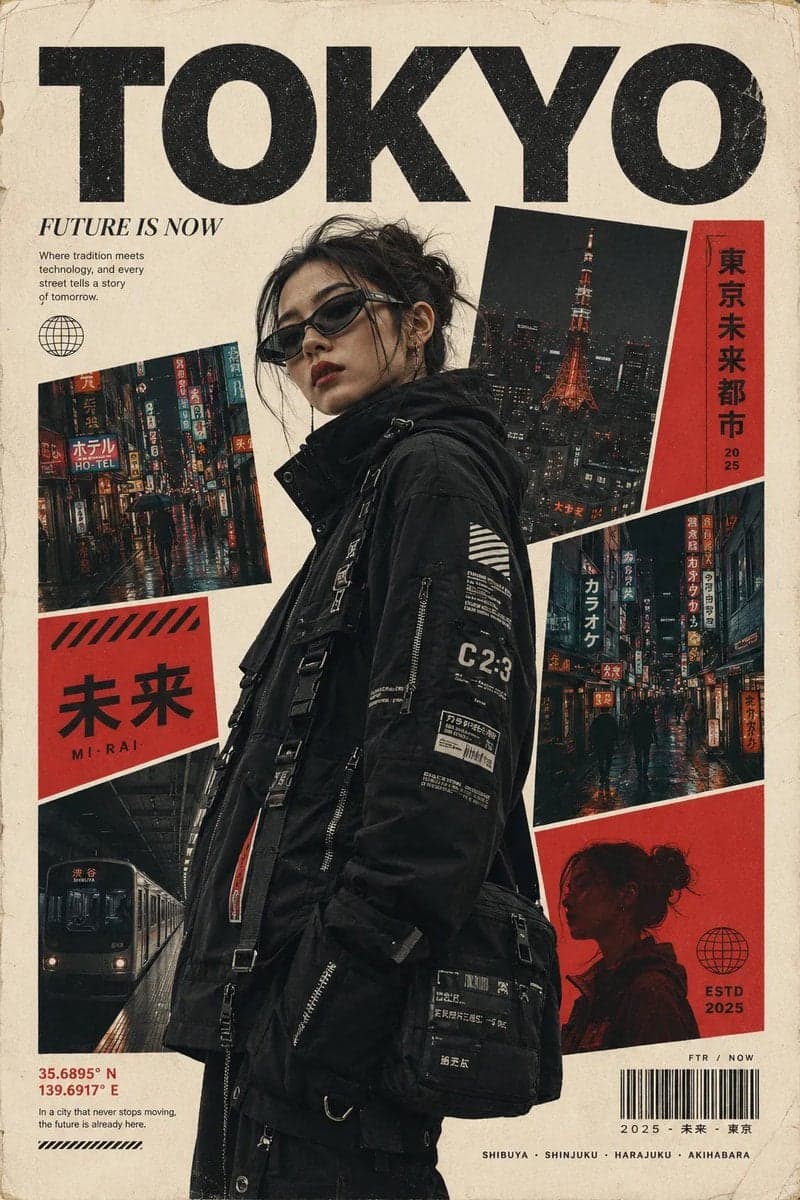
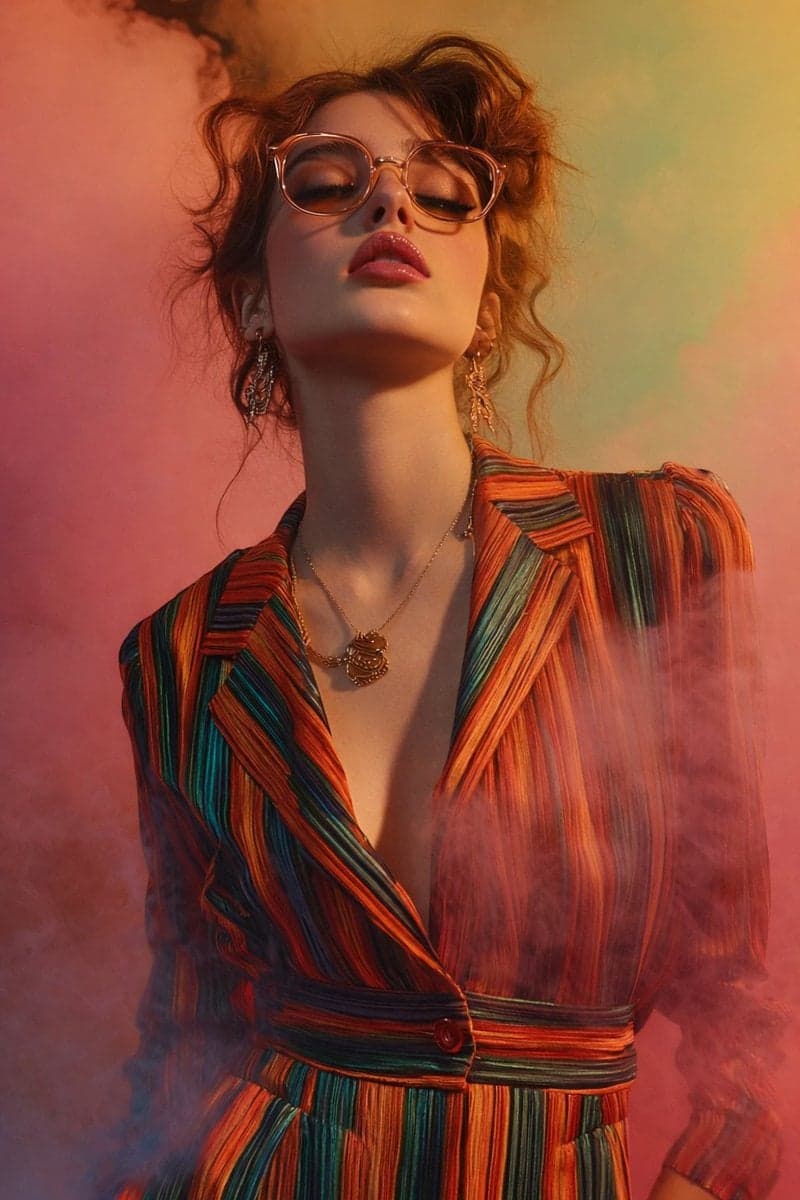
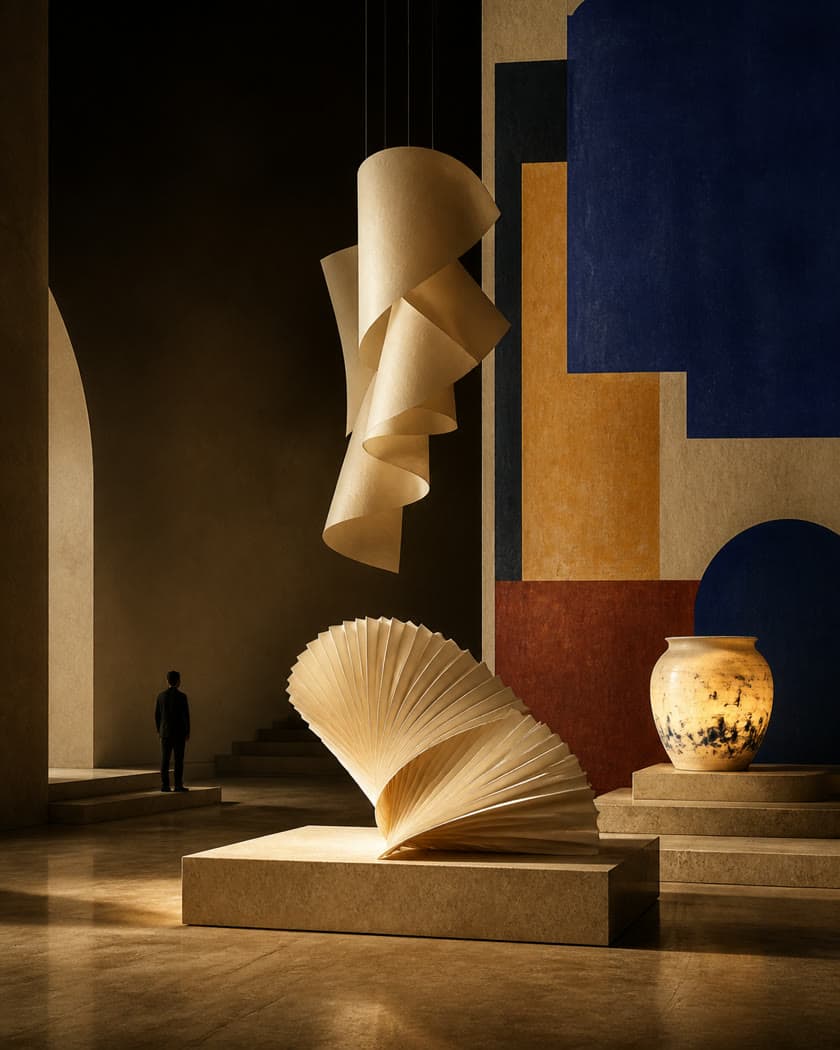
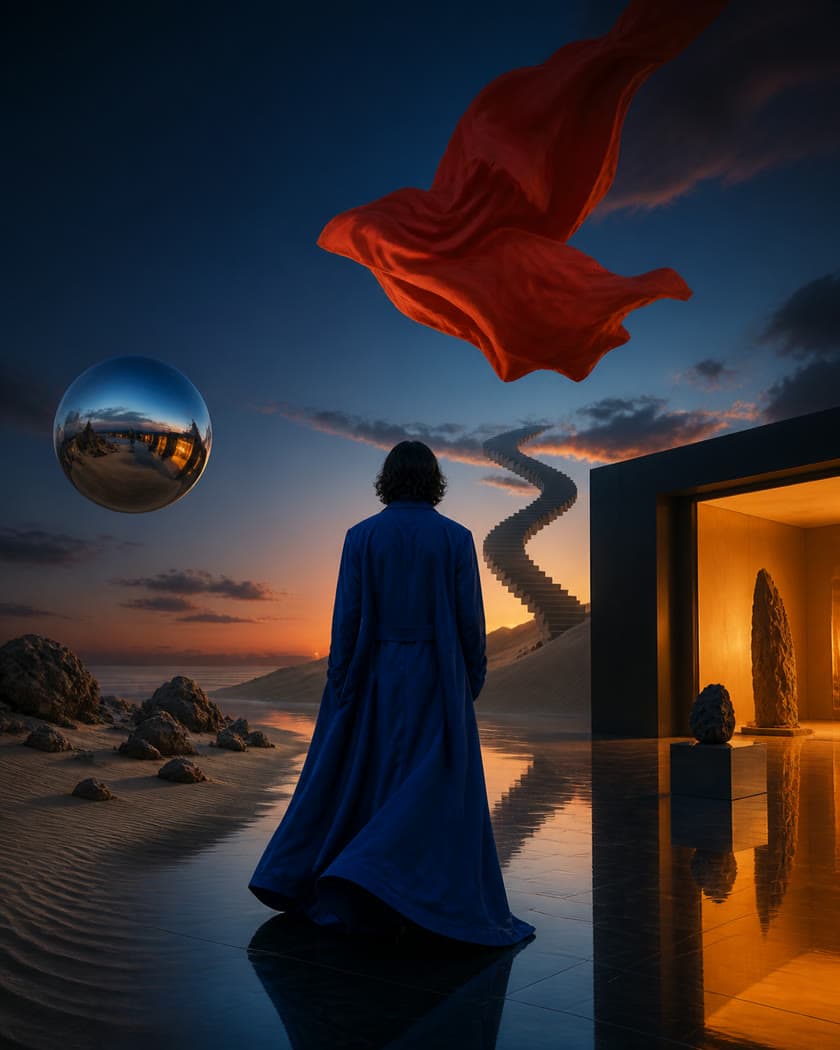
Use Nano Banana 2.1 online for text-to-image, reference-guided edits, readable in-image text, and wide 4K visuals. Review the credit estimate before you generate.
Start from reference images, then change the scene, lighting, style, or product setting with image editing and prompts.
One subject · three scenes
01Subject consistency
Keep the same subject across new scenes
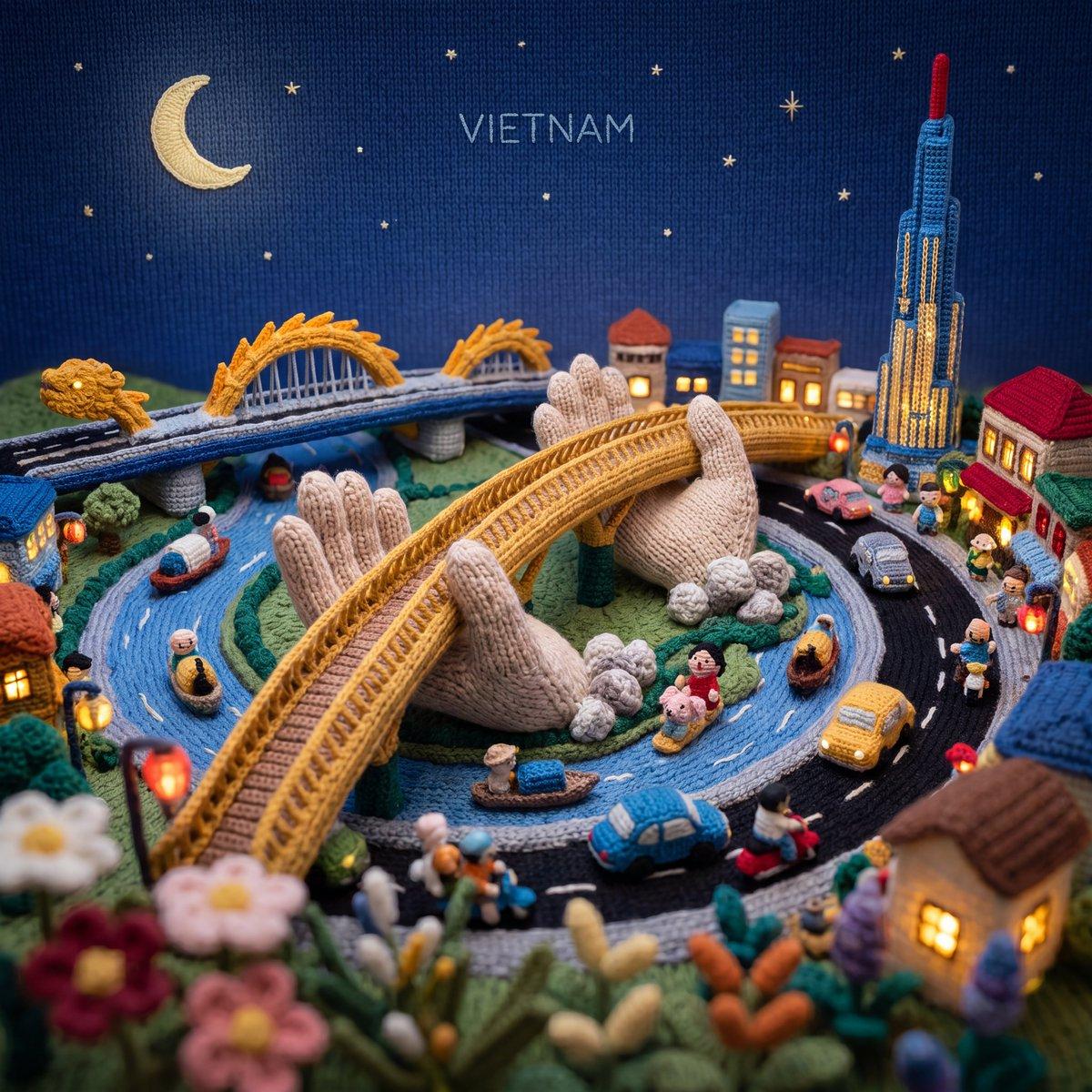
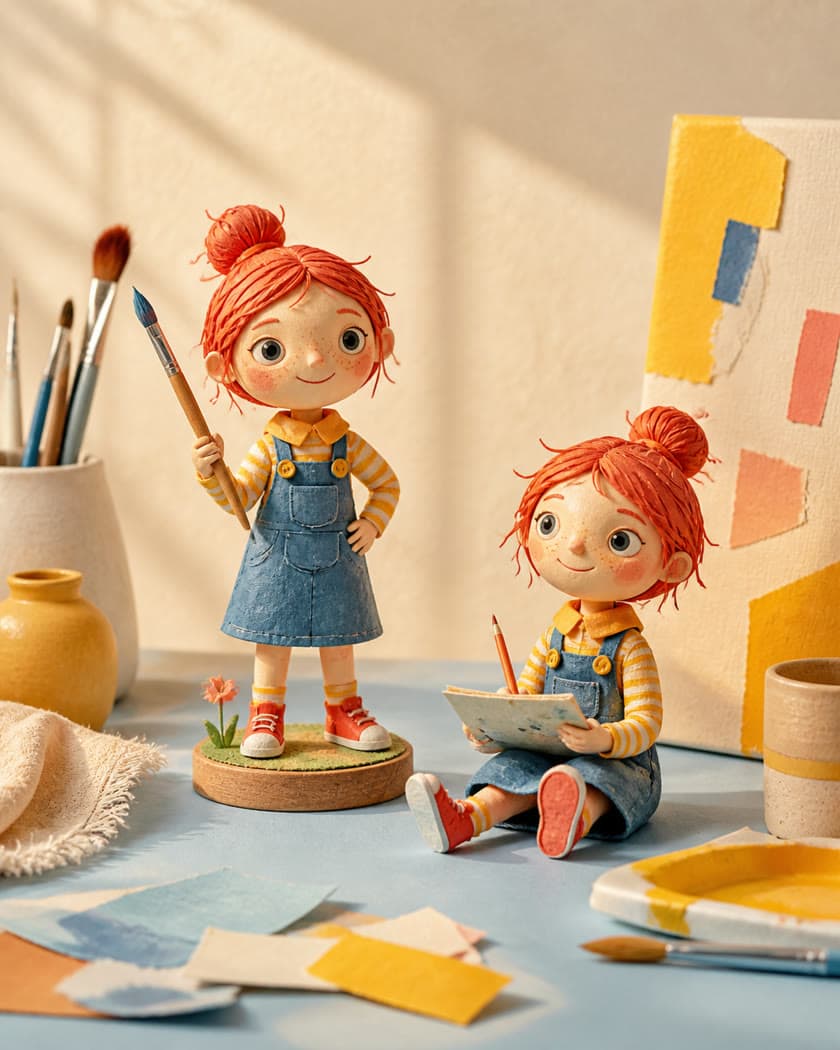
Use a reference image to carry a person or object into separate scenes. Nano Banana 2.1 can preserve the details that make a subject recognizable as you explore new settings and compositions.
Combine references for people, objects, products, and visual details in one image workflow. Describe how they should come together, and use the references to guide the final composition.
Ask for golden hour, softer shadows, or a cooler atmosphere. Image editing can shift the lighting while keeping the main setting and composition in place.
Upload a drawing or rough layout, then describe materials, lighting, and atmosphere. The sketch guides the composition while your prompt helps develop it into a polished image.
Transform a photo into a different medium while keeping its subject and composition recognizable. Explore a new art direction from the same starting image.
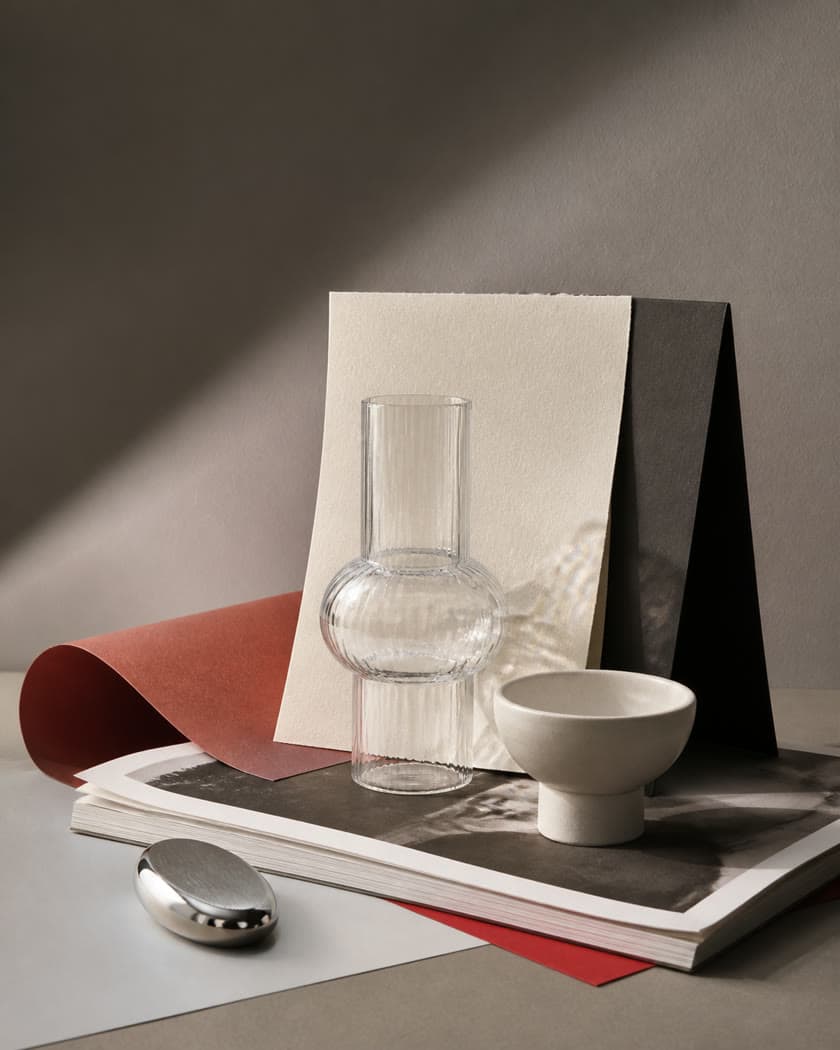
Move a product or object into a different environment with a prompt. Keep its key details in view while adapting the surrounding scene, lighting, and color palette.
Reimagine a product in different environments
Keep the object's shape and design recognizable
Create new visual directions from one product image
Nano Banana 2.1 is Google's image generation and conversational editing model, available in Taupix as gemini-nano-banana-2.1. It creates images from text and supports image-to-image editing.
Yes. Open the Taupix image workspace in your browser, choose Nano Banana 2.1, enter a prompt, and optionally add reference images. The workspace shows available output settings and the credit estimate before you generate.
Sign up for Taupix to receive credits to try Nano Banana 2.1. Image generation uses credits, so free use is limited rather than unlimited; 4K requires paid access. Check the balance and current estimate in the workspace before generating.
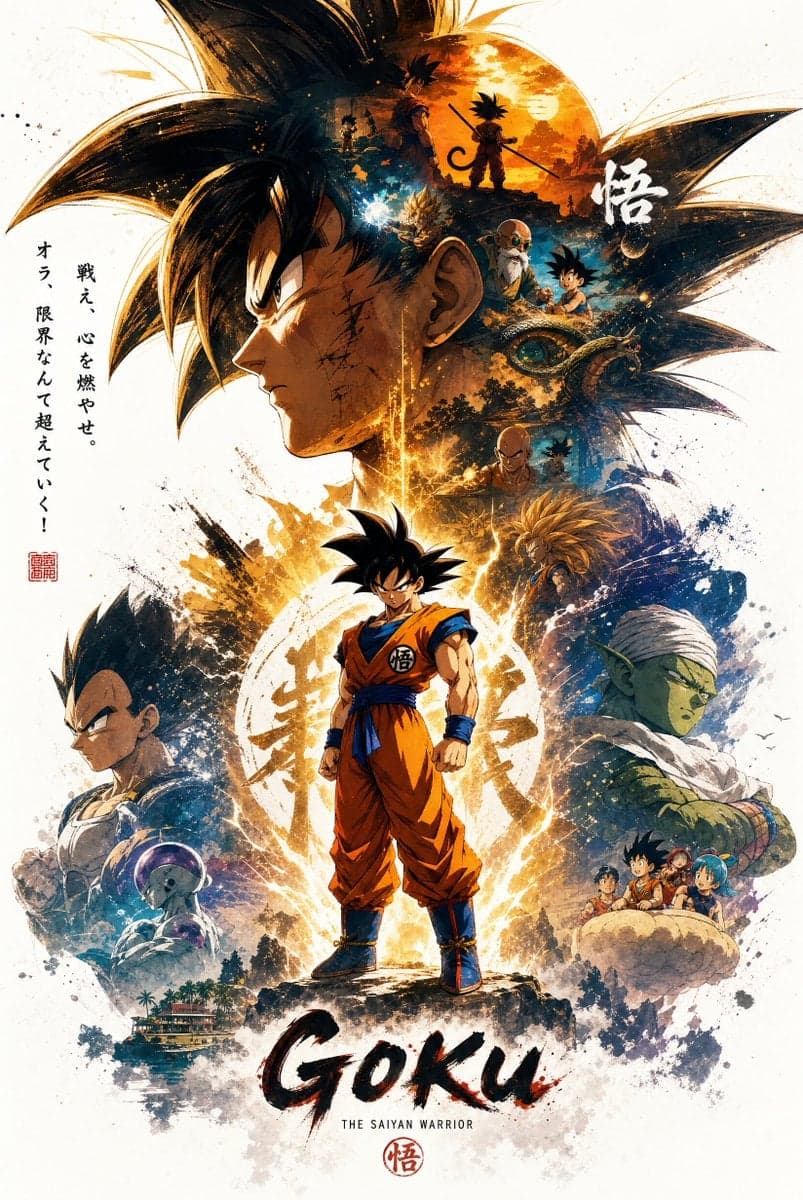
Create from a text prompt, guide a composition with 10+ references, or upload a sketch or photo and ask for edits such as relighting, restyling, or placing a product in a new scene. It also supports in-image text and wide compositions.
Nano Banana 2.1 supports workflows with 10+ reference images. Taupix upload and task limits are shown in the workspace.
The model supports 1K, 2K, and 4K image output. Wide ratios include 1:4, 4:1, 1:8, and 8:1 at 2K and 4K. In Taupix, 4K generation requires paid access; check the current output options in the workspace.
Describe the subject, action, setting, composition, lighting, materials, and visual style. For image editing, say what should change and what should stay the same. Put exact in-image wording in quotation marks and check the final text before using it.
Google describes Nano Banana 2.1 as an update to Nano Banana 2 with improvements to visual quality, prompt adherence, multi-turn character consistency, and text rendering. It supports 10+ reference images and improves handling of very wide ratios at 2K and 4K.
The current Taupix estimate is 6 credits for 1K, 8 for 2K, and 13 for 4K. 4K requires paid access. Prices and account access can change, so confirm the estimate shown in the image workspace before submitting.
Using the minimum 6-credit cost for a 1K image, the monthly estimates are up to 1,333 images on Starter, 2,666 on Plus, 5,333 on Pro, and 10,000 on Ultra. Higher resolutions use more credits. Check the current estimate in the workspace before generating.
Start creating with Taupix.
Access top generative models, powerful editing tools, and your full creative gallery — all in one workspace.